
[Cyber Command] Using Firefox to open the processing center error report
Problem Description
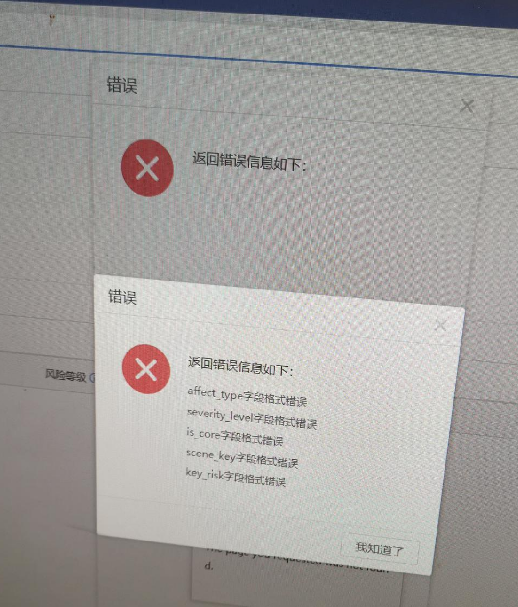
After the customer upgrades Cyber Command, use Firefox to open the processing center to report an error
Warning Very-Low Risk
Root cause
The Firefox browser has a cache that causes the submitted request to be abnormal
solution
Switch to Google Chrome to open the console, or clear the Firefox browser cache to solve the problem
Suggestions and Conclusion
It is recommended that when you open the console and report an error, change the browser (preferably Google Chrome) to test whether it is normal. If changing the browser works, it is usually a browser problem.
Original Link
https://support.sangfor.com.cn/cases/list?product_id=24&type=1&category_id=9791&isOpen=true