
[Hardware Troubleshooting] NGAF device USB flash drive Password Operation guide
Problem Description
NGAF device USB flash drive Password Operation guide
solution
Step One: Prepare Mon Unused USB flash drive in FAT32 format. It is best to Encoding Format the USB flash drive first.
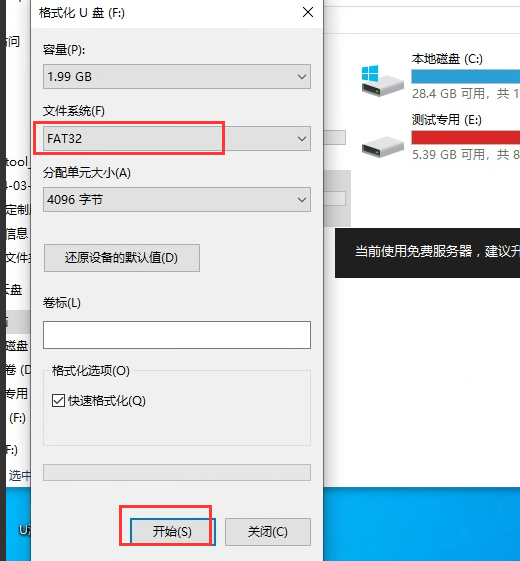
Step Two: New Mon new txt document, copy the txt document to the root directory of the USB drive, and then Delete USB drive.
Note: txt is named reset-password in NGAF and earlier Version, and reset_password in NGAF and later Version (the underscore Sensitive to distinguish).

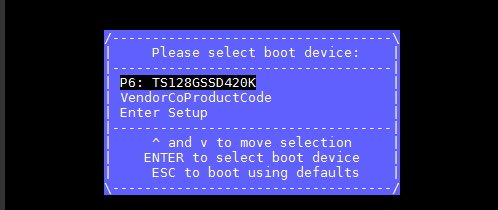
**Step Three: **After inserting the U disk into NGAF, Restart NGAF device, continuously press F7 to enter boot, and enter the Default Password: S#AN$6fo81r. At this time, you will see the System Disk and U disk, Select System Disk to boot.

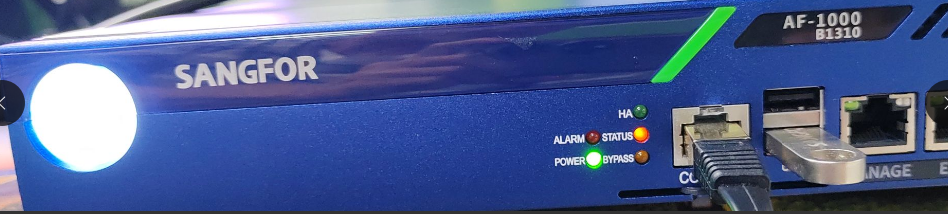
**Step Four: **When the alrm light of the device turns off, enter the System, wait for about 10 min, and then unplug the USB drive.
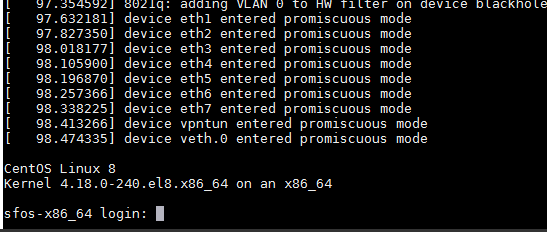
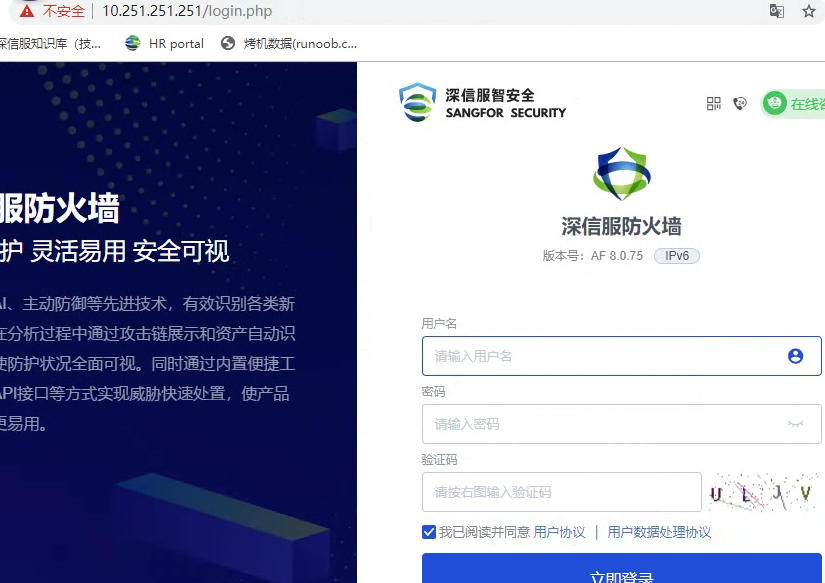
Step Five: Log In Administrator Console WEB console and use the default admin/admin to see if you can Log In.
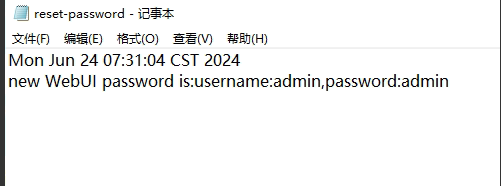
Description After the Architecture old NGAF architecture USB Password Successful Restore, there will be a record File, but there will be no record Architecture new architecture.
Original Link
https://support.sangfor.com.cn/cases/list?product_id=156&type=1&category_id=27660&isOpen=true