
[Hardware troubleshooting] aDesk-STD-300H-s box cannot display after connecting to VGA port and then to HDMI port
Problem Description
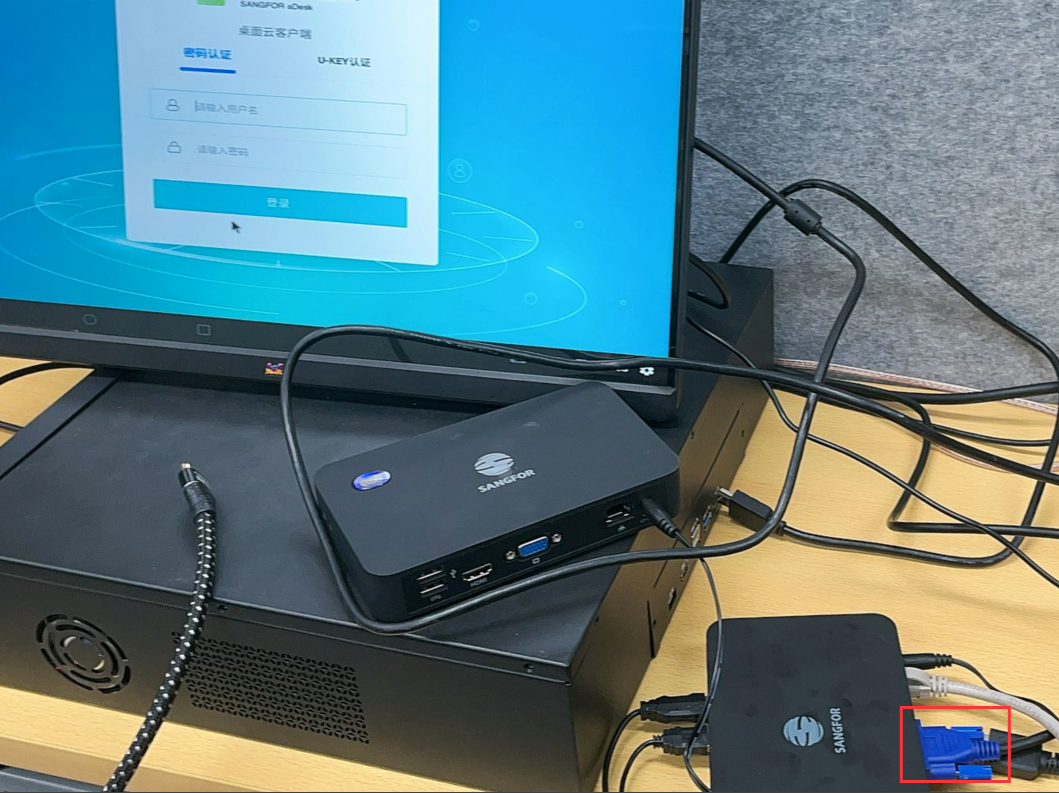
Connect to VGA port to display the screen
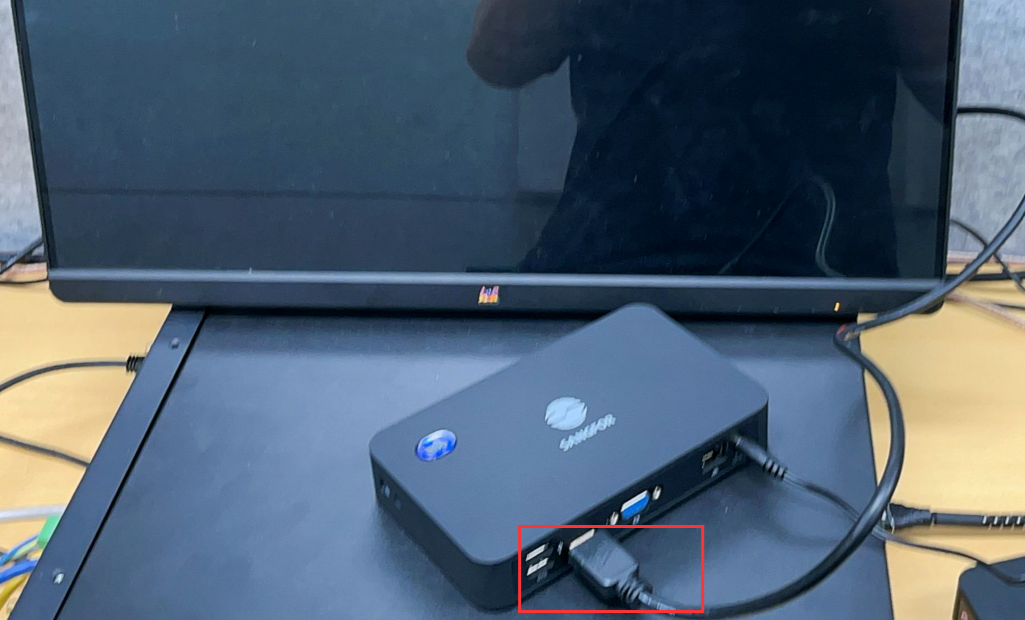
Connect HDMI port to display the screen
solution
After connecting to the HDMI port, Restart the device to see if the display is Connected. If not, check the HDMI interface for problems (switch to a monitor and Connected display and HDMI cable Test Connectivity).
Cause:
The 300H-s dual-Interfaces box only supports single display. Although it has two ports, only one can be used at the same Time. If connected with VGA, it will display through VGA. To switch to HDMI, you need to Switch. To Switch between different Interfaces, it does not support hot plugging.
Original Link
https://support.sangfor.com.cn/cases/list?product_id=156&type=1&category_id=22699&isOpen=true