
[Hardware troubleshooting] The bypass of the device with SN starting with WAZ is always on and cannot Power On turned on.
Problem Description
Bypass light always on
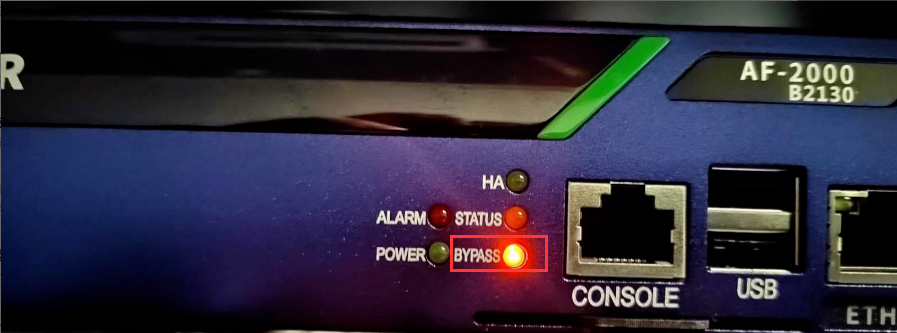
solution
- Check the power cord and socket. If there is no problem, plug in the power cord, press the power button, and see if the front LOGO light is on and whether the fan is rotating. If the fan None speed, the LOGO light is off, and the bypass is always on, then return the whole device for repair.
- View whether the SN number starts with WAZ. If it Yes light board. This problem has occurred many times. Back to troubleshoot, disassemble the machine, unplug the light board cable, and power on to enter System Connected.
Cause:
There was a problem with the light board of manufacturer Z, which caused an internal short circuit in the equipment and made it impossible to Power On. The specific Cause is yet to be determined by the supplier.
Original Link
https://support.sangfor.com.cn/cases/list?product_id=156&type=1&category_id=22686&isOpen=true