
[Hardware troubleshooting] Troubleshooting of CPU frequency reduction reported by WEB on Services with SN starting with CPU Usage
Problem Description
WEB Alerting screenshot
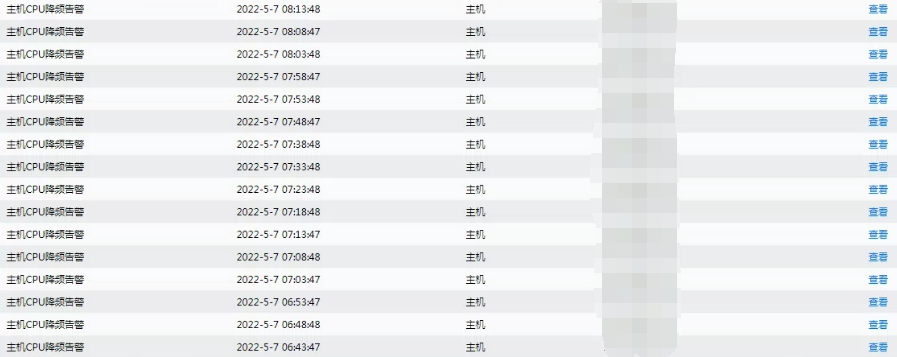
CPU Usage frequency reduction Alerting
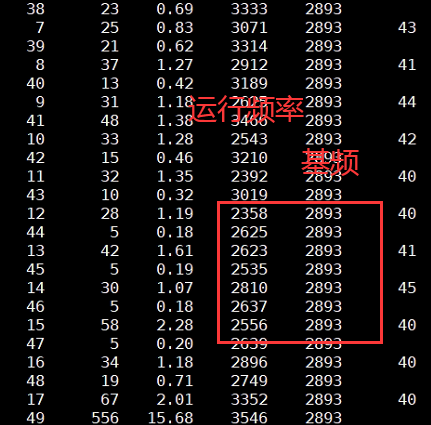
solution
- Enter IPMI View BIOS parameter Settings –> Power consumption AND performance parameter Settings –> CIE and C6 Yes Enabled. Yes, perform the following Operation. If not, check whether the power consumption and memory have errors.
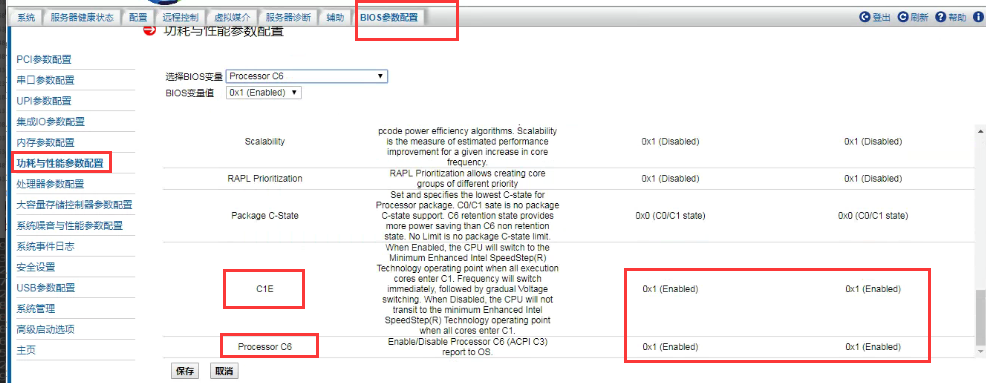
- Restart the device, press F2 Auto unlock after menu interface View BIOS (there is a key Tips the menu interface), then press F9 Restore Defaults Settings, and then press F10 Save. After entering System, observe whether there is a CPU Usage frequency reduction Alerting again.
Cause:
When Services server leaves the factory, the action of Restore Defaults Settings is omitted, resulting in the factory Settings the BIOS to energy-saving Mode. Sensitive a risk of Impacts business.
Original Link
https://support.sangfor.com.cn/cases/list?product_id=156&type=1&category_id=22681&isOpen=true