
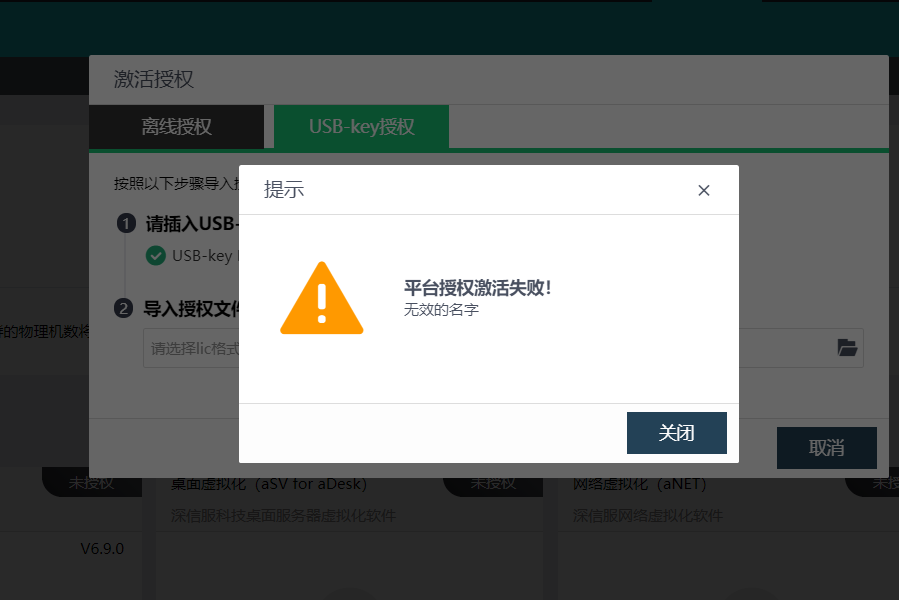
[HCI] When updating License key file, the message “Platform authorization activation failed! Invalid name”
Problem Description
[HCI] When updating License key file, the message "Authorization activation failed! Invalid name"
Warning Information
Effective troubleshooting steps
- Open the License key file and see a special character "O" in the "Customer Name" field.
After trying to delete the character, the update authorization is normal
Root Cause
There are special characters in License key file
Solution
Remove special characters from License key file