
[HCI-VN] 680 Physical Host port xxxx configuration is lost, please check and try again
Problem Description
When getting the Edge Node, an error message is displayed: "The channel configuration of Physical Host port is lost. Please check and try again."
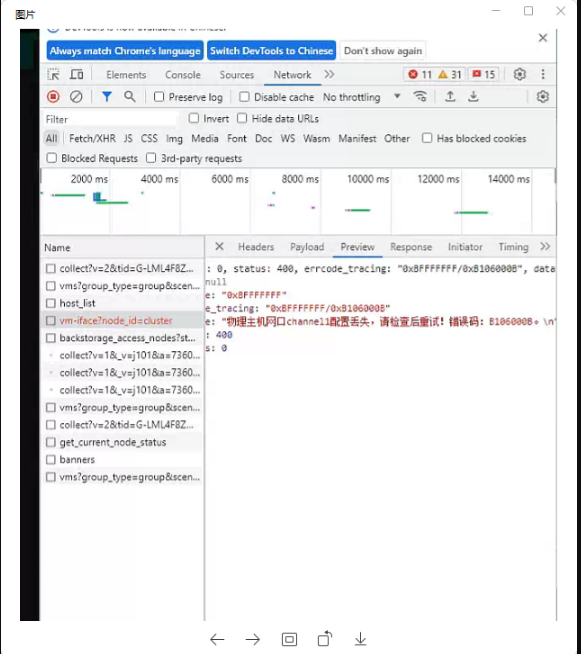
Effective Troubleshooting Steps
Enter the network topology, check the Edge, and find that there is an MP error

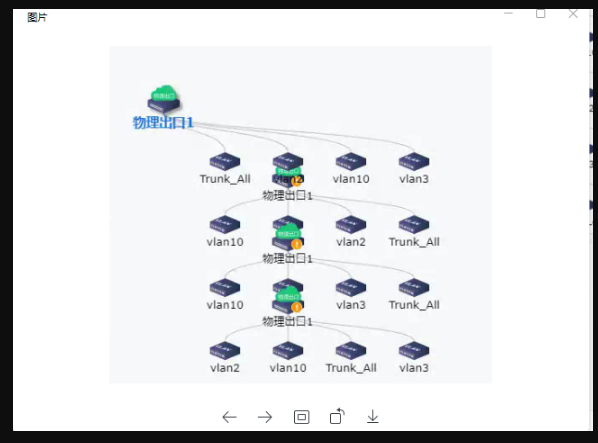
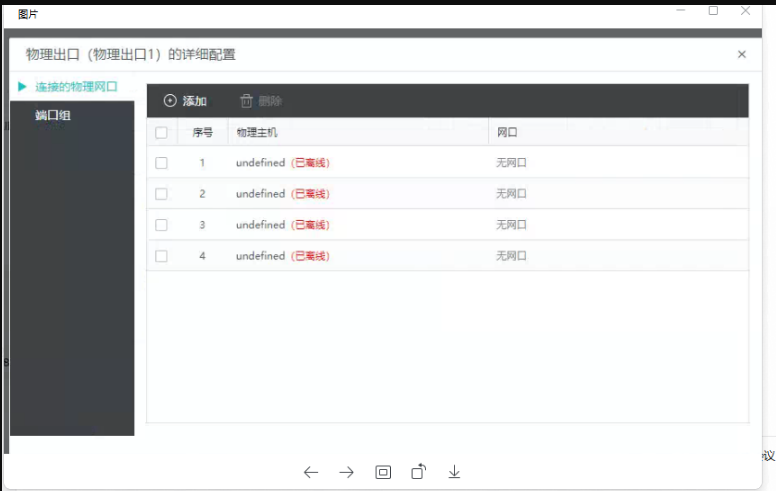
Enter the connected Node of the physical Edge and find that all the connected Node are undefined
Root Cause
The Node information connected to the Edge is lost. It may be that Node is accidentally deleted, or the network port data is inserted from somewhere else, and Node does not exist in this Cluster.
Solution
Record the port information, delete the physical Edge and then add it again
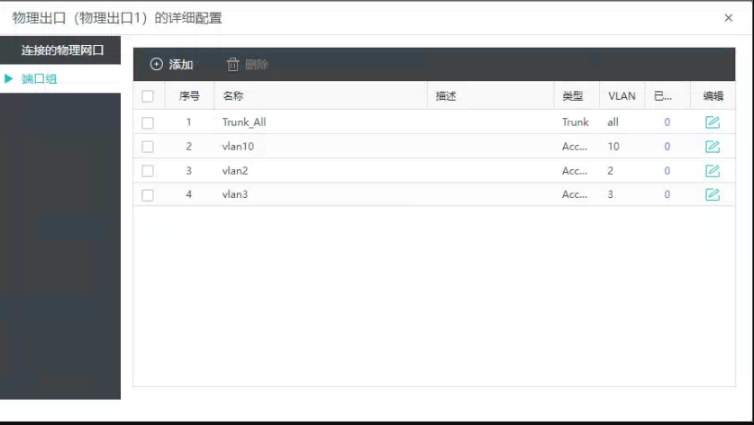
Scope of Operation Impact
Ensure that the Node or VLAN port connected to the network port does not affect the business. You can use this method to reconfigure
Is this a temporary solution?
Enabled
Original Link
https://support.sangfor.com.cn/cases/list?product_id=33&type=1&category_id=23238&isOpen=true