
ES Delete Endpoint From System Backend
Issue Description
An environment where endpoint failed to be deleted from the WebUI console.
Error/Warning Information
Failed/unable to delete endpoint from ES manager WebUI console.
Handling Process
-
Access the ES manager system backend.
Switch to root.
Command: sudo -i -
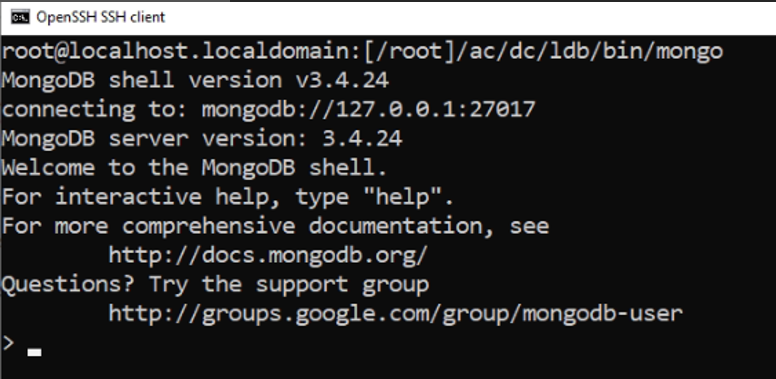
Login to mongodb
Command: /ac/dc/ldb/bin/mongo
-
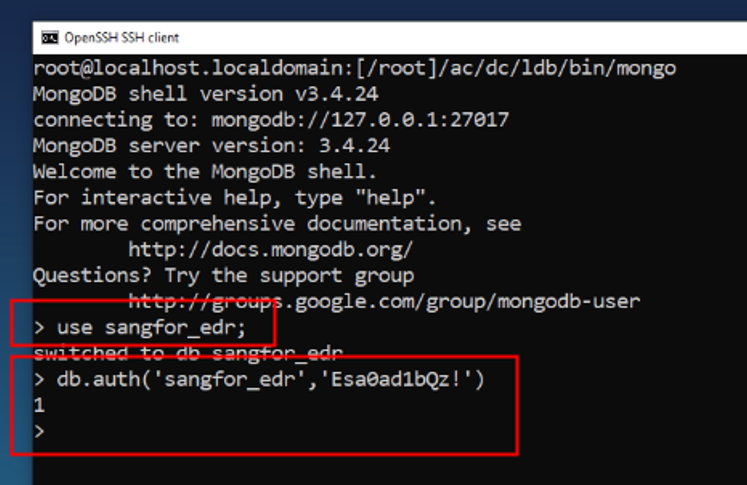
Use and query the database table.
Command: use sangfor_edr;
Command: db.auth(‘sangfor_edr’,’Esa0ad1bQz!’)
If not work, try Sangforedr! for the password.
-
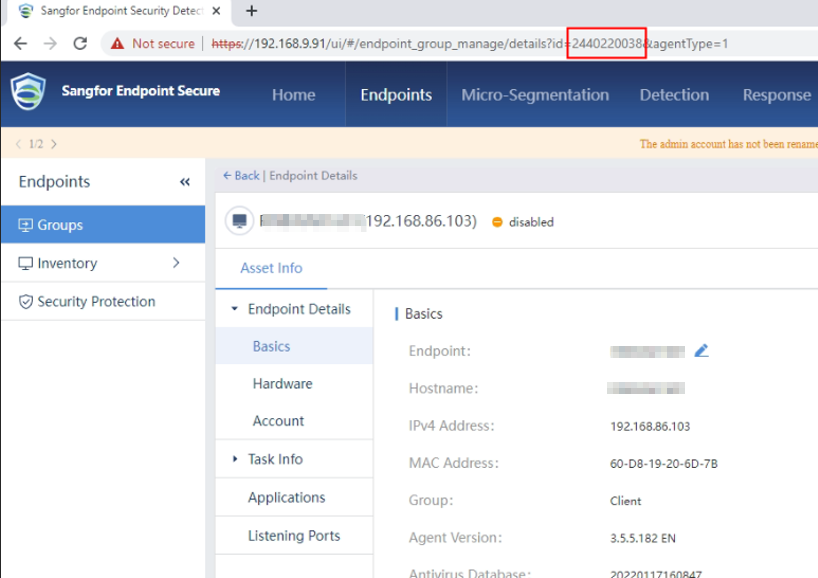
Obtain the endpoint/agent id.
-
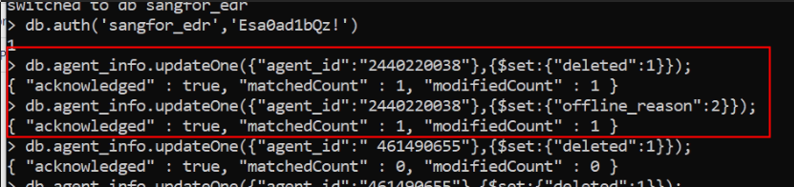
Execute queries below to update the database.
db.agent_info.updateOne({"agent_id":"2440220038"},{$set:{"deleted":1}});
db.agent_info.updateOne({"agent_id":"2440220038"},{$set:{"offline_reason":2}});
-
Restart services
/sf/edr/manager/bin/eps_services restart -
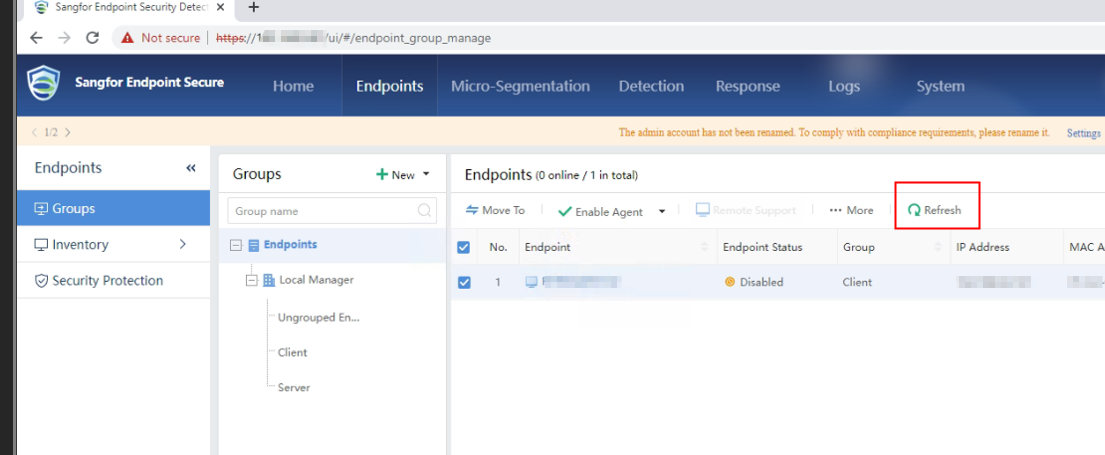
Refresh the endpoint list.
Root Cause
Disabled endpoint cannot be deleted from ES manager WebUI console.
Solution
- Refer to the handling process.
Suggestion
If the scenario varies from above or the solution doesn’t work, kindly contact Sangfor technical support for further assistance.