
[VDI] PC client cannot connect to VM after disable Graphics card
Issue Description
The PC client cannot connect to the VM after the graphics card is disabled or deleted. The VDI client shows the error message: "Requesting virtual desktop resource, Connecting to virtual desktop".
Error/Warning Information
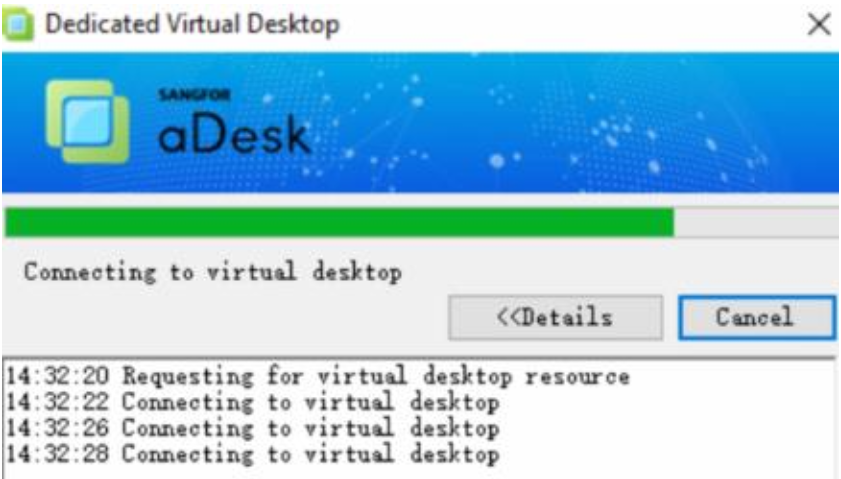
Handling Process
- Analysis PC client log file: %appdata%/rvlsession/rvllog.log. we can find Error Code 0x90000200.

- Login VDC WebUI, Go to Maintenance>Troubleshooting>Logs search Error Code Status.
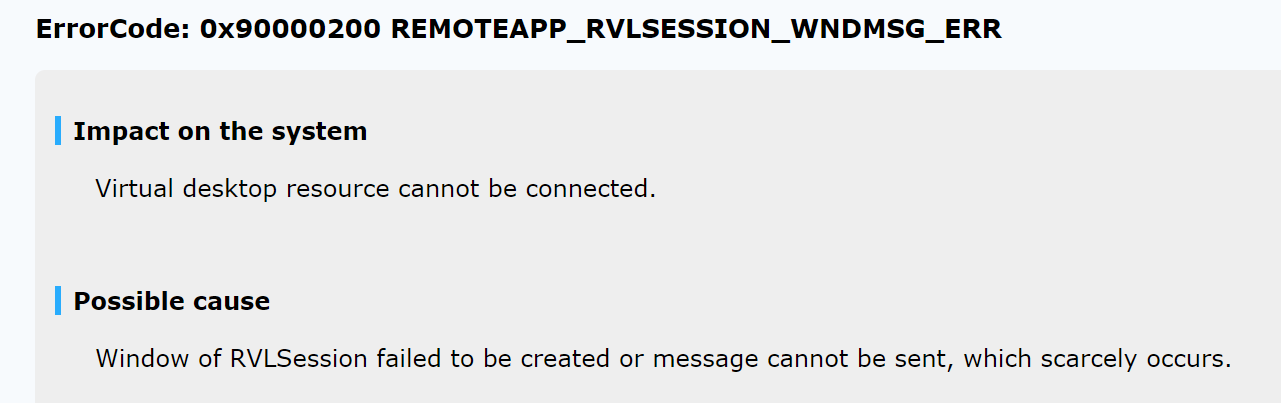
Root Cause
Window of RVLSession failed to be created.
Solution
Uninstall VGPU Driver, and then reinstall agent.
Suggestions
It is recommended to take a snapshot of the virtual machine before proceeding with the operation.