
[SCP] Unable to access EDR Manager Console under aSEC
Issue Description
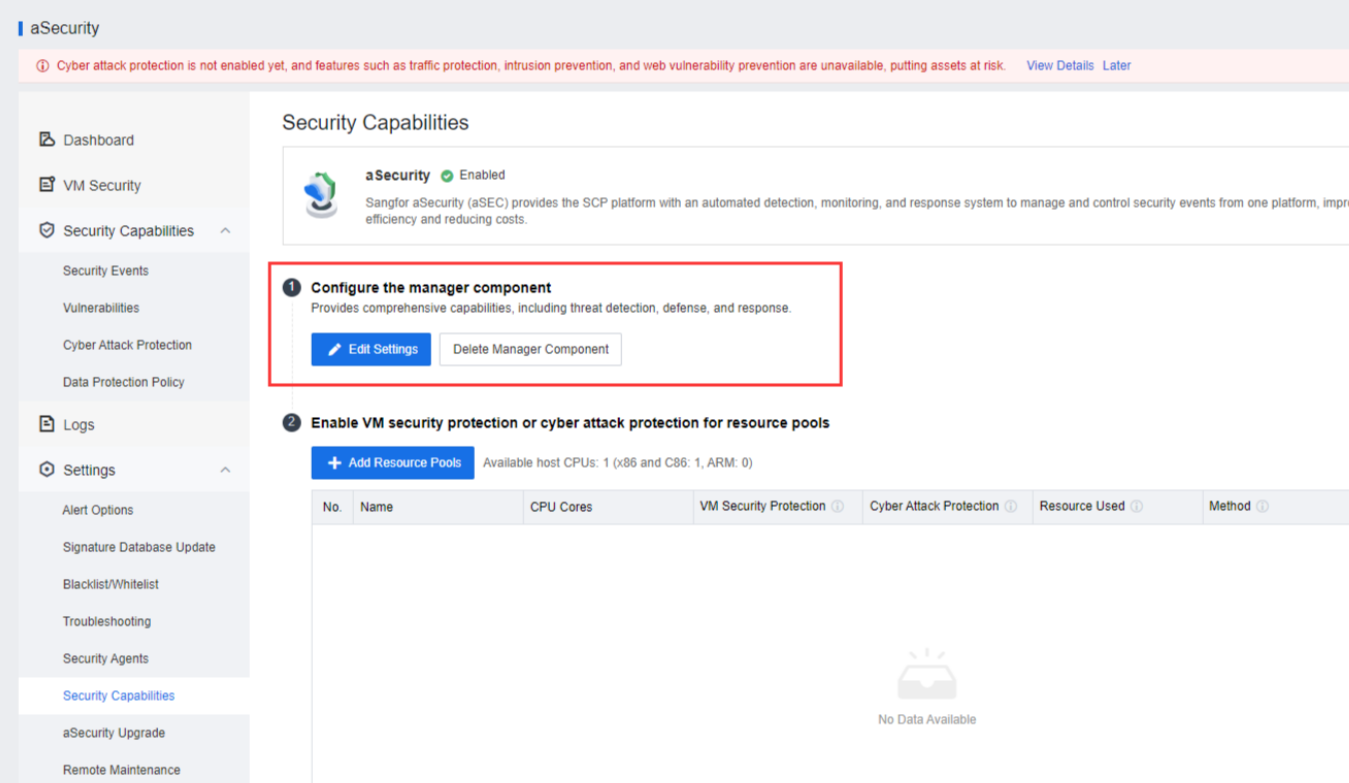
Under aSecurity > Security Capabilities, the "Go to Security Protection Manager" button is being hide, and the EDR MGR admin password is not published.
As the result, the aSEC EDR MGR unable to be access.
Error/Warning Information
Handling Process
-
Access to aSEC backend to temporary enabled the button "Go to Security Protection Manager" to access EDR MGR. 2 Ways to access:
a. SSH:
Command:ssh -p 22345 sysadm@asec_ip
-account : sysadmin
-password: + Security
b. VM Console:
i. Access with VM console, login with aSEC password. After login successfully, it will show the access as below.
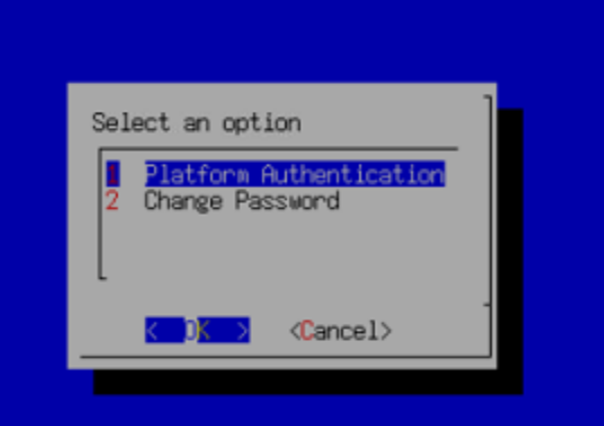
ii. Click ALT+F2 to access backend console, and use below account/password to login.
root/9LYm3PU#GDnm5$5 -
Create the file to enable the button. (Only will appear for 24 hours)
Command:touch /sf/debug/edr_entrance
-
Refresh and check the UI result, the button is appeared.
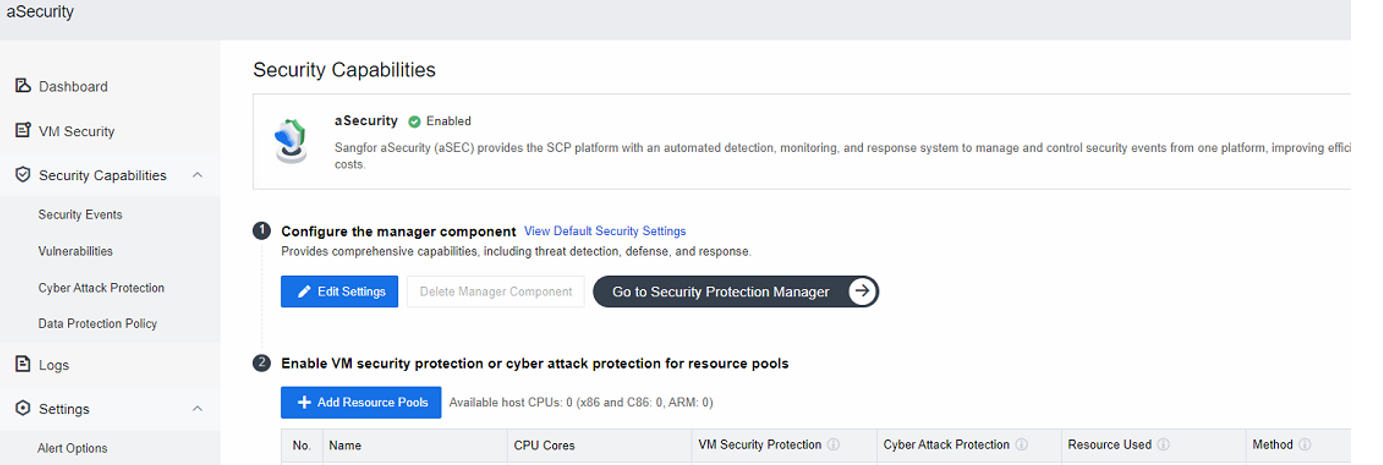
The above solution is a temporary measure to access the EDR Manager. To access the EDR Manager, retrieve the EDR password from the backend using the EDR IP:
-
Execute the command in aSEC to get the password.
Command: /sf/cbsp/bin/password_tool -d=true -f /sf/cfg/auth/reversibleKey/securityComponent/edrPassword -k edrPassword -
For aSEC 1.3 required to access container.
Command:container_exec.sh asec

Command: “`shell
/sf/cbsp/bin/password_tool -d=true -df /sf/cfg/auth/reversibleKey/securityComponent/edrPassword -k edrPassword -
Use the displayed password to access the EDR MGR with the EDR IP address.
Root Cause
SCP6.9.0 version has hide the button "Go to Security Protection Manager".
Solution
- Access to aSEC backend to touch a file for temporary display the button "Go to Security Protection Manager" to access the EDR.
- Get the password from the backend and provide it to the user to access the EDR MGR with the EDR IP address.