
[AF] DNS Mapping does not take effect when DNS over HTTPS
Problem Description
DNS mapping is configured on the Local device. The command test in CMD can resolve the DNS lookup to the specified intranet server normally. It is also normal to access the corresponding website with IE browser, but it is not normal when using Chrome browser or Firefox browser.
Effective troubleshooting steps
I captured and filtered the packets of port 53 on the Local and found that the DNS lookup packets could be captured when parsing in cmd and accessing with IE browser. However, when accessing with Chrome browser or Firefox browser, Local did not see the DNS lookup packets corresponding to port 53 on the firewall. According to the logic of the browser accessing the website, there must be DNS lookup. Since no DNS lookup packet is seen on port 53, it is suspected that DNS uses other protocols and ports.
Root cause
DNS over HTTPS (DoH for short) allows DNS lookup over the HTTPS protocol, as described in RFC8484. One of the goals of DoH is to increase user privacy by resolving DNS queries over HTTPS. When resolving DNS via HTTPS, the Local cannot hijack or replace the data when it passes through the Local, so DNS mapping does not take effect.
Currently, the commonly used Chrome browser and Firefox browser have related functions:
The Chrome browser has had corresponding settings since version 83. You can search for "DNS" in chrome://flags/ to find the corresponding settings (different versions of browsers have differences).
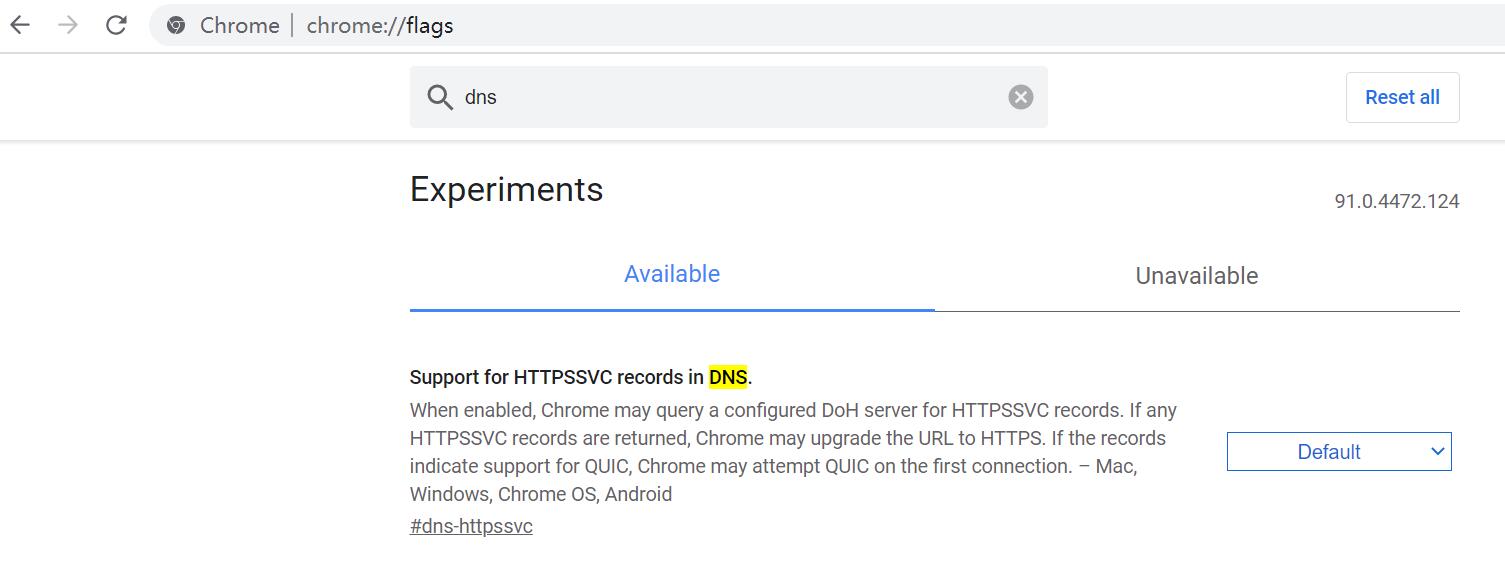
DNS (47.7 KB)
You can find it by searching for "DNS" in the Firefox browser settings:
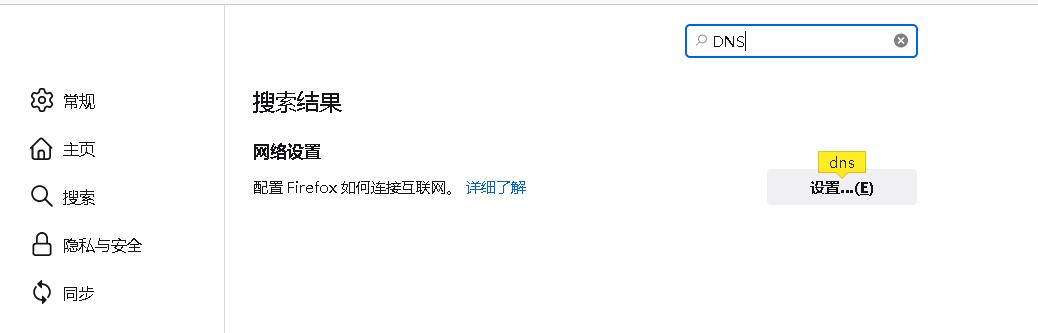
DNSFirefox.jpg (16.66 KB)
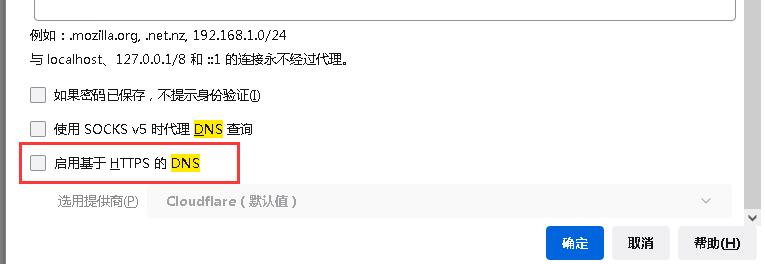
DNSFirefox2.jpg (19.3 KB)
solution
Turn off the corresponding function in the browser, use normal DNS lookup, and the DNS mapping function can take effect normally.
Original Link
https://support.sangfor.com.cn/cases/list?product_id=13&type=1&category_id=1209&isOpen=true