
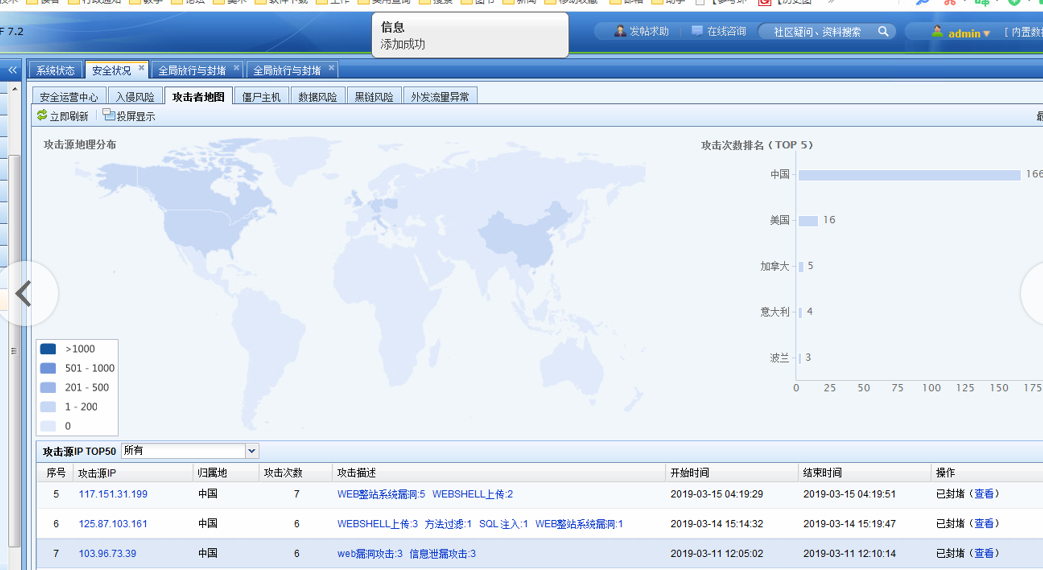
[AF] Normally add the public network IP of Attack Map, and check the blank after adding.
Problem Description
Path: [Running Status] – [Security Status] – [Attacker Map]
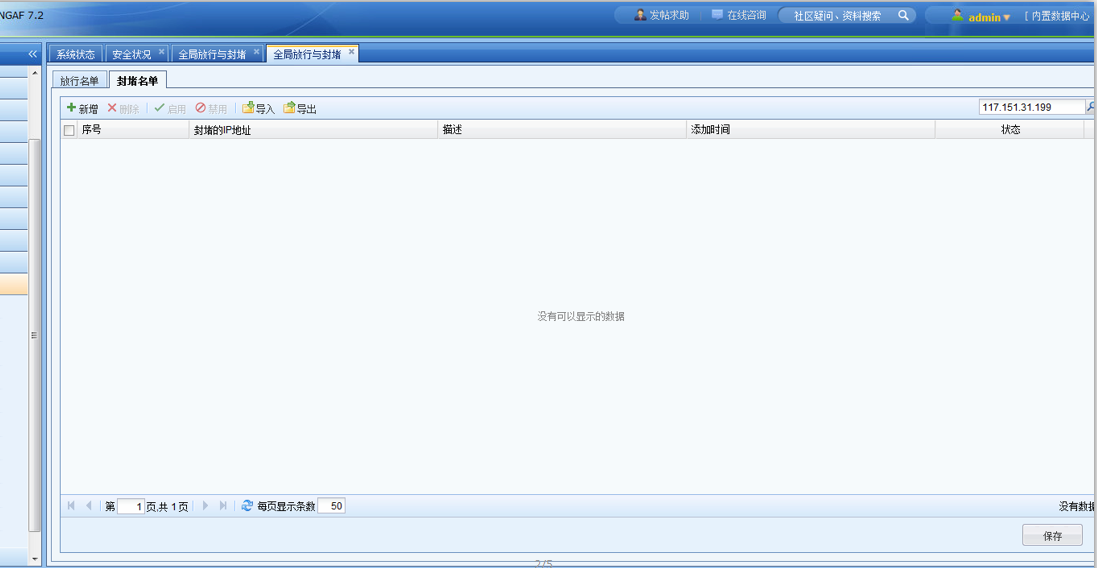
Added the public IP Attack Map, but it was not found after adding.
Warning Info
50835c8badc9d53b5.png (96.17 KB)
Process——
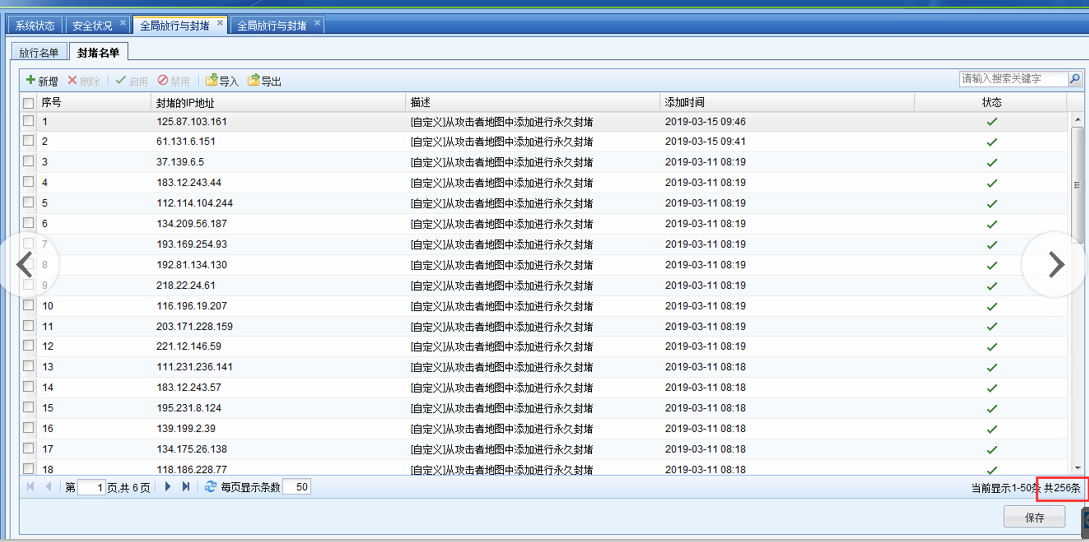
View global blocked IP
Path: [System] – [Global Opening and Blocking] – [Global Blocking]
217705c8bade64abd6.png (250.3 KB)
PS: Starting from AF standard version 7.4, you can customize the Policies Whitelist by configuring in [Policy] – [Black and White List].
Root cause
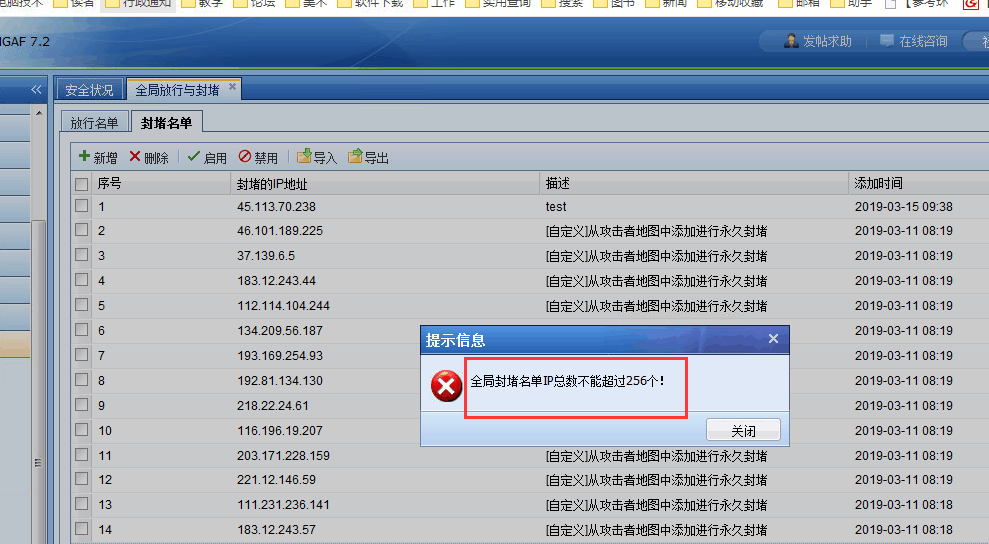
A maximum of 256 IP Address can be blocked globally
995865c8bae0d59cda.png (55.47 KB)
solution
Delete the manually added items, and then add them again when the total number is less than 256.
697555c8bae54b6da0.png (249.7 KB)
Original Link
https://support.sangfor.com.cn/cases/list?product_id=13&type=1&category_id=650&isOpen=true