
[aCloud] Cluster upgrade reminder: There is a task running. Please go to the task list to cancel the running task, or wait for the task to complete before proceeding
Problem Description
The upgrade fails and the message "A task is running. Please go to the task list to cancel the running task or wait for the task to complete before continuing."
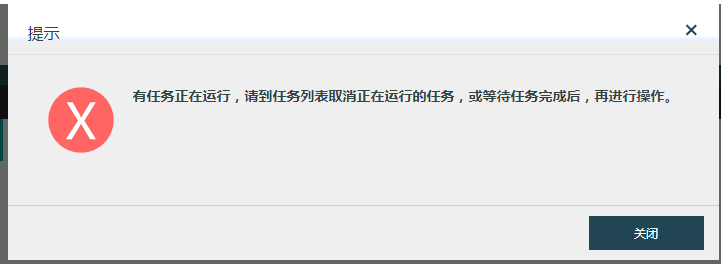
507775b7a70da2108e.png (8.38 KB)
Root Cause
During the upgrade, the system will check the operation status of virtual machines, Virtual Network Device, etc. It will also check whether there are any tasks currently being executed.
Solution
1. Check whether there are any virtual machines or Virtual Network Device running. After confirming on the page, if there are any virtual machines or Virtual Network Device running, you need to shut them down manually;
Note: Close the open virtual machine console, and also close the unopened one;
2. If the same prompt is displayed after executing step 1, you need to contact the company's technical support background to close the process or wait for a while and try again.
Original Link
https://support.sangfor.com.cn/cases/list?product_id=33&type=1&category_id=15540&isOpen=true