
【aCMP】620 version failed to detect Node network port information
Problem Description
scp–Reliability Center–Network Configuration Status Immediate Detection Tips Failed to detect Node network port information, task errors can be seen on both SCP and HCI platforms
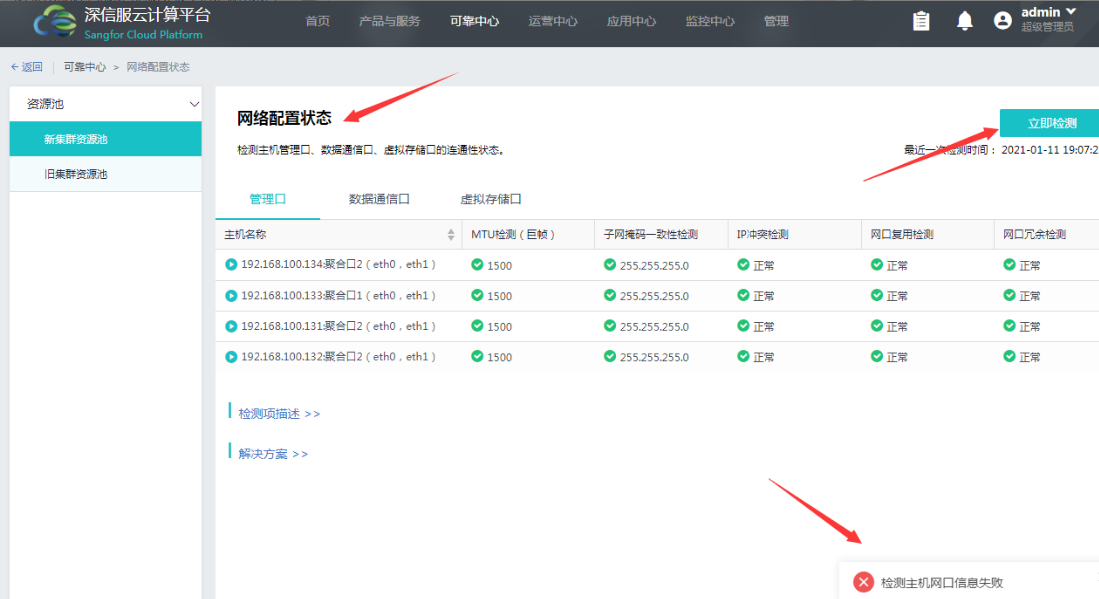
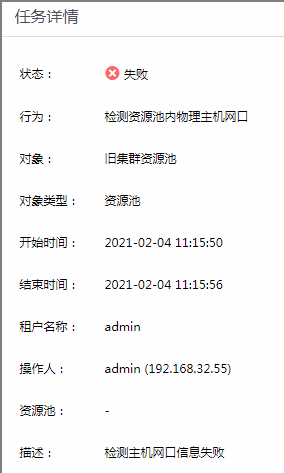
Effective troubleshooting steps
- Health Check on the Cluster, no error is reported on the network port
- Check the vtpdaemon log in the background, as follows
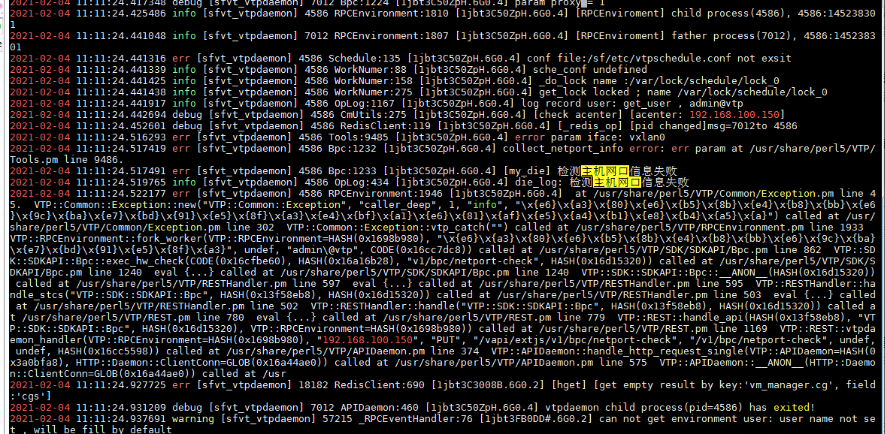
Root cause
620 version bug
solution
The problem is solved by patching Service Pack. The package does not affect the business. The Service Pack is attached.
Suggestions and Conclusion
How to verify whether this problem exists in the background:
Call the command vtpsh set /v1/bpc/netport-check in the hci background


20201126–620 Fix the network port detection problem.rar
(413.54 KB)
Original Link
https://support.sangfor.com.cn/cases/list?product_id=36&type=1&category_id=19510&isOpen=true