
【BBC】CM failed to push down VPN config
Issue Description
CM task description showing some of the branches sync failed "The subnet IP address of configuration distribution is occupied".
Error/Warning Information

Handling Process
- Checked on branch devices local subnet configuration.
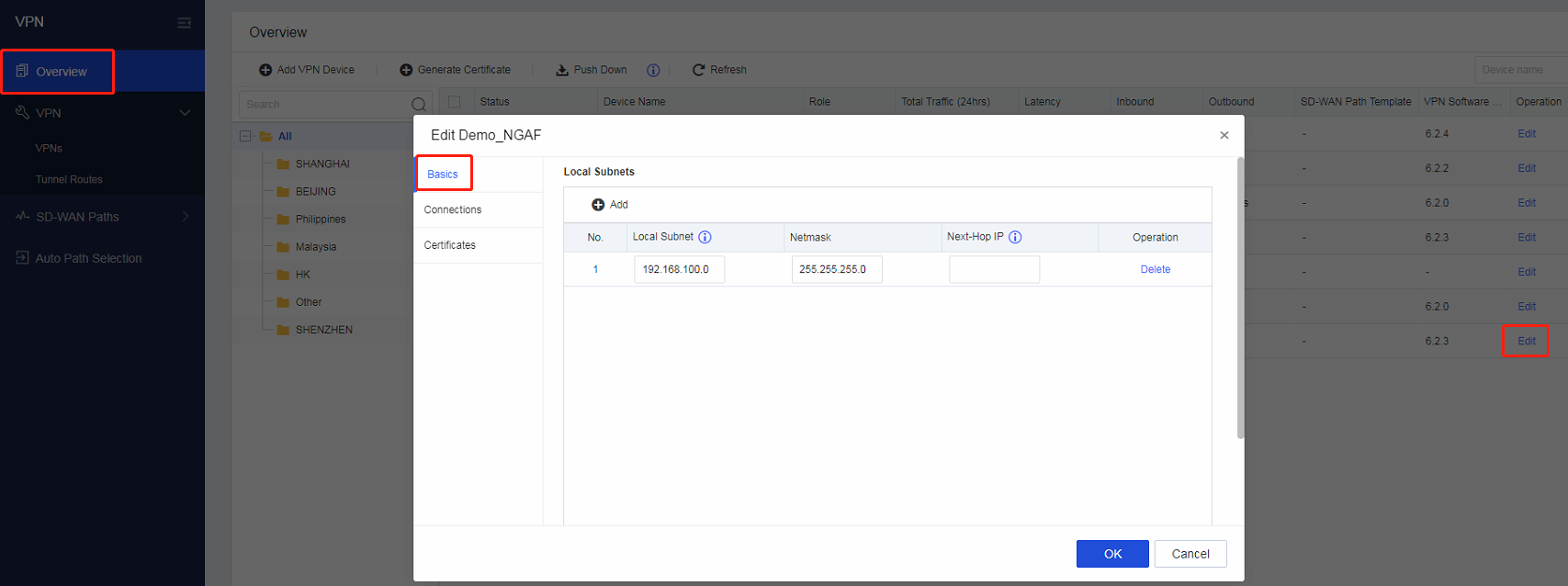
- Login to branch device and found the IP segment is NGAF LAN.

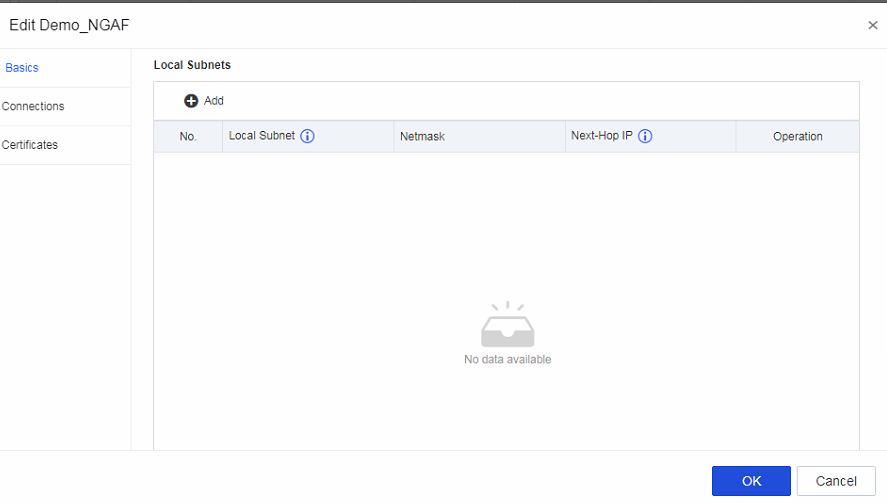
- Removed the conflicted IP segment on CM branch local subnet.
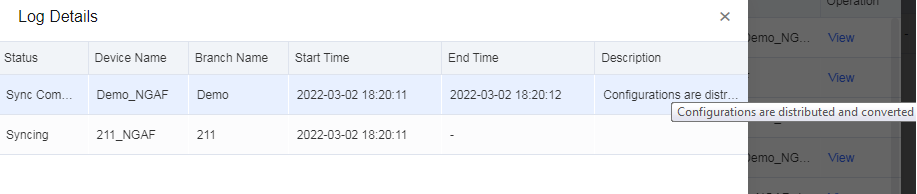
- Try to push down VPN and status is success.
Root Cause
Branch device LAN segment will be added into VPN by default, it is no need to be configured as local subnet again.

Solution
Removed the IP segment of branch device local subnet that conflicted with branch device LAN segment.