
【BBC】Easy to deploy MIG via email failed – 404 error message when opening email
Problem Description
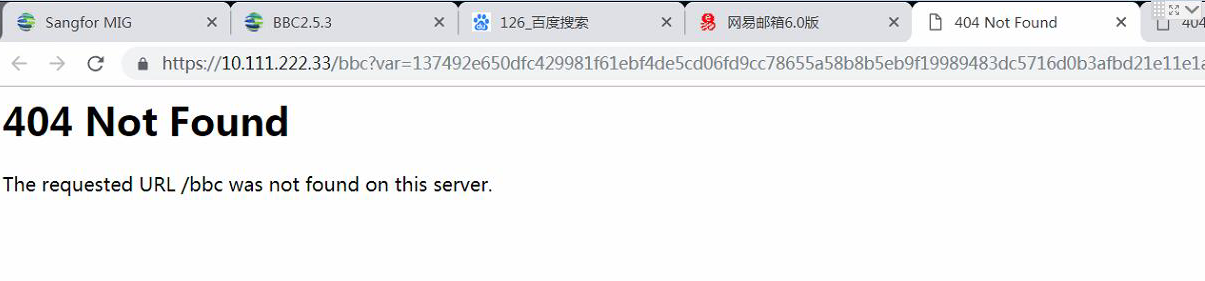
MIG6.2.0 device, send an email to the branch through BBC email easy deployment mode, the branch connects to the device, clicks on the email and prompts 404 error
464395c98a6b62a3e4.png (142.83 KB)
Process——
-
Check the MailEasyDeployment configuration on BBC and find no problem
-
PC and MIG device can communicate with each other, using the default address 10.111.222.33 to log in to the device
-
Check the MIG device and find that it is not in the factory state. Restore the device to the factory state and reconfigure the email easy deployment method successfully.
solution
Restore the MIG device to factory settings and reconfigure it.
Suggestions and Conclusion
The device that can be easily deployed by email must be in factory default. If the device has been configured, it needs to be restored to factory default, otherwise the easy deployment may fail.
Original Link
https://support.sangfor.com.cn/cases/list?product_id=63&type=1&category_id=19654&isOpen=true