
【BBC】SMTP configuration outlook365 mailbox alarm connection failure
Problem Description
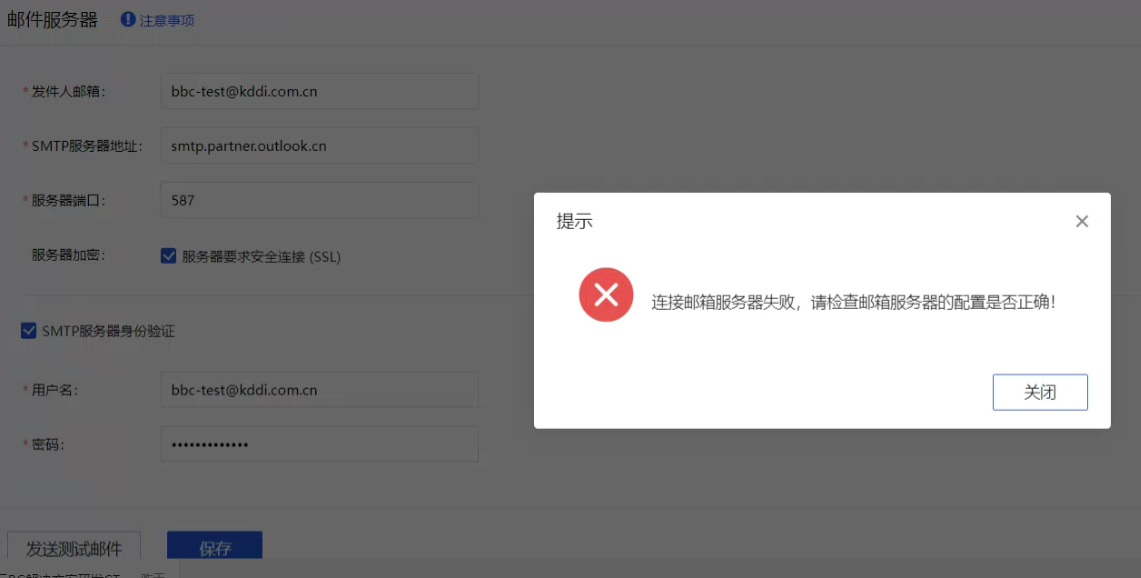
SMTP configuration outlook365 mailbox, test prompts failed to connect to the mailbox server
Warning Information
Effective troubleshooting steps
-
Check that the mailbox and SMTP server addresses and username and password configurations are correct.
-
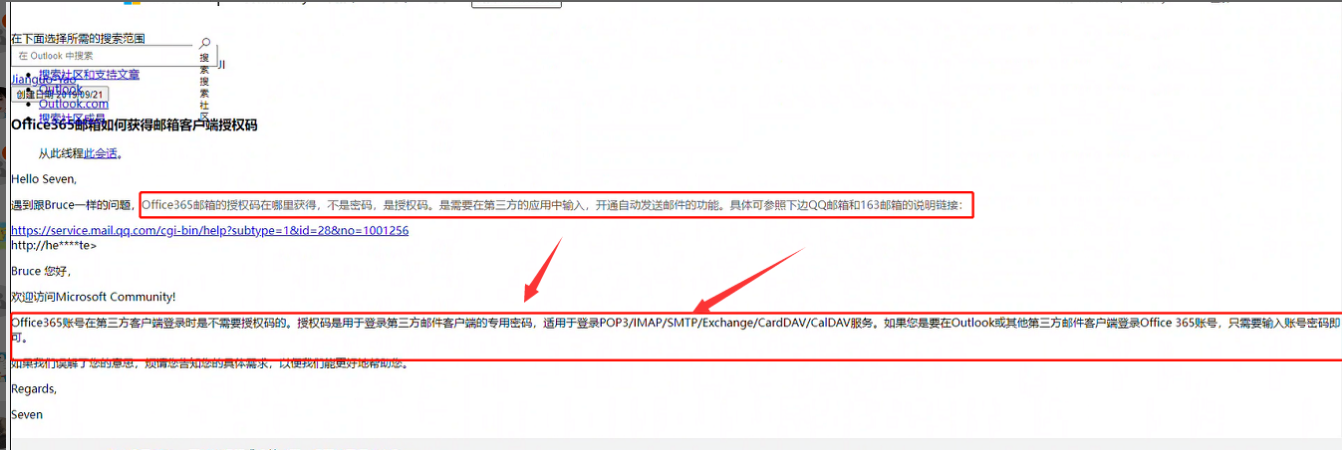
Try to change the authorization code to the account login password instead of the username password. The test connection is normal. The relevant knowledge of Baidu Office365 is explained as follows
Root cause
When logging in to an Office365 account through a third-party client, you do not need an authorization code. You only need to enter your account password.
solution
Change the authorization code corresponding to the username and password to the password for account login
Operation Impact Scope
No impact
Is this a temporary solution?
no
Original Link
https://support.sangfor.com.cn/cases/list?product_id=63&type=1&category_id=19787&isOpen=true