
【BBC】The device’s built-in library cannot be displayed normally
Problem Description
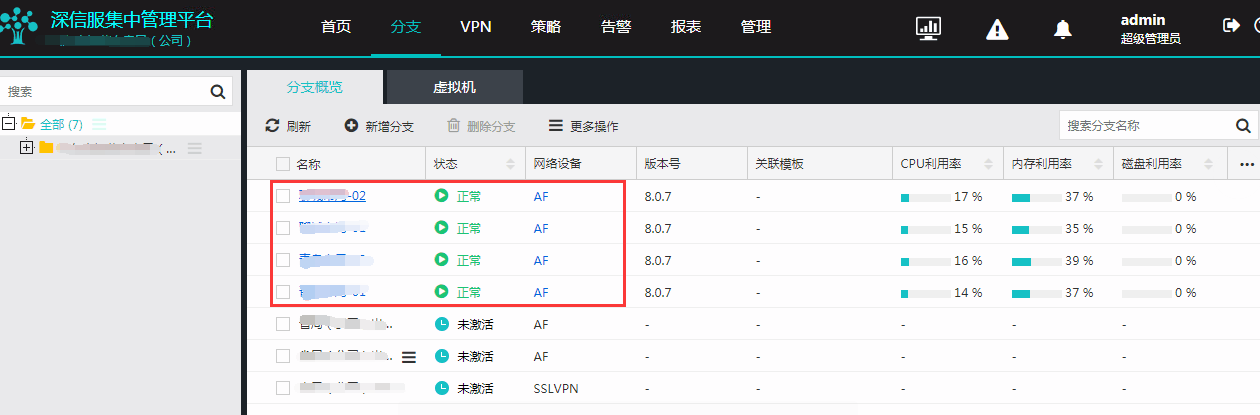
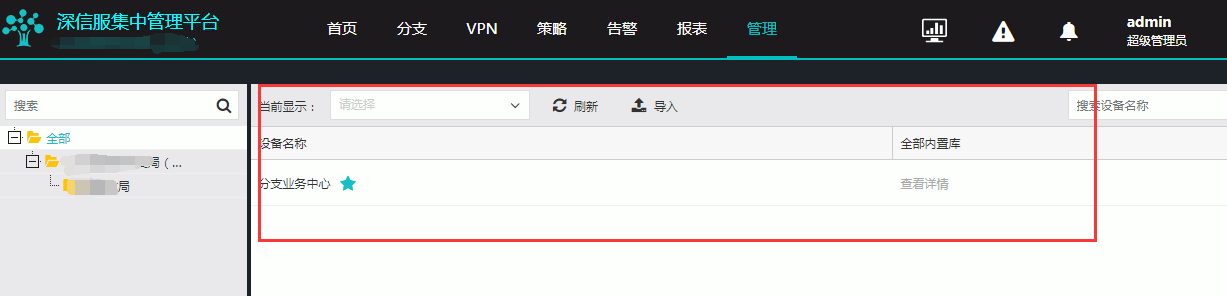
The branch device AF joins BBC and connects normally, but the built-in library cannot be displayed normally
969555ca4af5d18fb9.png (66.64 KB)
864185ca4ae4234fb5.png (36.67 KB)
Process——
Check the BBC configuration and find that the branch version center found that the image was not loaded. Click Add Version and reload the image to view it normally.
solution
After importing the image in the [Device Upgrade]-[Branch Version Center] interface, you can view the built-in library information of the branch device normally.
For specific import methods, please refer to Community Case Post
Original Link
https://support.sangfor.com.cn/cases/list?product_id=63&type=1&category_id=19656&isOpen=true