【Cyber Command】Virtual Stealth Threat Analytics (vSTA) V2V Mirroring on Hyper-Converged Infrastructure (HCI) Configuration Guide_V3.0.81
Introduction
Starting from HCI 6.8.0, virtual to virtual traffic mirroring is supported, allowing VMs to mirror traffic to another VM for traffic monitoring purposes. In this case, vSTA can receive the mirrored traffic on HCI from different VMs.
Prerequisites
- HCI 6.8.0 and above.
- vSTA has been installed, and a license has been imported correctly and takes effect.
- vSTA and VM must able to be connected via virtual switch or edge in order to do the mirroring.
Configuration Steps
-
Install vSTA on HCI first. You can refer to the vSTA HCI Deployment Guide for vSTA installation on HCI.
-
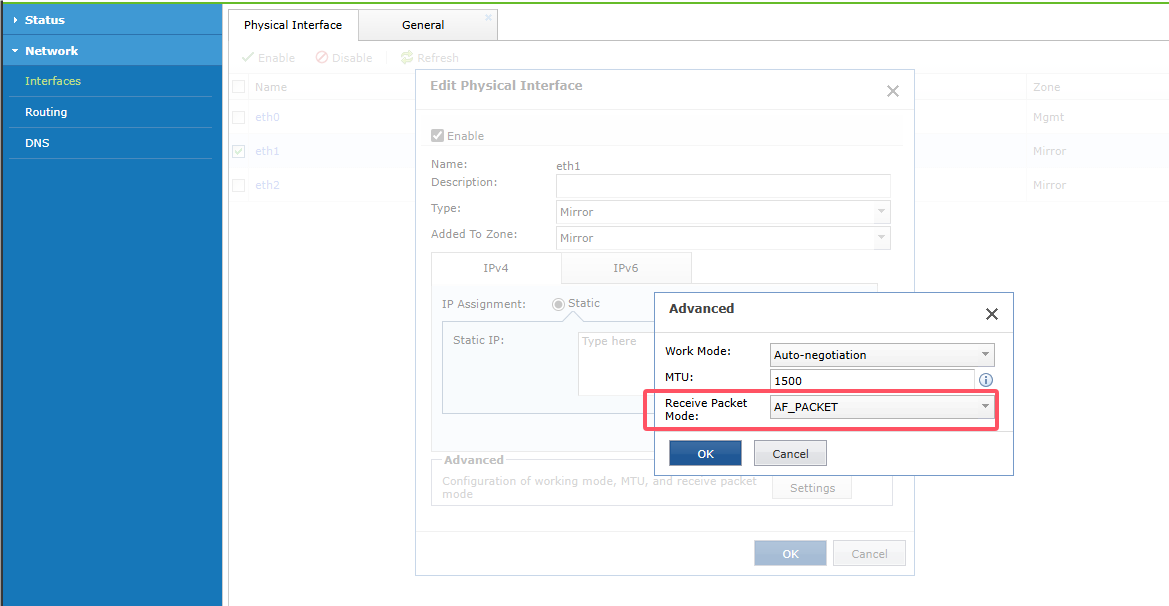
The vSTA requires a minimum of three interfaces where one is used for management and the other two are used for mirror ports.

-
Configure eth1 and eth2 to connect to the edge to ensure the connection is established.
-
On the HCI console, navigate to Networking > Traffic Mirroring.

- Click New to add a new mirroring policy and select the VM’s network ports you want to enable mirroring. In the Add Traffic Mirroring Policy dialog box, enter the name of the policy.

- Click the three-dot icon in the Mirror Source field to enter the Select Mirror Source dialog box. Select the mirror source (PC network card, NFV network, or Edge network) and click OK after the selection.

- Click the three-dot icon in the Mirror Target field to enter the Select Mirror Target dialog box. Select the mirror target, which is the network port of the vSTA mirror port. Here, we select eth1 as the mirror ports to receive the traffic. Then, click OK.

- Select All for Traffic Direction. Click OK to save the configurations.

Verifying Port Mirroring Status
If the port mirroring is working, you will see the mirrored traffic displayed on the dashboard.

Precautions
-
The vSTA license must be valid.
vSTA-30 and vSTA-50 license only support at 3.0.79 version and later, if insert in lower version will caused the mirror port feature not function after 5 minutes. -
VMs on different nodes support mirroring to each other. For example, a VM on node 1 supports mirroring to a VM on node 2.
-
vSTA 3.0.61 supports changing the network card driver. If the mirroring or network port is not functioning, you can try changing the network driver and testing first. If the network is functioning, you may continue using the network port.