
【CC】Rollback patch in CC# Issue Description # Error/Warning Information # Handling Process # Root Cause # Solution
Issue Description
Need to rollback patch in CCOM for upgrade purpose
Handling Process
-
Found out that there is custom-built in /data/custom_built/

-
Execute the following command in the custom_built directory.

-
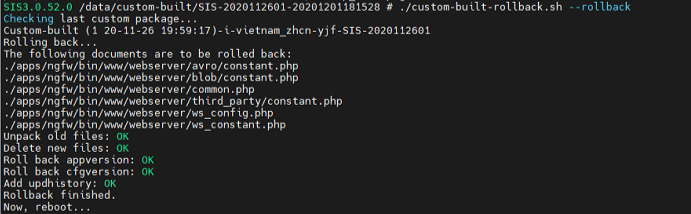
To rollback the patch use the following command, ./custom-built-rollback.sh –rollback. After executing the script it will restart CCOM.
Root Cause
Rollback the patch via backend.
Solution
- Important that after executing ./custom-built-rollback.sh –rollback will restart the CC.