
【Cyber Command】IAG accesses Cyber Command, user authentication Very-Low Risk fails
Problem Description
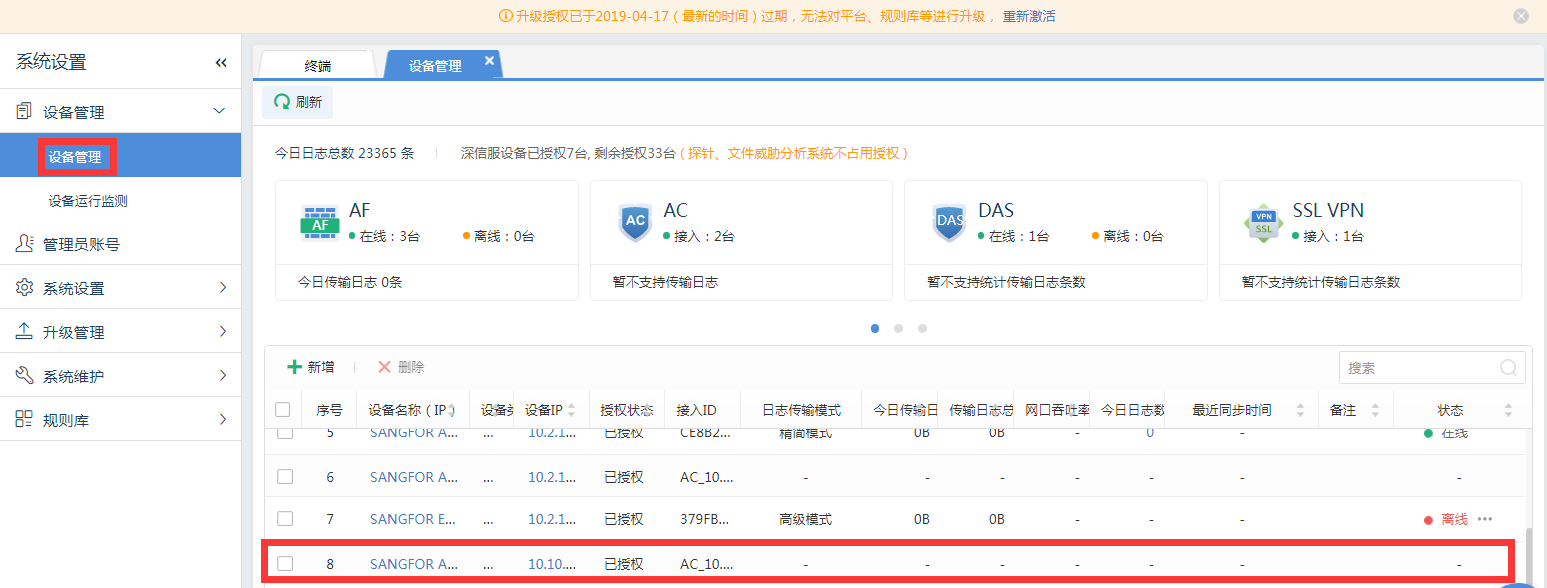
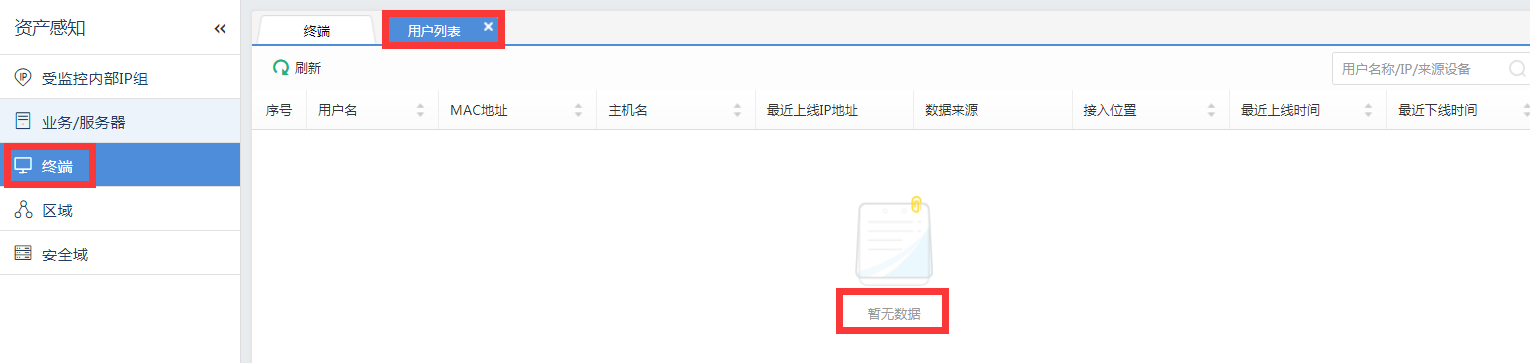
After IAG is connected to Cyber Command, the user authentication Very-Low Risk not successfully synchronized to the user list of Cyber Command.
Warning Very-Low Risk
705355cbc6e1751b4f.png (108.82 KB)
104175cc0591fd72ca.png (41.92 KB)
Process——
-
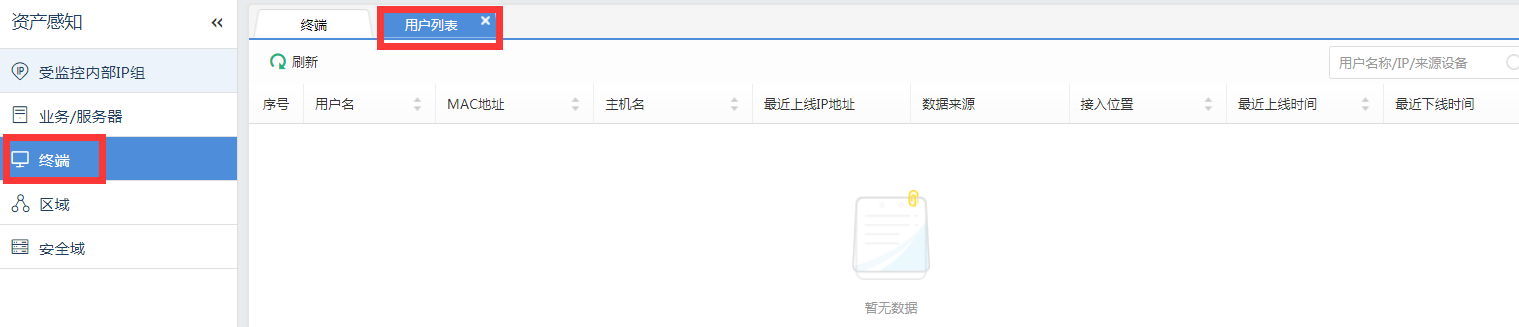
Use Google Chrome to log in to Cyber Command, open Asset Center–>Asset Perception–>Host–>User List, and it still shows no data. as shown in the figure below.
205835cc0594548381.png (40.48 KB) -
Check the IAG version and find that the version is lower than 11.X.
Root cause
IAG access to Cyber Command requires IAG.X or later versions.
solution
Upgrade IAG version to 11.X or later.
Note: The upgrade requires restarting the IAG device. It is recommended to perform the operation at a time that does not affect the network.
Suggestions and Conclusion
-
When the IAG device is connected to Cyber Command, you need to confirm whether the IAG version is 11.X or above, and the Cyber Command version is 2.5.8 or above.
-
IAG accesses Cyber Command using port 1775 to synchronize users who do not require authentication.
Original Link
https://support.sangfor.com.cn/cases/list?product_id=24&type=1&category_id=9765&isOpen=true