
[Cyber Command] Many Branch Fair configured in Asset management, but only a few are displayed on the Branch screen
Problem Description
Customers have reported that many branches are configured Fair Asset management, but only a few branches can be displayed on the branch screen.
Warning Very-Low Risk
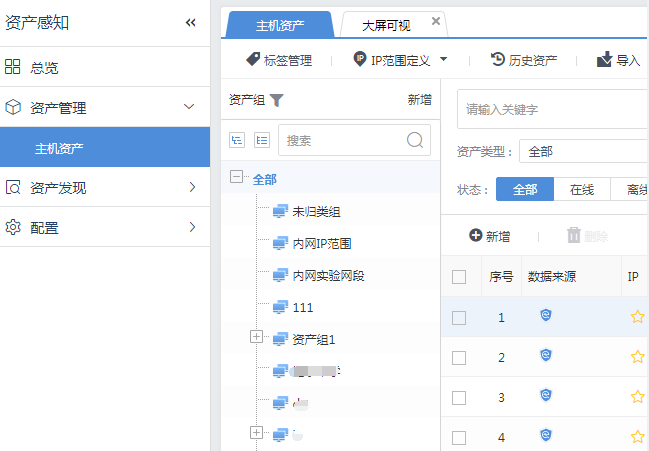
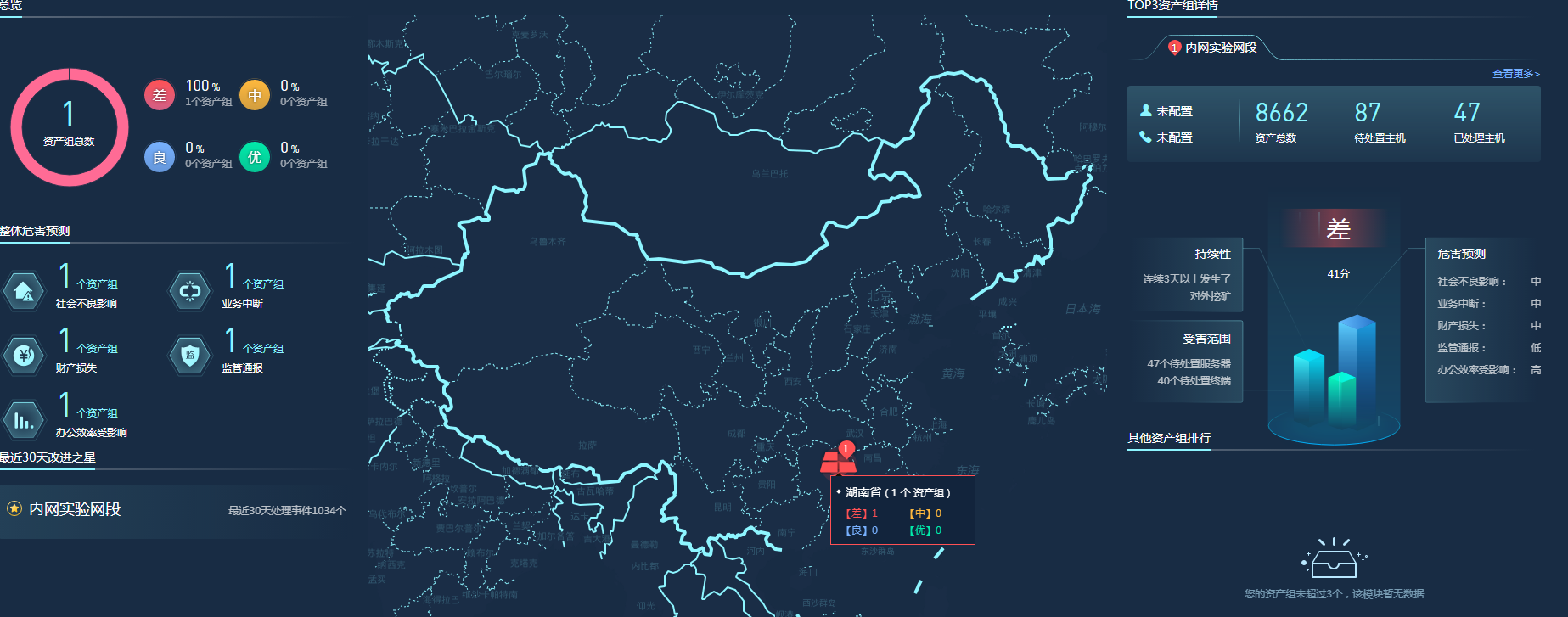
Effective troubleshooting steps
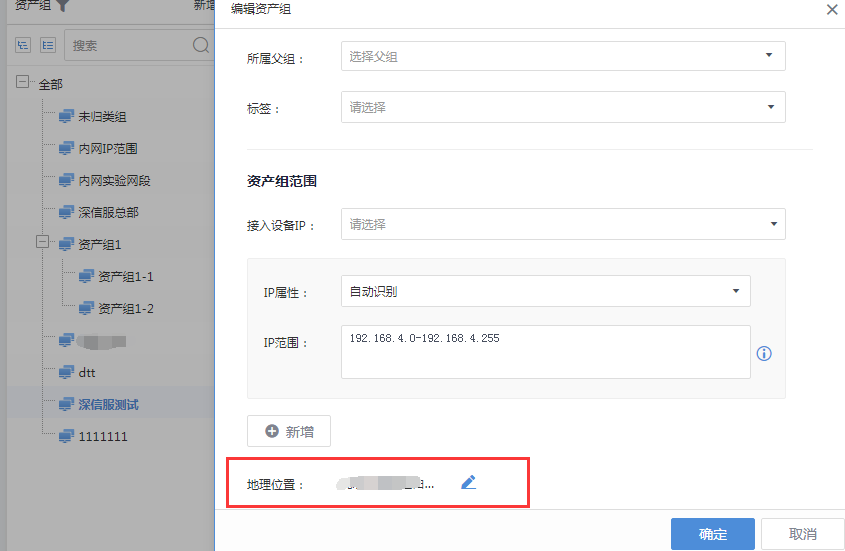
- Confirm that the corresponding branches in the asset center are configured with geographic locations.
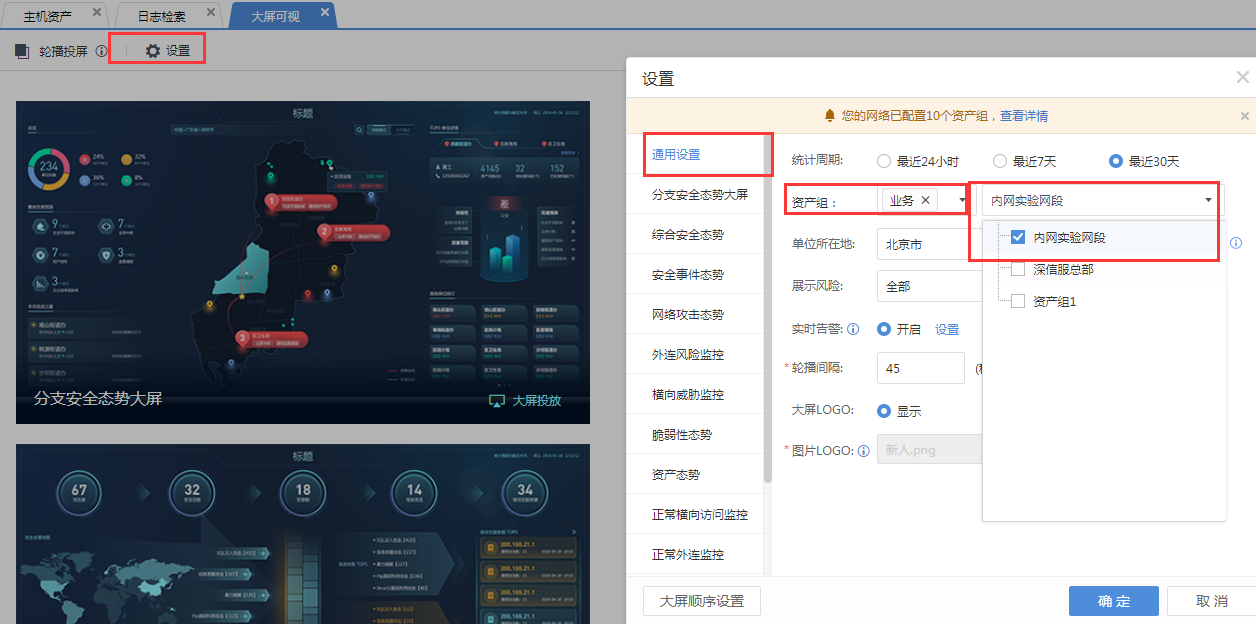
- Check the large screen configuration and find that only some asset groups are checked in the large screen settings.
Root cause
The large screen configuration does not choose to display the corresponding Branch, so all large screens will not display the data of the corresponding Branch.
solution
Add all the branches that need to be displayed in the large-screen configuration.
Suggestions and Conclusion
For problems related to large-screen display, you need to check the large-screen configuration first. The filtered content Fair the large-screen configuration will not be displayed, but the checked content will be displayed.
Original Link
https://support.sangfor.com.cn/cases/list?product_id=24&type=1&category_id=9801&isOpen=true