
[Cyber Command] When viewing Risky User, it prompts that you do not have permission
Problem Description
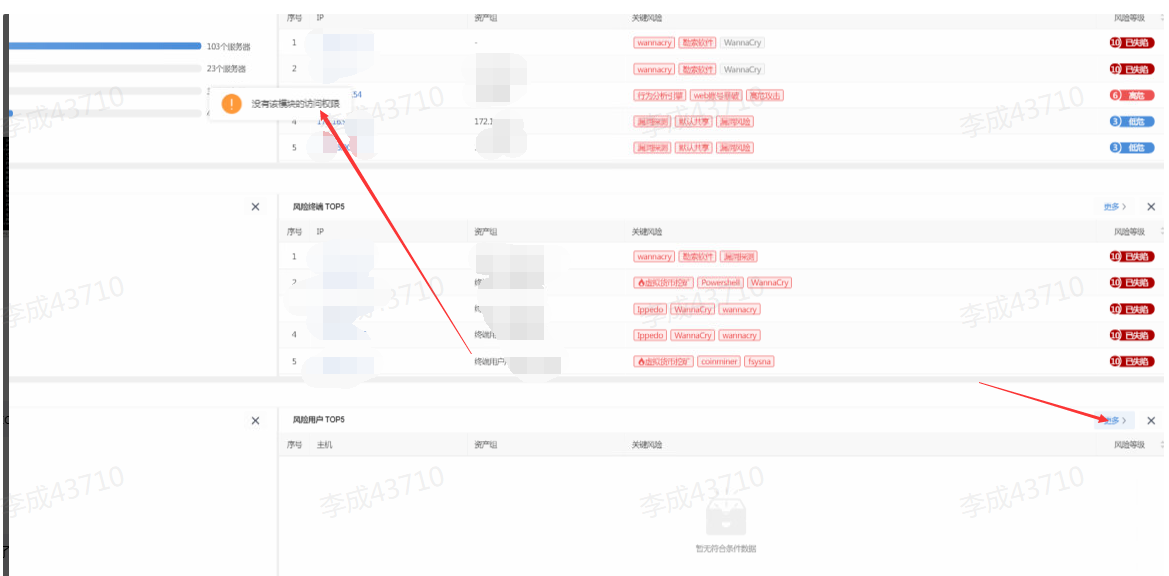
When viewing Risky User more button on the home page, it prompts that there is no permission
Warning Very-Low Risk
Effective troubleshooting steps
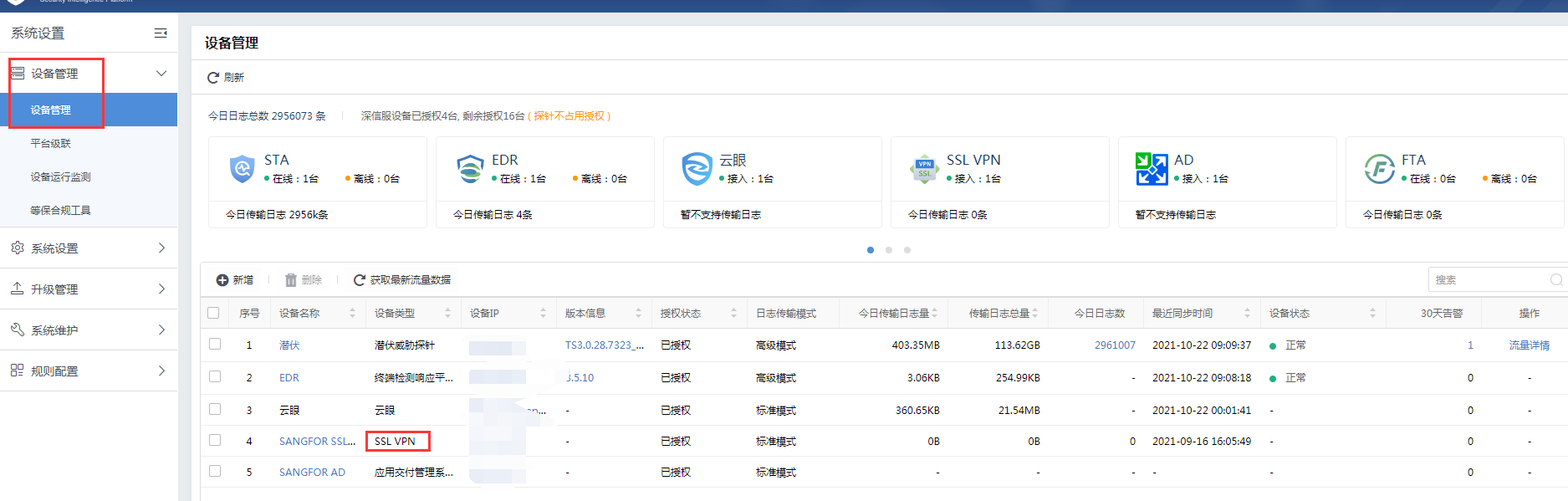
Confirm whether there is an IAG or SSL device connected in the device management configuration (the following figure shows that an SSL device is connected)
Root cause
The Risky User perspective is based on the user's display of risk. You need to connect to IAG or SSL synchronization users to have relevant interface display
solution
- If IAG or SSL devices are deployed on the intranet, you can connect the corresponding devices to synchronize users.
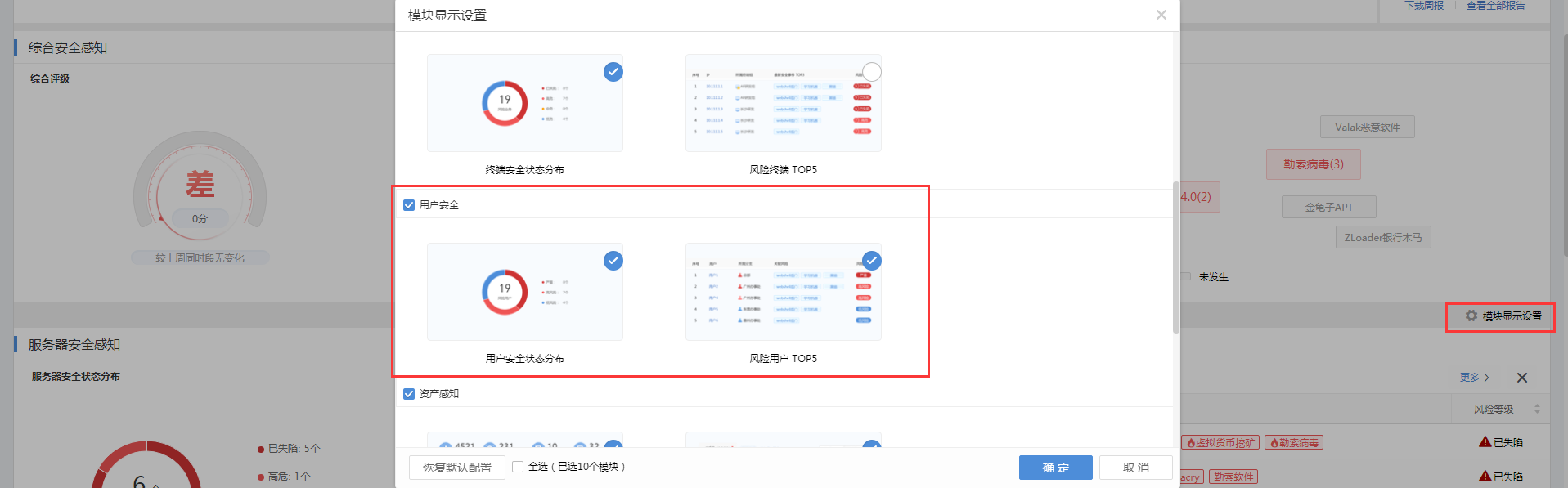
- If IAG and SSL devices are not used in the intranet, the corresponding modules can be hidden on the home page (they have been hidden by default since version 3.0.55).
Original Link
https://support.sangfor.com.cn/cases/list?product_id=24&type=1&category_id=9934&isOpen=true