
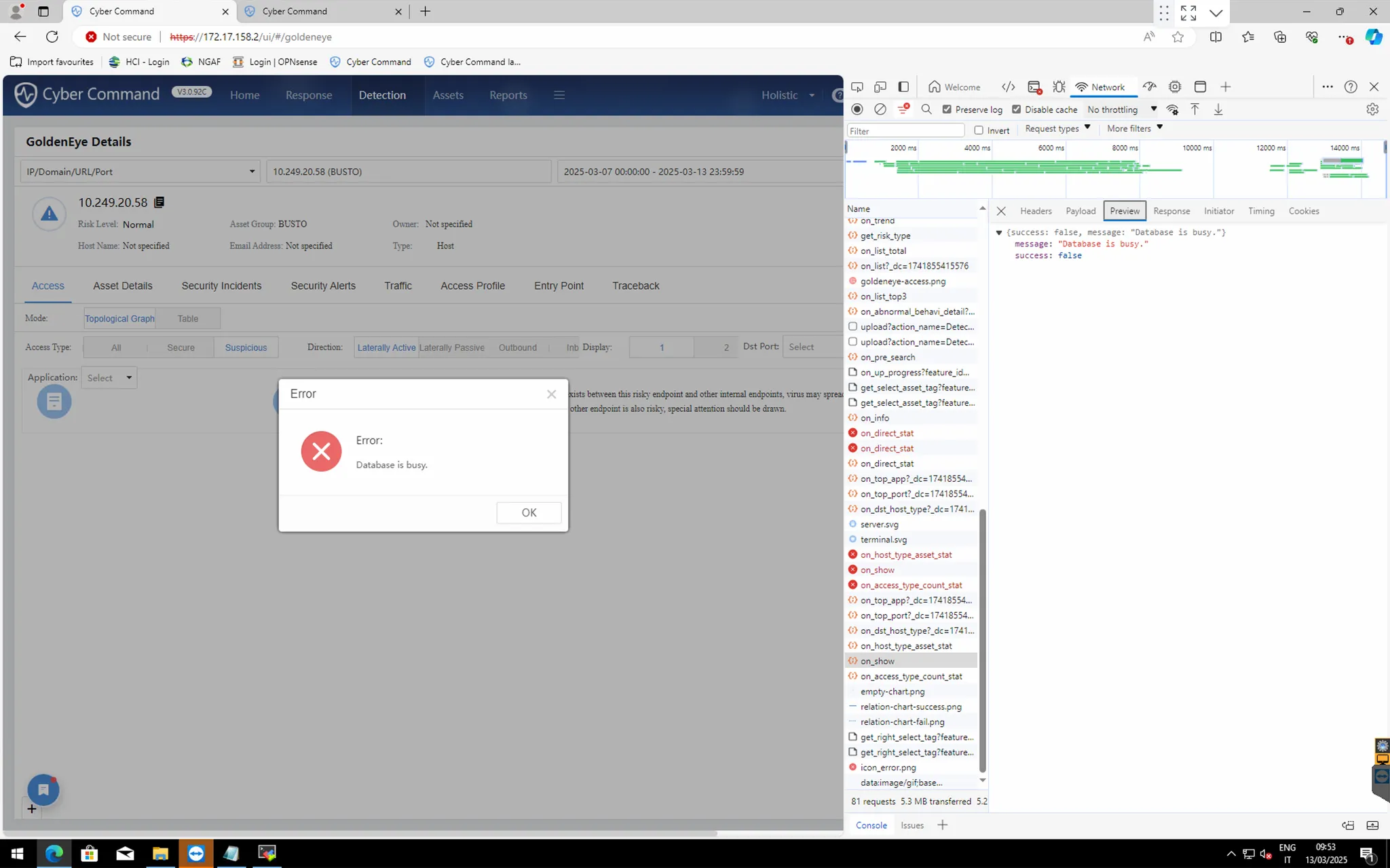
GoldenEye Details Error: Database is busy
Issue Description
When user access to this page shows error and unable to produce result.
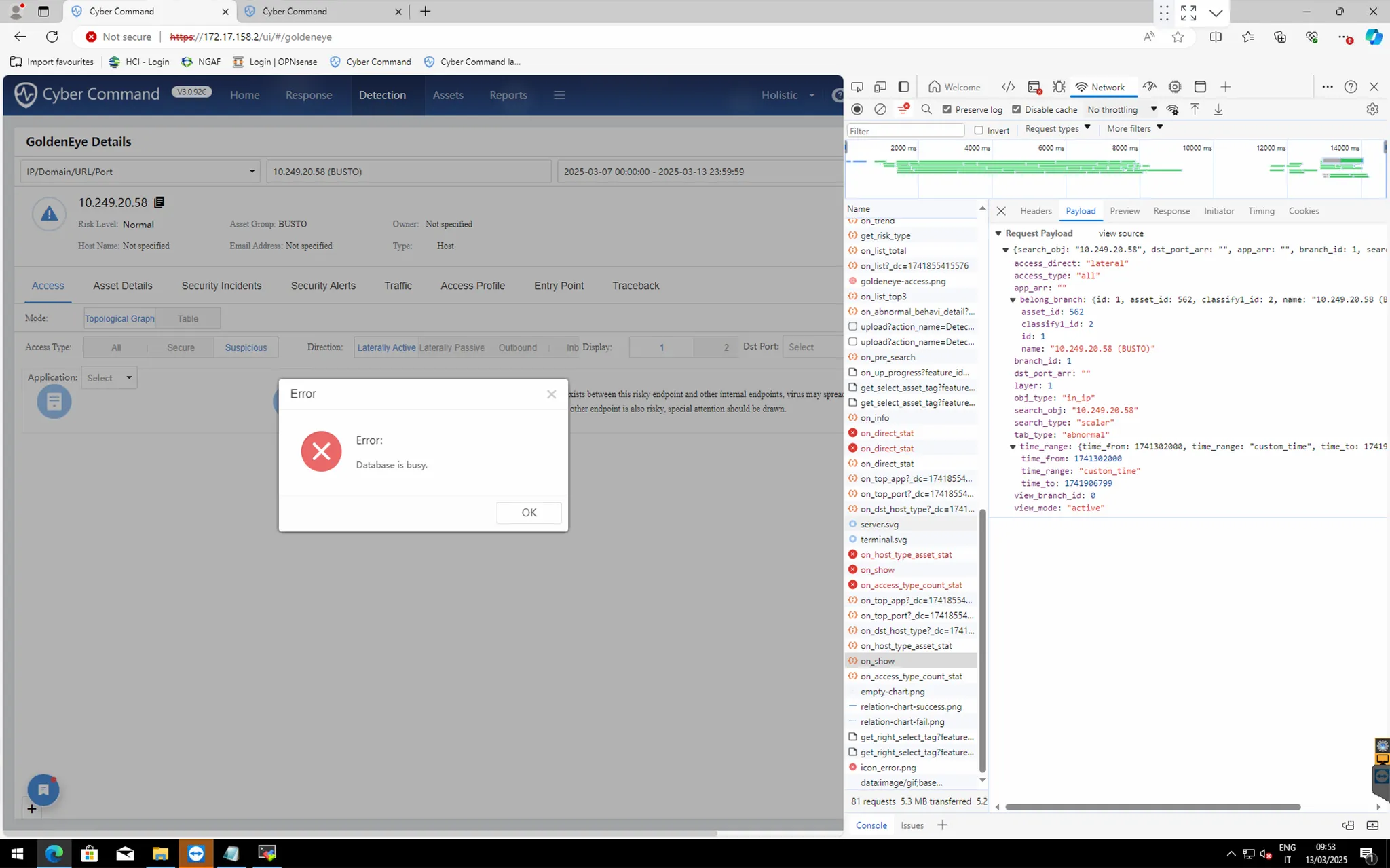
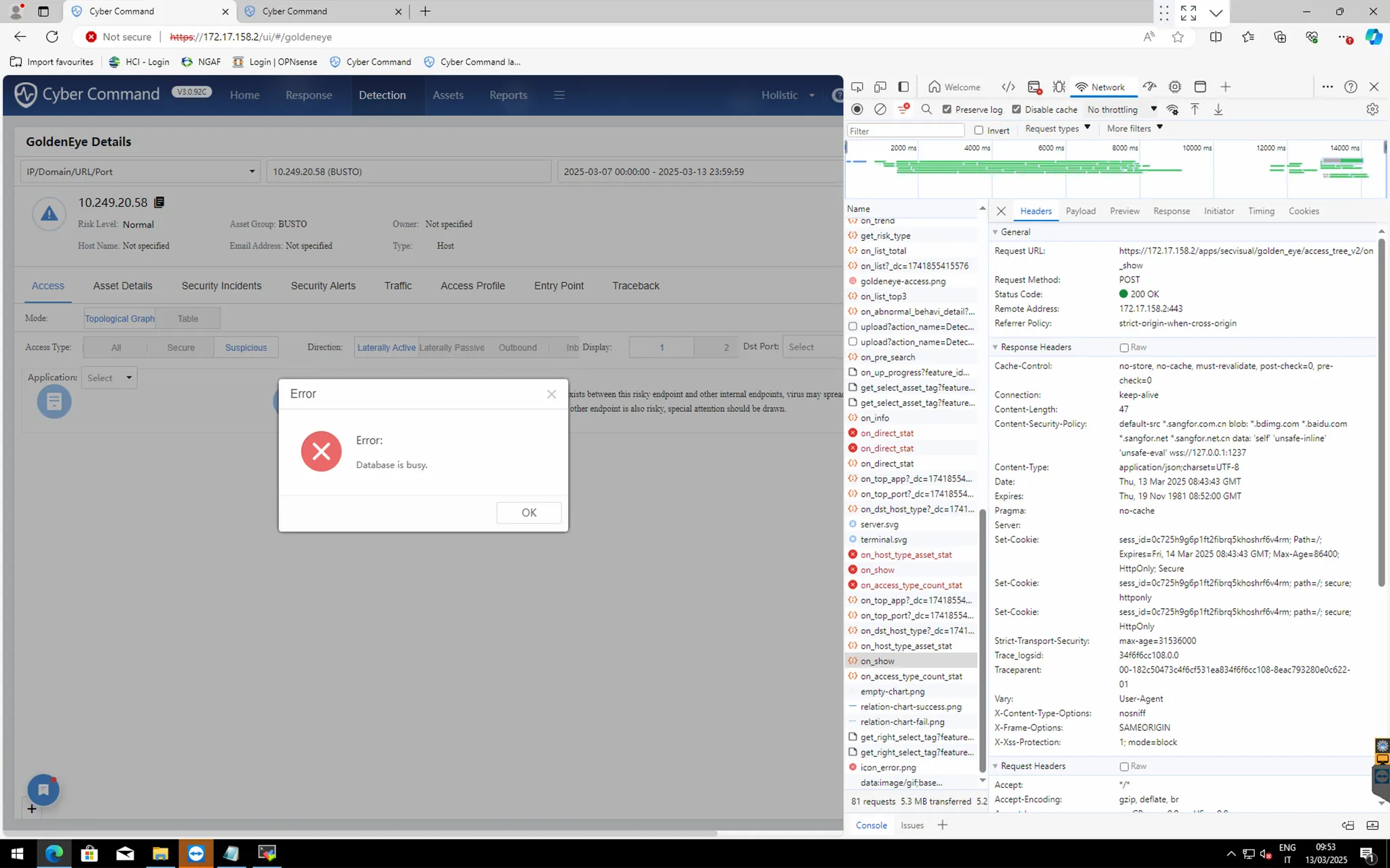
Error/Warning Information
Handling Process
Collect CC version and these information for R&D.
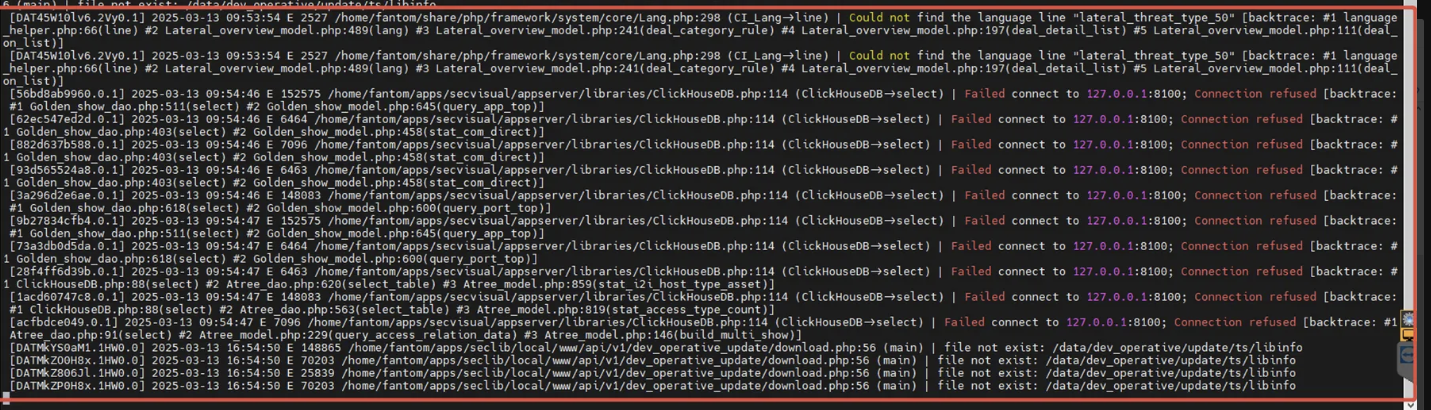
Step 1: Check sis_secvisual_ci log
Command: tailf /var/log/today/sis_secvisual_ci.log
Step 2: Check clickhouse-server service
Command: systemctl status clickhouse-server.service

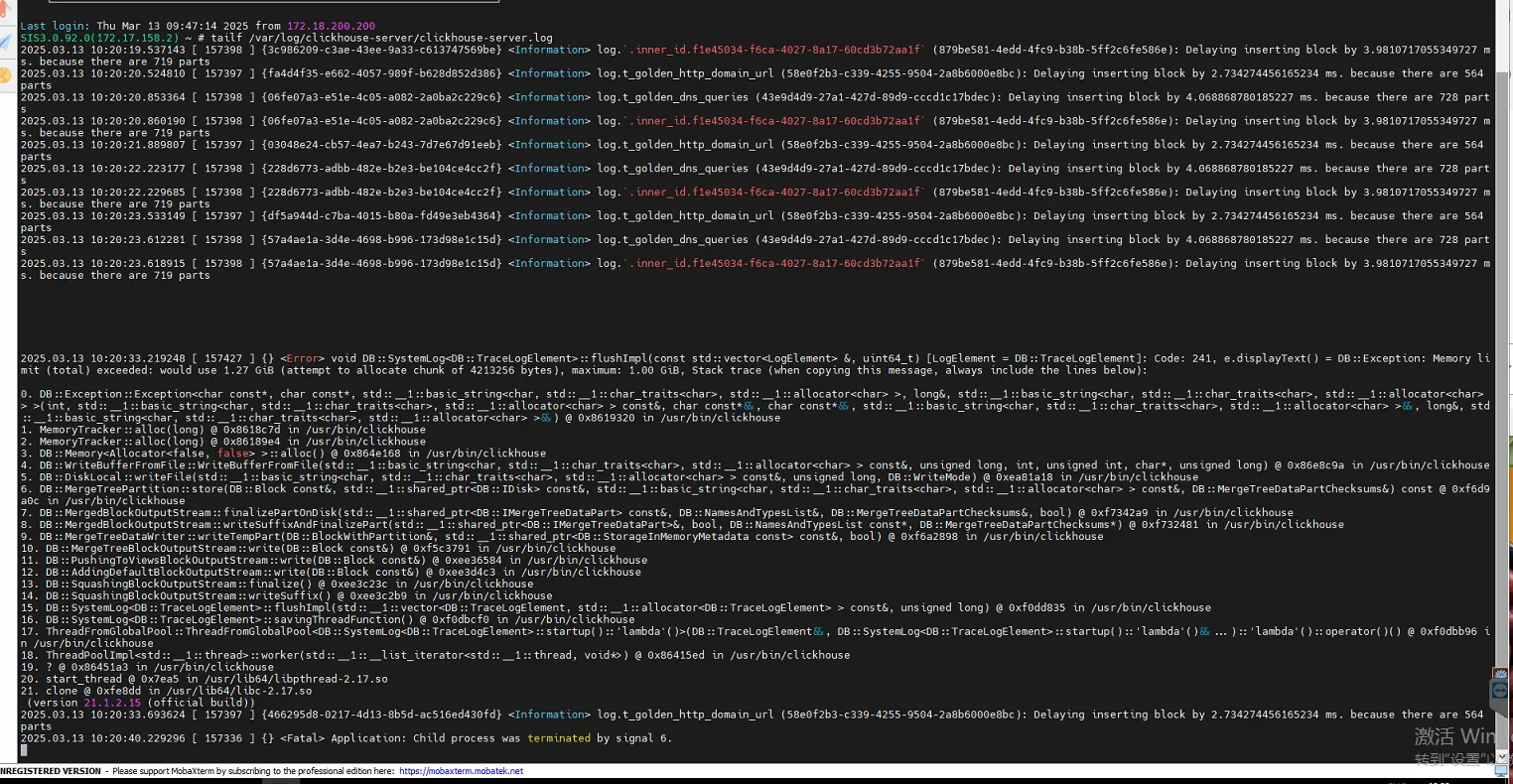
Step 3: Check clickhouse-server logs find out GoldenEye query request has timeout due to insufficient memory.
Command: tailf /var/log/clickhouse-server/clickhouse-server.log
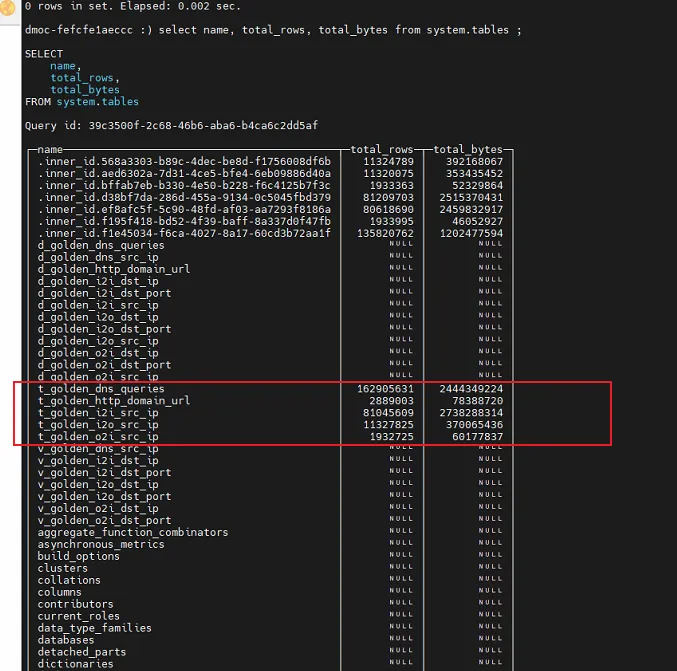
Step 4: According to this list, customer GoldenEye data is too big, only workaround is to reduce the number from 90days to 30days GoldenEye logs storage days.
By default is GoldenEye logs storage days is 90 days
To check this need R&D side to provide command to check
Step 5: Check current Storage space
Command: df -h
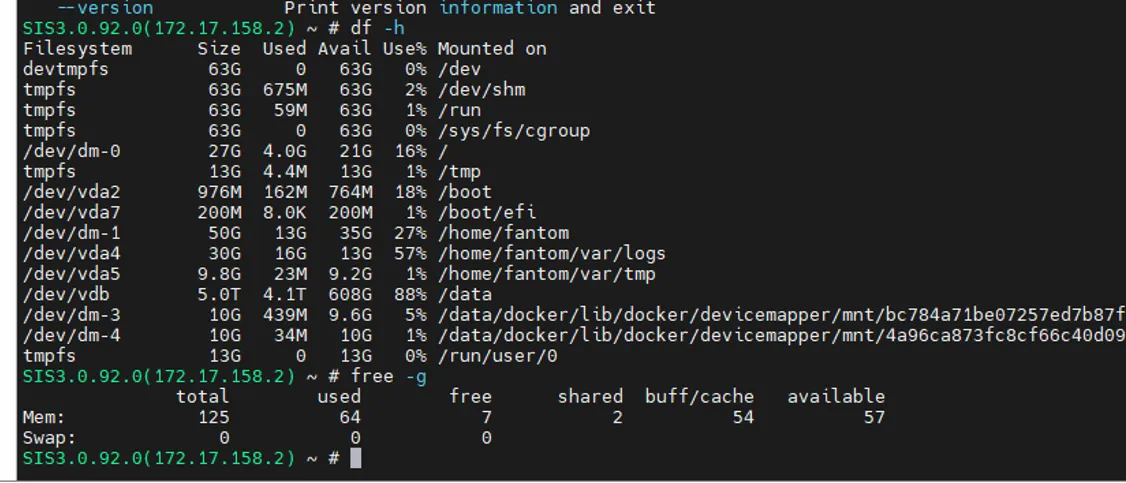
Step 6: Check RAM usage
Command: free -g

Root Cause
Due to GoldenEye data is too big, causing query time-out.
Solution
Find R&D to optimize speed and resource for GoldenEye module, reduce storage day for GoldenEye.