
【ES】Best Practices: Quick Installation of Agent based on P2P_V3.7.12
Introduction
Scenario
It is suitable for rapidly deploying Endpoint Secure Agent to endpoints in large quantities. It is a multi-threaded download. Endpoints without Agent installed in the same network segment can support downloading components from multiple endpoints that have installed Agent. Agent endpoints not upgraded in the same network segment can download components from multiple endpoints. An upgraded Agent endpoint downloads components to complete its Agent installation or upgrade.
P2P installation improves the efficiency of download and installation. It reduces the load on the Manager during upgrades, optimizing the download speed, and solves the method of downloading components from a single channel (Endpoint Secure Manager). It is recommended to enable it when the intranet bandwidth is sufficient.
Requirements
-
The intranet needs to have a larger bandwidth, or it will become the bottleneck of P2P deployment, and the upgrade may affect the network communication of the intranet.
-
The intranet does not isolate the communication between different endpoints.
Principle
-
PC1: When installing Endpoint Secure Agent, obtain and install the Agent Database Update package from the Manager.
-
PC1: After the installation, apply to become a seed node. Add PC1 into the seed node list on the Manager.
-
PC2: When installing the Endpoint Secure Agent, query the Endpoint Secure Manager for the seed list to see if there are any seed nodes.
-
Endpoint Secure Manager: Query the seed list. If the PC1 seed node is in this network segment, issue a P2P policy to PC2. PC2 downloads resources through PC1.
-
PC2: After receiving the P2P policy, obtain and install the Agent Database Update package from PC1 and apply to become a seed node.
Best Practices
Configuration Steps
-
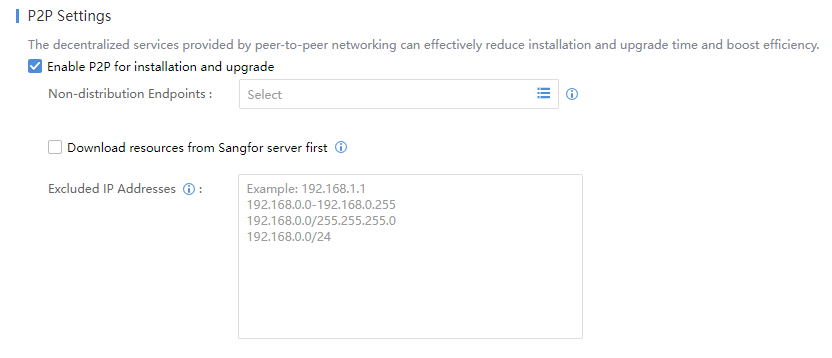
Log in to the ES Manager, navigate to System > System > Deployment and Upgrade > P2P Settings, and check the Enable P2P for installation and upgrade checkbox.
-
On PC 1, install the ES Agent.

-
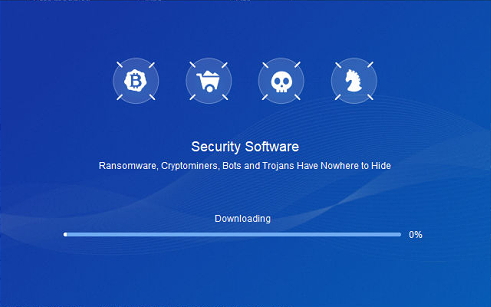
You will notice that the Endpoint Secure Agent installation process is relatively slow during the first installation because when using P2P installation for the first time, many P2P fragments need to be generated on Endpoint Secure Manager, which takes a lot of time.
-
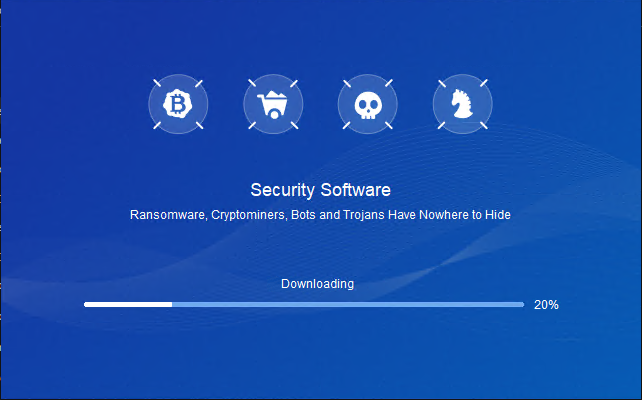
After the fragmentation on the Endpoint Secure Manager is generated, you can see that the Endpoint Secure Agent of PC 1 starts downloading and installing.
-
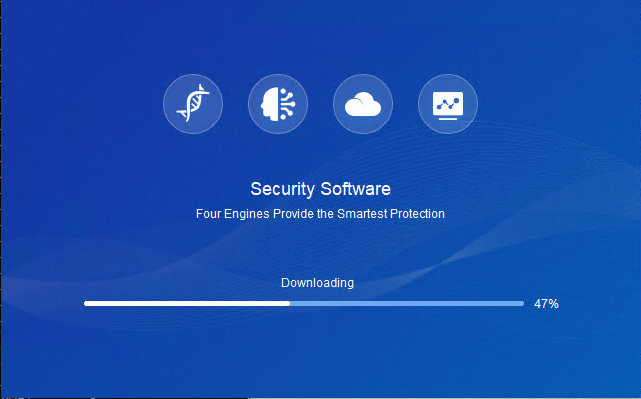
Install Endpoint Secure Agent on PC 2. You can notice that Endpoint Secure Agent installation has become fast.
-
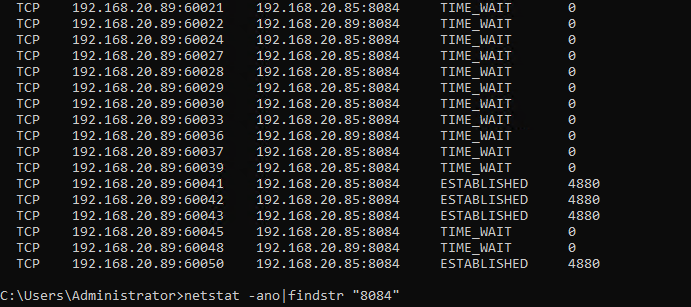
Check the network connection on PC 2. You can see that PC 2 is getting data from PC 1.

Precautions
-
Quick installation of agent based on P2P not available in DHCP scenario.
-
If no one visits a certain seed for three consecutive days, the seed will become invalid.
-
Request bandwidth: single seed request limit 1MB/s.
-
Distribution endpoint bandwidth: The seed node supports up to 4 requests at the same time when distributing seeds. If exceeded, the maximum outbound is =4*1MB/s=4MB/s.
-
Download endpoint bandwidth: The download limit is six requests simultaneously, max inbound=6*1MB/s=6MB/s.
-
Seeds: Unlimited number. Seed occupancy upper limit: 1024M.
-
Seed network boundary: ip+netmask matching can be regarded as the same layer 2 network, not limited to A B C class URLs.
-
The relationship between platform update and P2P configuration: the number of endpoints for Concurrent Updates is less than 50, then P2P equals 50; the number is 50 to 200, then P2P will be the same; the number is more than 200, then P2P equals 200.
-
Endpoint upgrade failed: the endpoint will automatically retry at the same time the next day.
-
Endpoint upgrade status: Not started > Waiting > Ongoing > Completed (just pay attention to the proportion of Not Started).
-
P2P effective time point: When the installation/upgrade is triggered, it will obtain the download segment and take effect only if the endpoint in the same network segment has seeds.