
【ES】SaaS Endpoint Secure License Application Guide_All Versions
For Sangfor Engineer
-
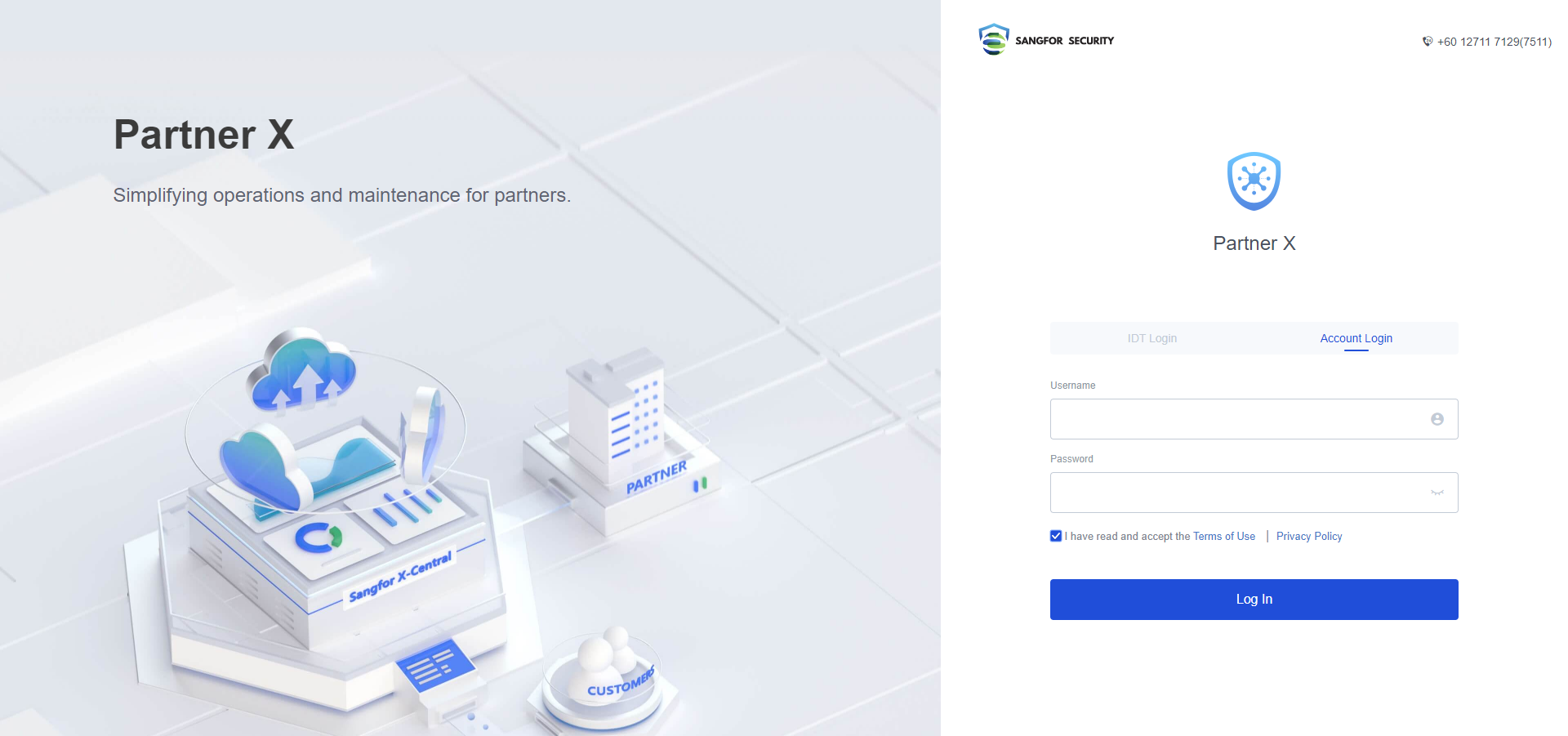
Log in to https://partner.sangfor.com/#/login. The Endpoint Secure HQ team provides the account, each office assistant will have one.
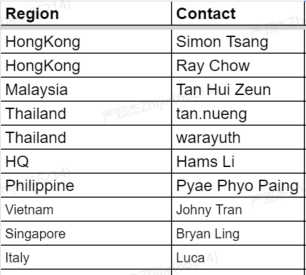
- Only authorized personnel in each region can apply for the trial license. Please get in touch with them.
POC License Application
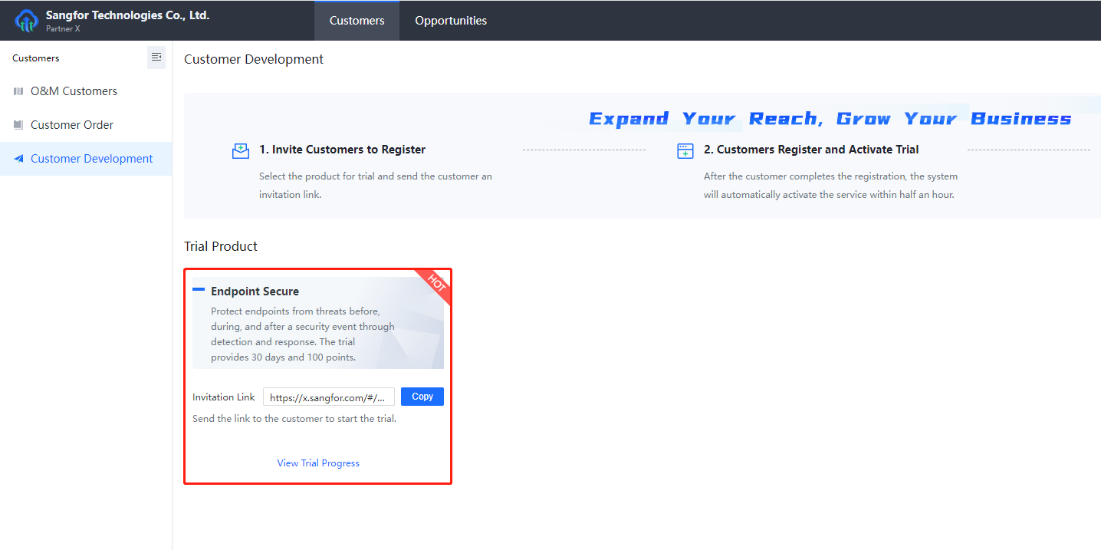
If you want to provide customers with licenses for POC projects. After logging in, navigate to Customers > Customer Development, and copy the Invitation Link under Endpoint Secure. Share the link with customer partners or customers.
Official License Application
- If you want to provide customers with official licenses, you can fill in the information according to the customer’s orders.
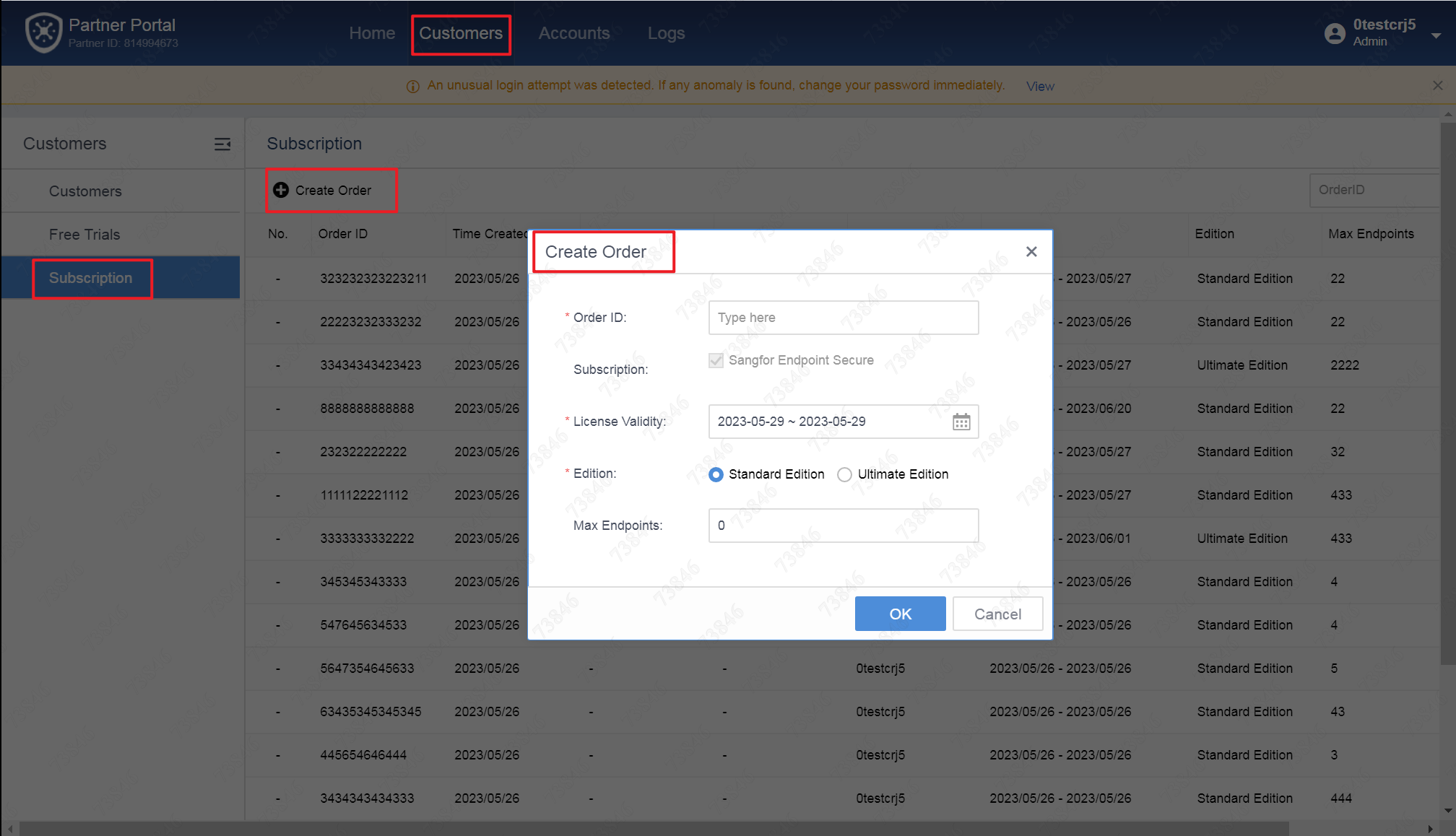
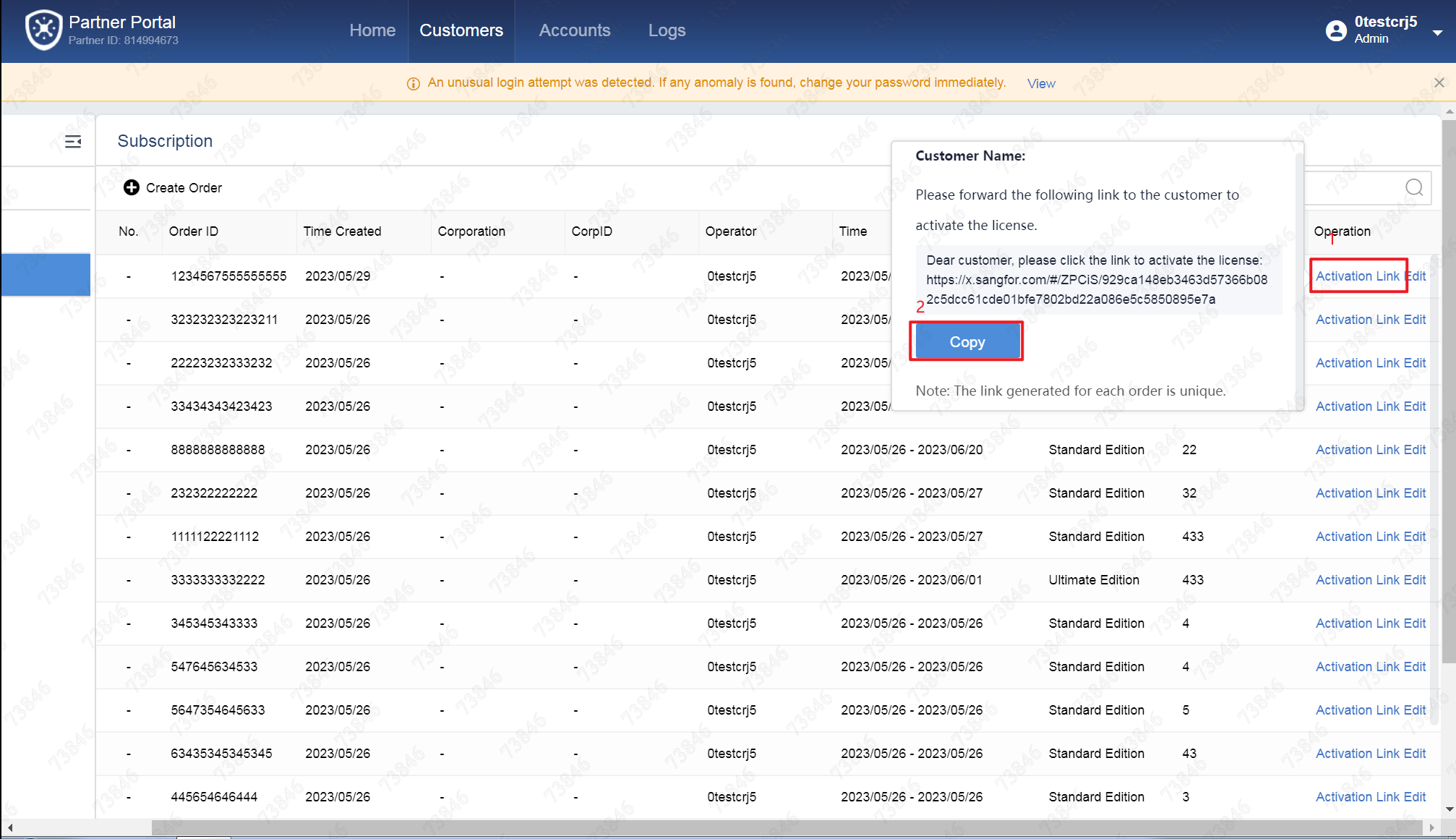
Find the order, click the Activation Link, copy the activation link, and send it to the customer or partner.
For Customers and Partners
Without Platform-X Account
-
Open the self-application link in the browser.
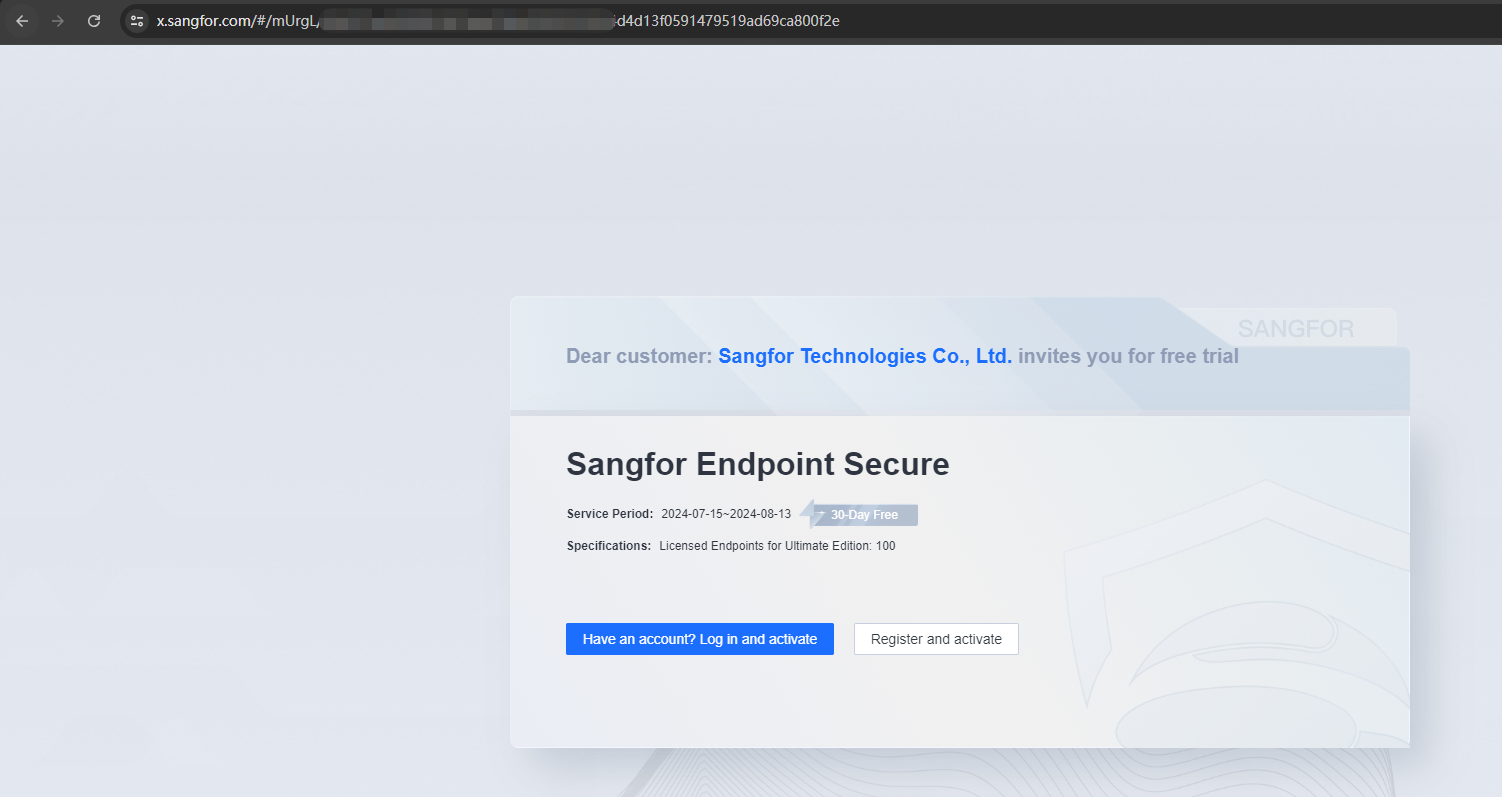
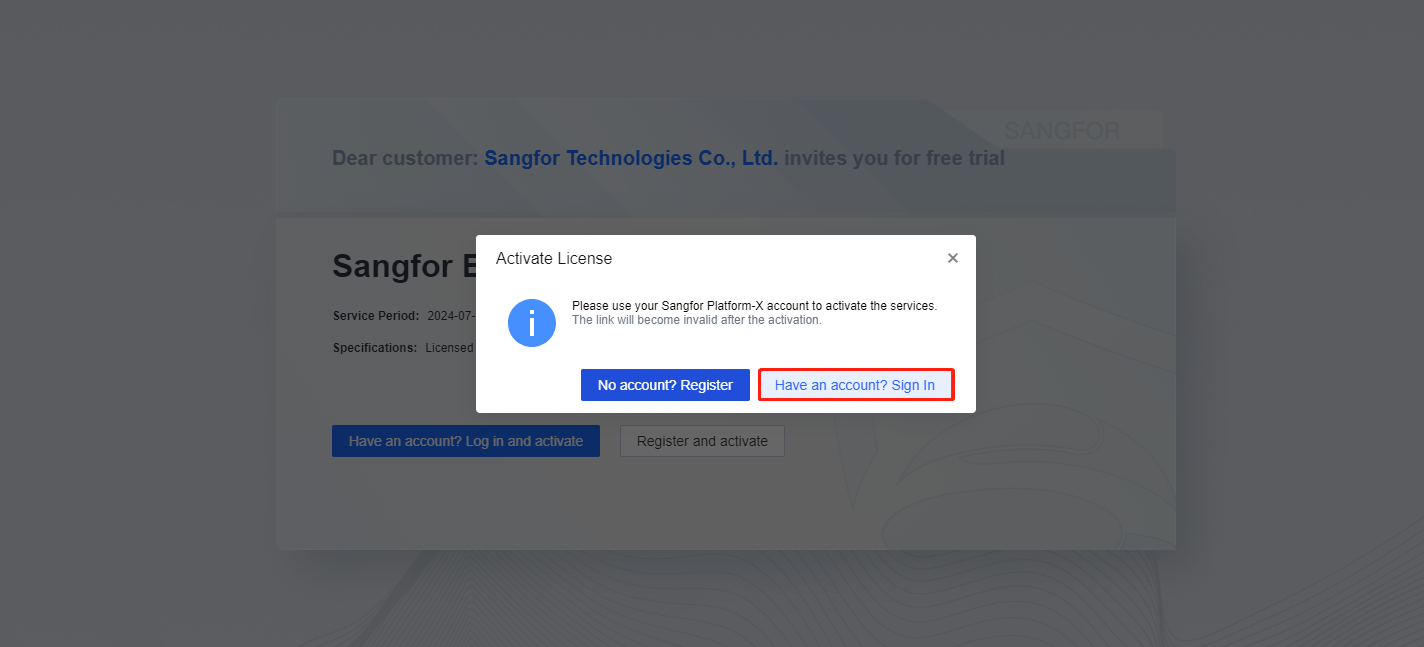
Select the corresponding application method according to the actual situation. If you already have a Platform X account, you can select Have an account? Log in and activate. You can select Register and activate if you do not have a Platform X account.The following steps explain the process for those who do not have a Platform X account:
- Fill in user information.
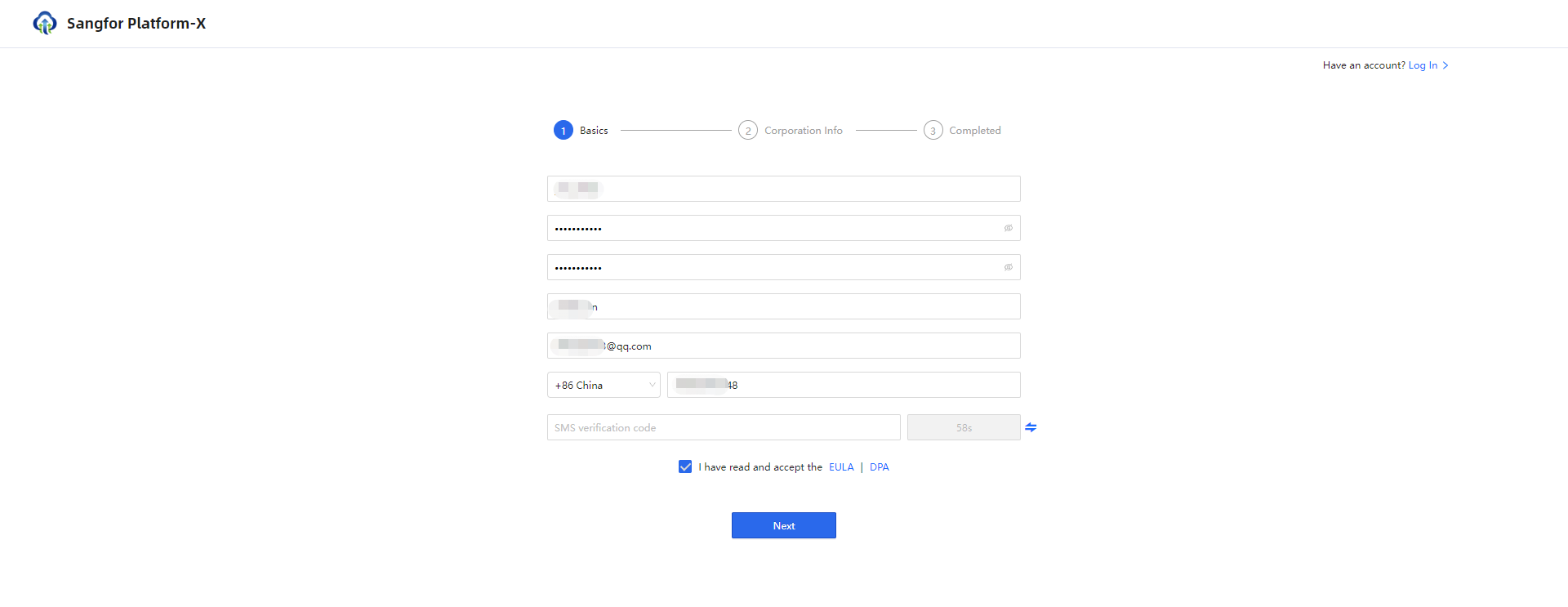
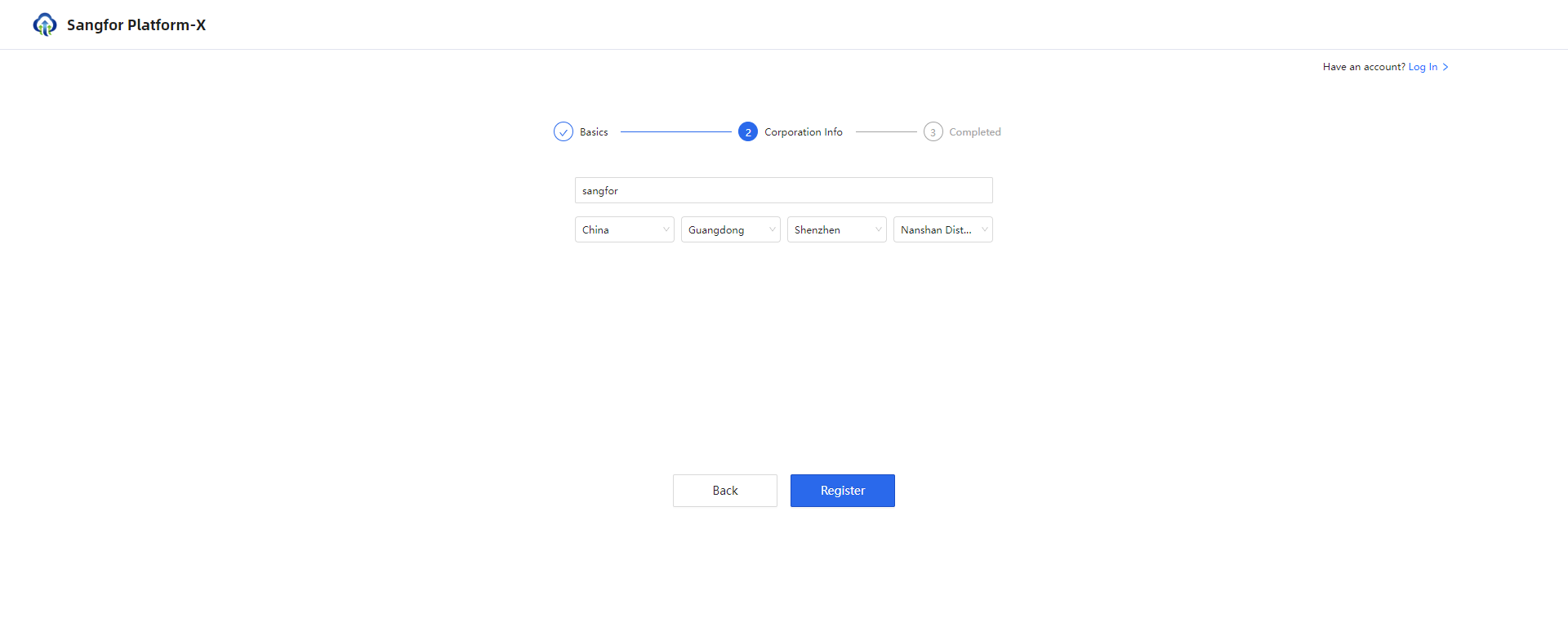
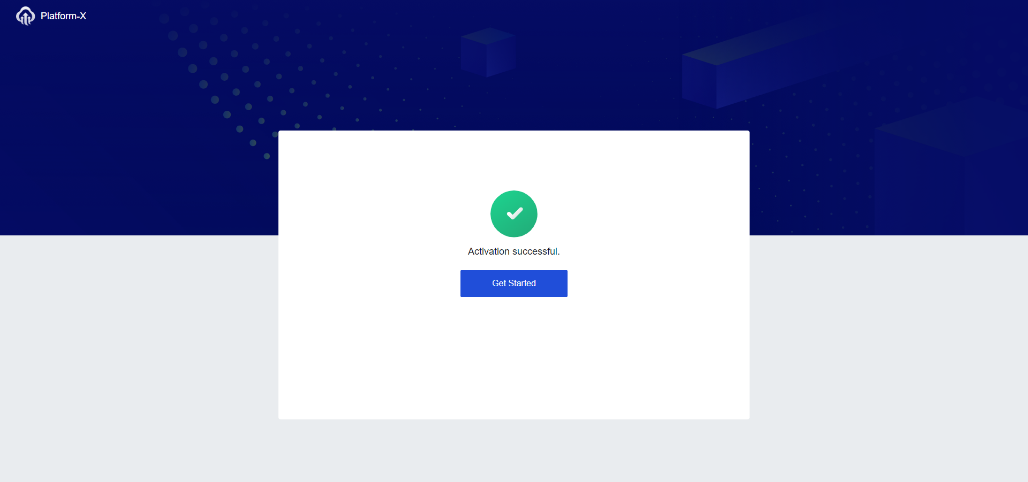
After submission, you will see that the account has been created.
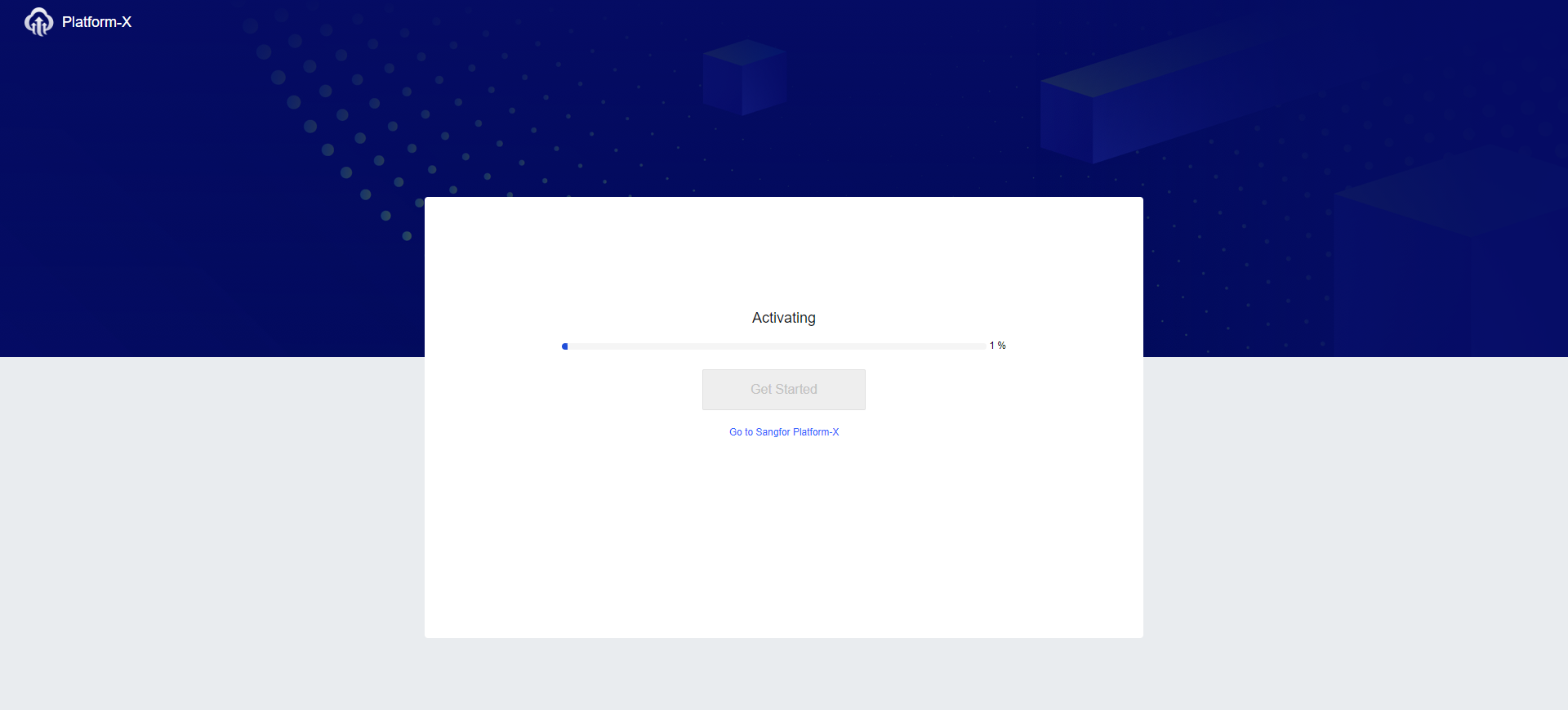
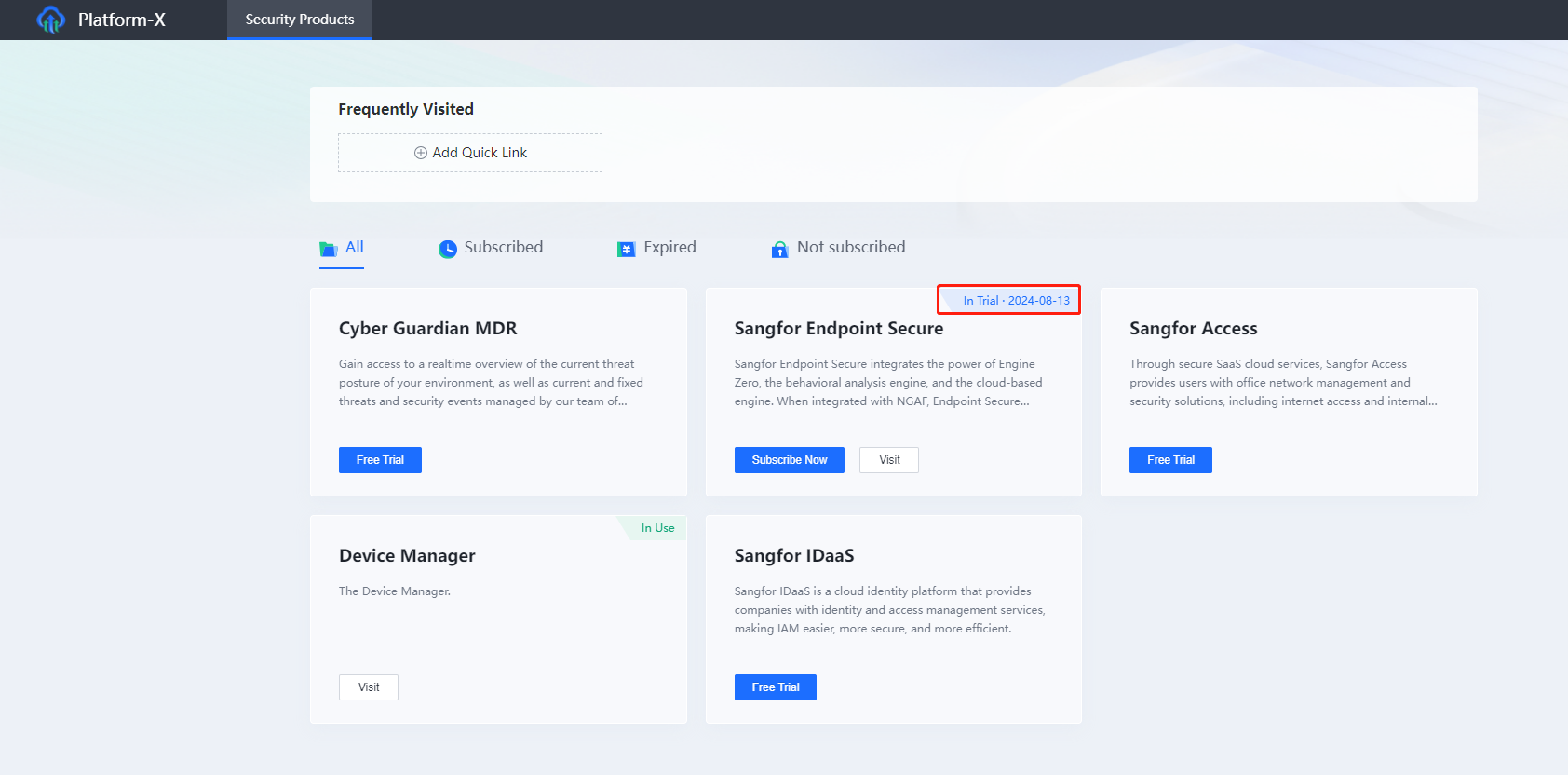
Click Get Started, then you have logged in to the Platform X platform successfully, and the SaaS Endpoint Secure has been created with a one-month trial period.
With Platform-X Account
- Open the self-application link in the browser.
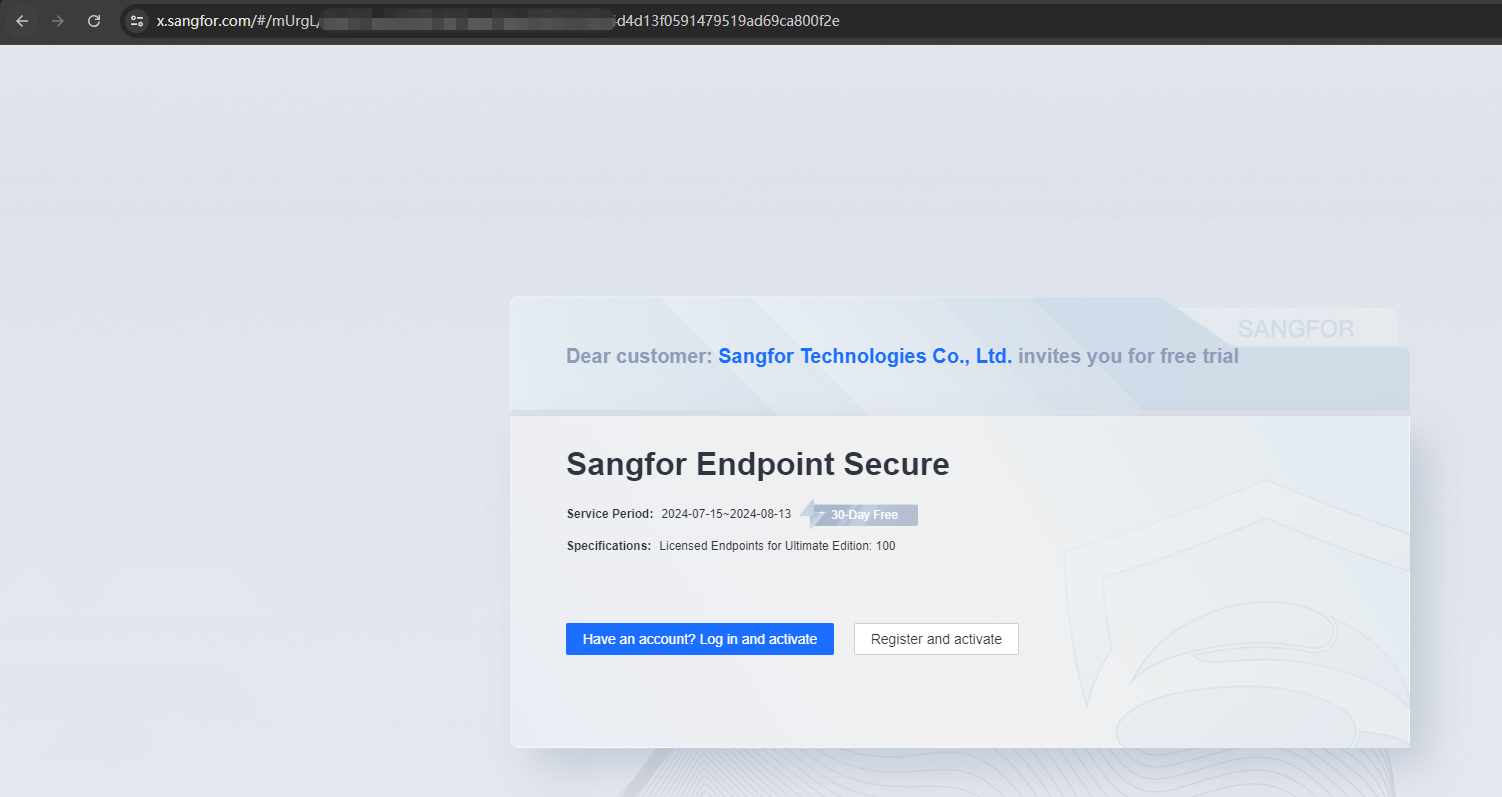
Select the corresponding application method according to the actual situation. If you already have a Platform X account, you can select Have an account? Log in and activate.
-
The following steps explain the process for those who already have a Platform-X account:
-
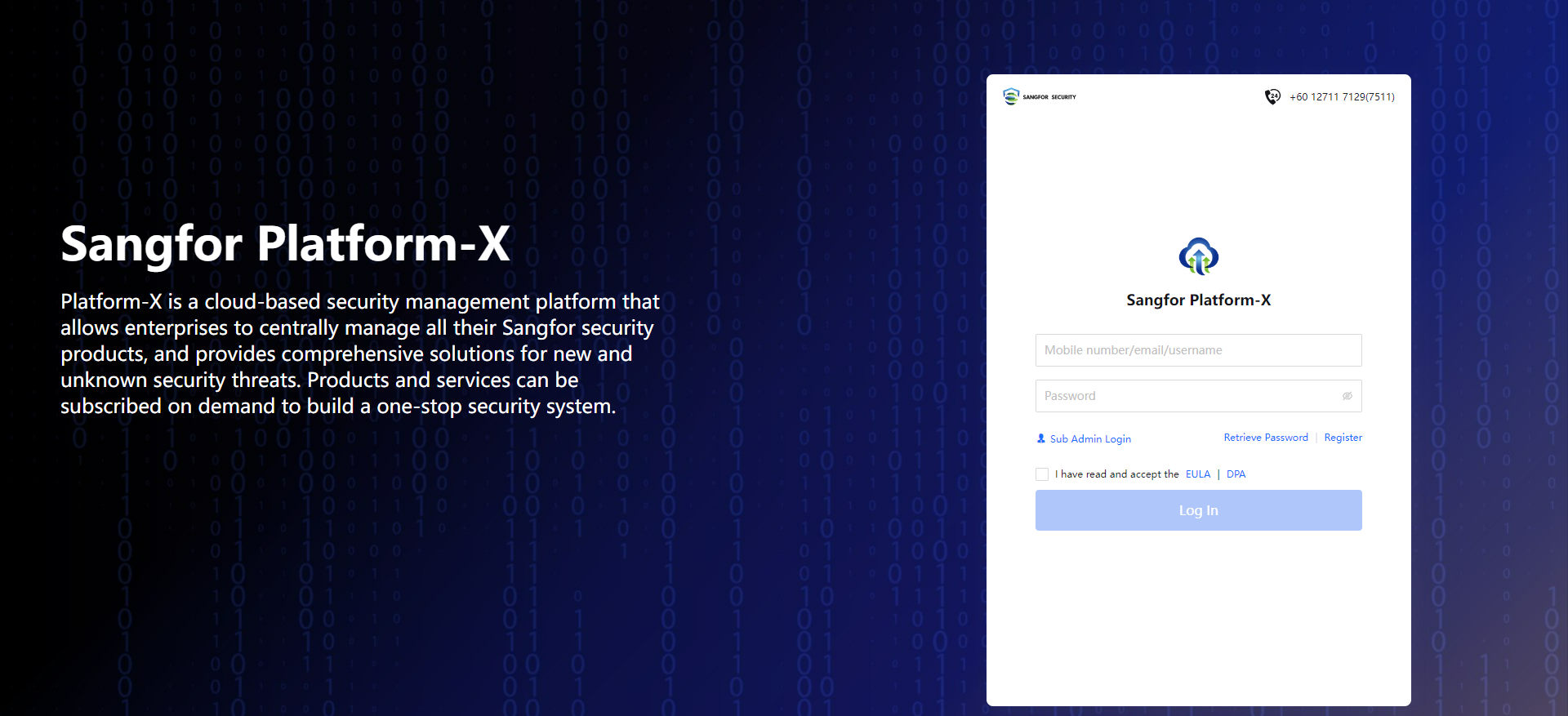
Log in with your Platform X account.
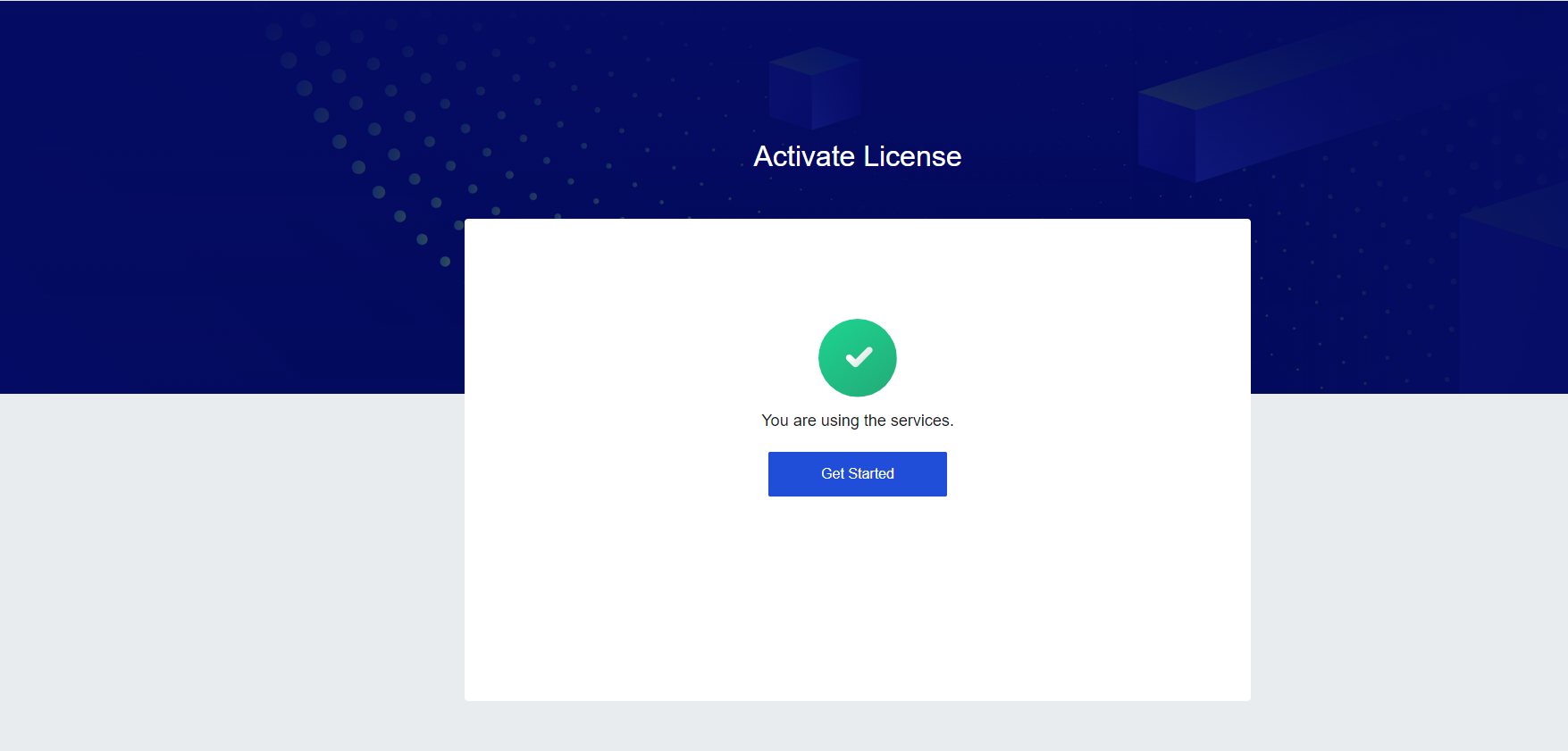
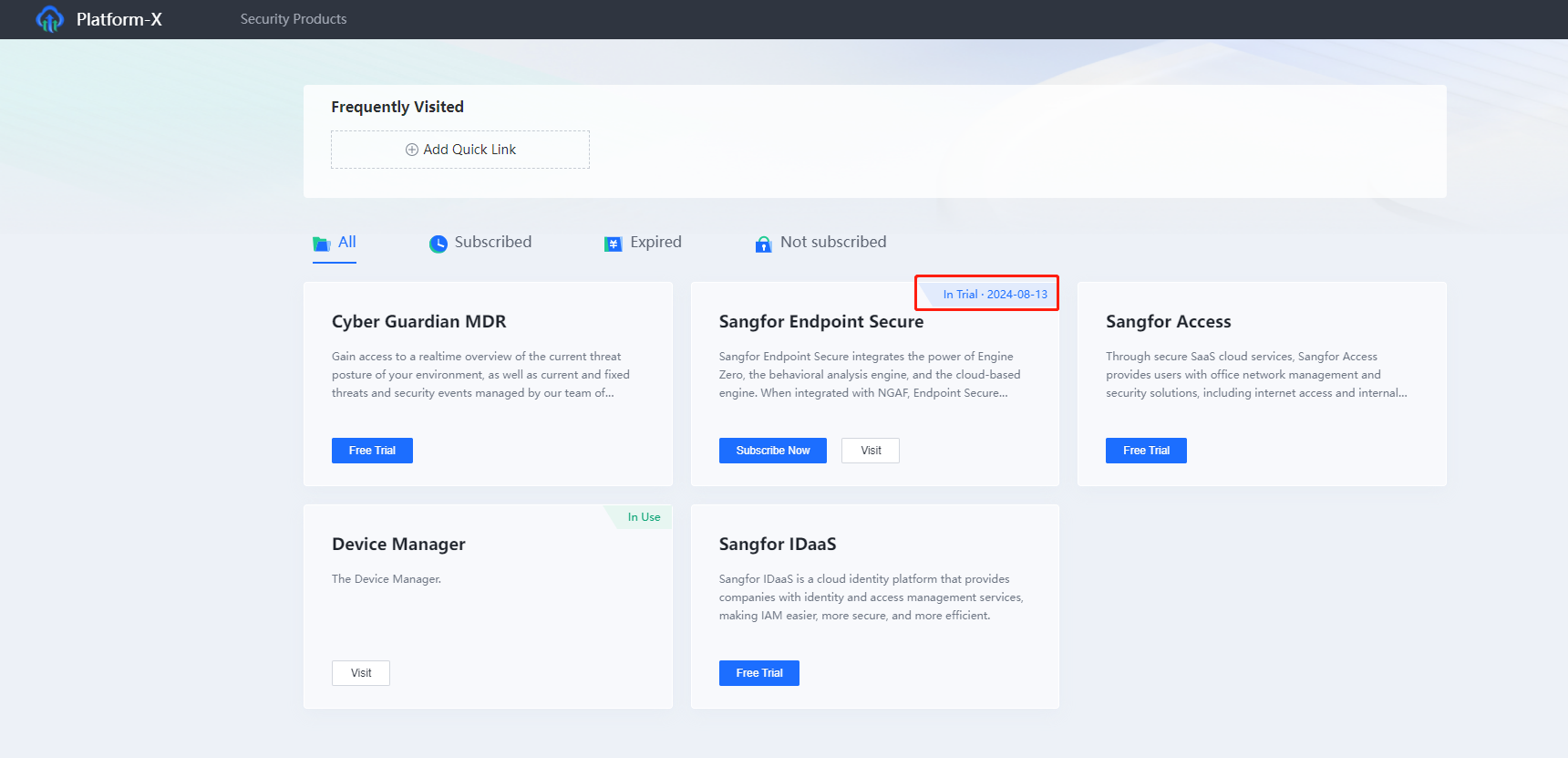
Click Get Started. You will see that SaaS Endpoint Secure has been activated with a one-month trial period.
Other Instructions
If you need to extend the trial license, please contactXaaS授权开通业绩转正 on Wecom.
If you want to change the trial license to official license, please contact XaaS授权开通业绩转正 in Wecom.
This document is only applicable for the SaaS Endpoint Secure license. Please apply on the W3 portal or contact the delivery department for the on-prem version.