【ES】Third-party EDR Uninstallation_V6.0.4R2
Background
When deploying an Endpoint Detection and Response (EDR) solution, automatically uninstalling other vendors’ EDR tools is critical to ensure system security, stability, and performance.
Avoiding Conflicts and False Positives: Running multiple EDR solutions simultaneously may lead to conflicts between detection mechanisms, resulting in false positives or missed detections. Different EDR tools may compete to access the same system resources, disrupting normal detection and response processes.
Improving System Performance: EDR tools require system resources for real-time monitoring and analysis. Installing multiple EDR solutions can cause resource contention, significantly affecting system performance and diminishing the user experience.
Simplifying Operational Management: Each EDR product has its own management and maintenance methods. Running multiple tools concurrently increases operational complexity. Automatically uninstalling redundant EDR tools helps streamline management, reduce operational costs, and enhance efficiency.
Ensuring Installation Integrity: Uninstalling old tools while installing a new EDR prevents file or driver conflicts, ensuring the new EDR is fully deployed and functions correctly.
Therefore, automatically uninstalling other vendors’ EDR tools is essential for ensuring the proper operation of the new solution, reducing security risks, and providing businesses with a more efficient and reliable endpoint protection strategy.
The Supported Third-party EDR Uninstallation List
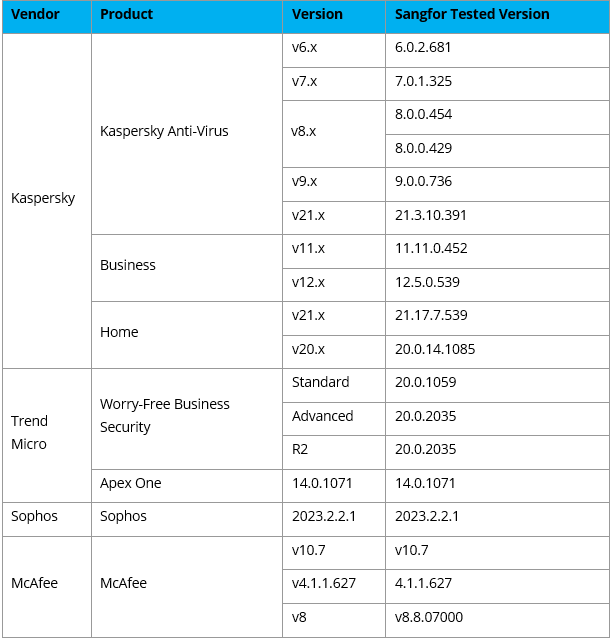
Sangfor Endpoint Secure supports uninstalling the following third-party EDR software and versions while installing the Sangfor ES Agent.
Configuration Steps
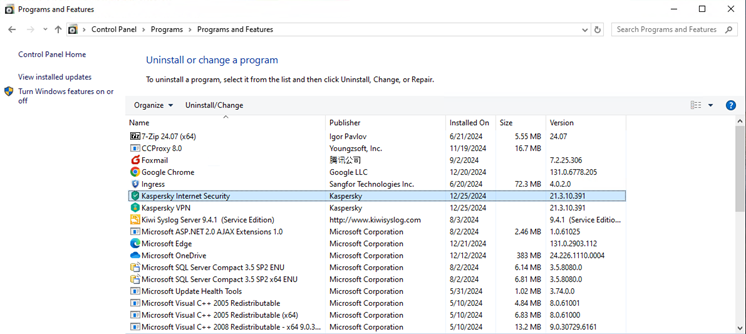
- Check the third-party EDR software and versions installed in the operating system and confirm whether they are in the list of third-party EDRs that can be uninstalled.
- Modify the file name of the agent installation file and add the suffix _RTS at the end. It will uninstall the third-party EDR when the agent is installed. Otherwise, it will not uninstall the third-party EDR.

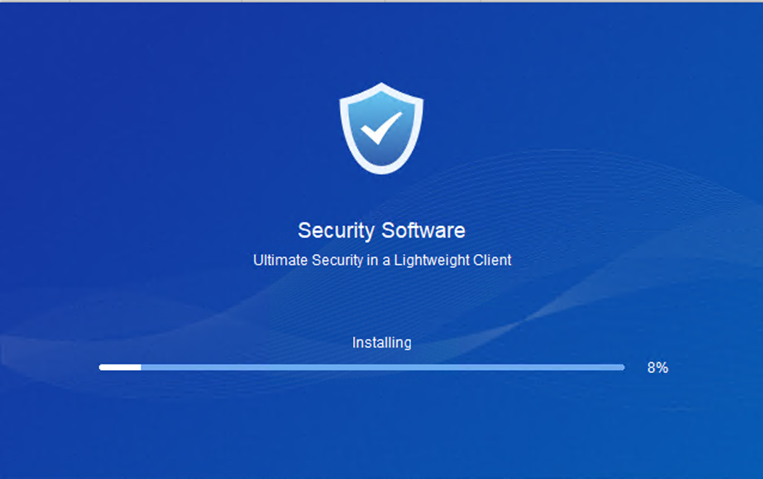
- Execute agent installation.
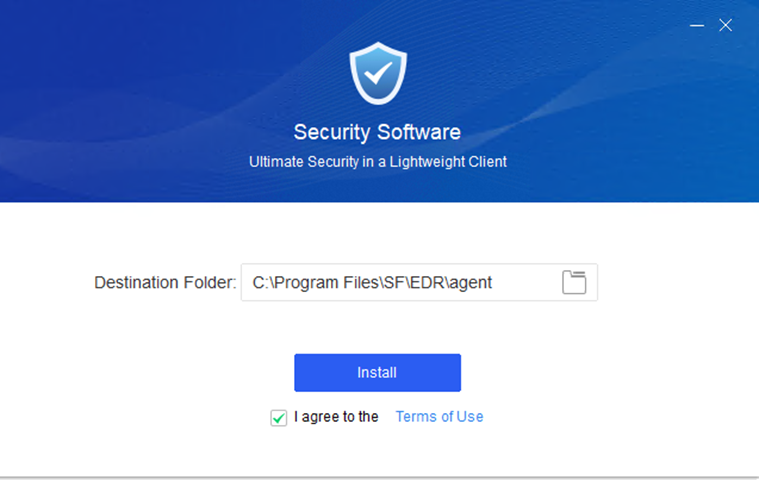
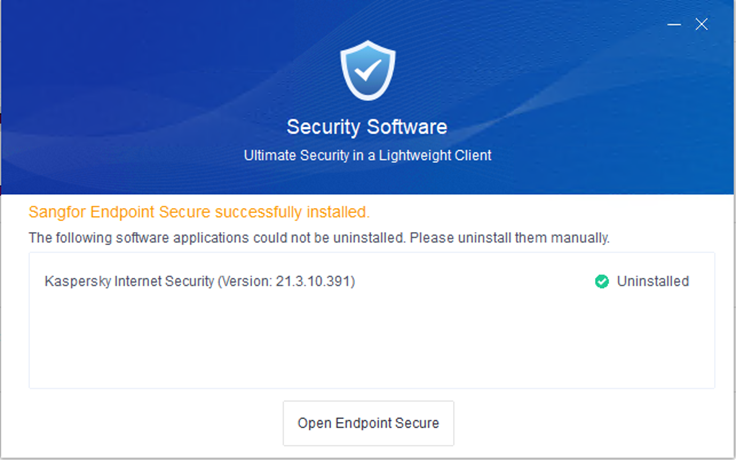
- During the installation process, if EDR detects any third-party EDR software, a prompt and an Uninstall button will appear.
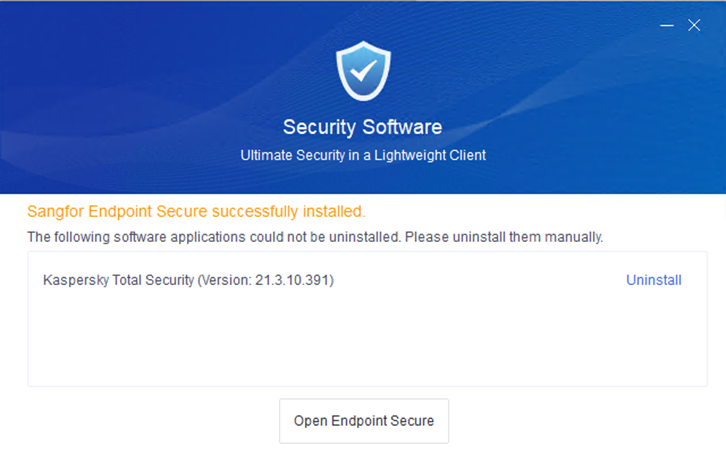
- Click Uninstall to start manually uninstalling the third-party EDR.
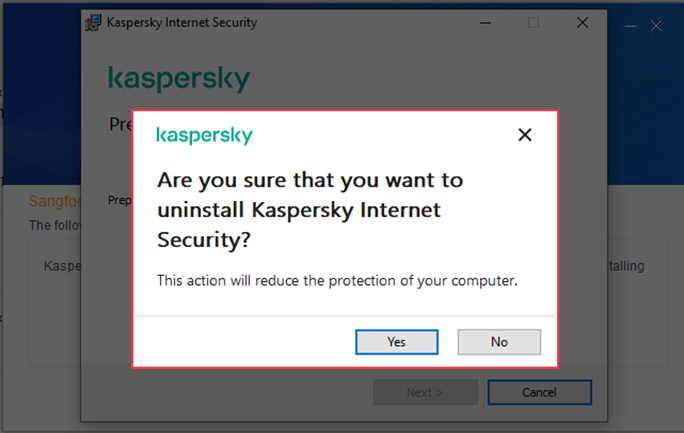
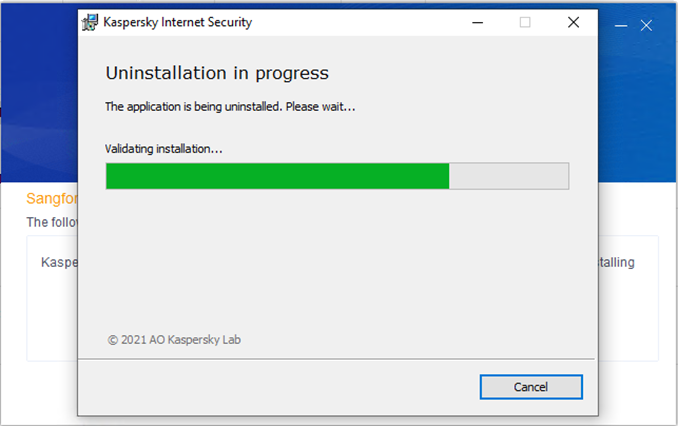
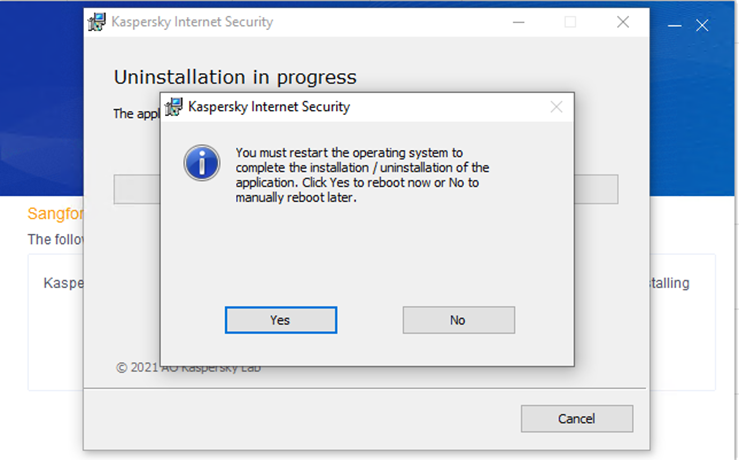
- After the third-party EDR is uninstalled, click Open Endpoint Secure to see the Endpoint Secure agent page.