
“` 【ES】CentOS 7 client installation of agent failed, prompting /lib/ld-linux.so.2: bad ELF interpreter: No such file “`
Problem Description
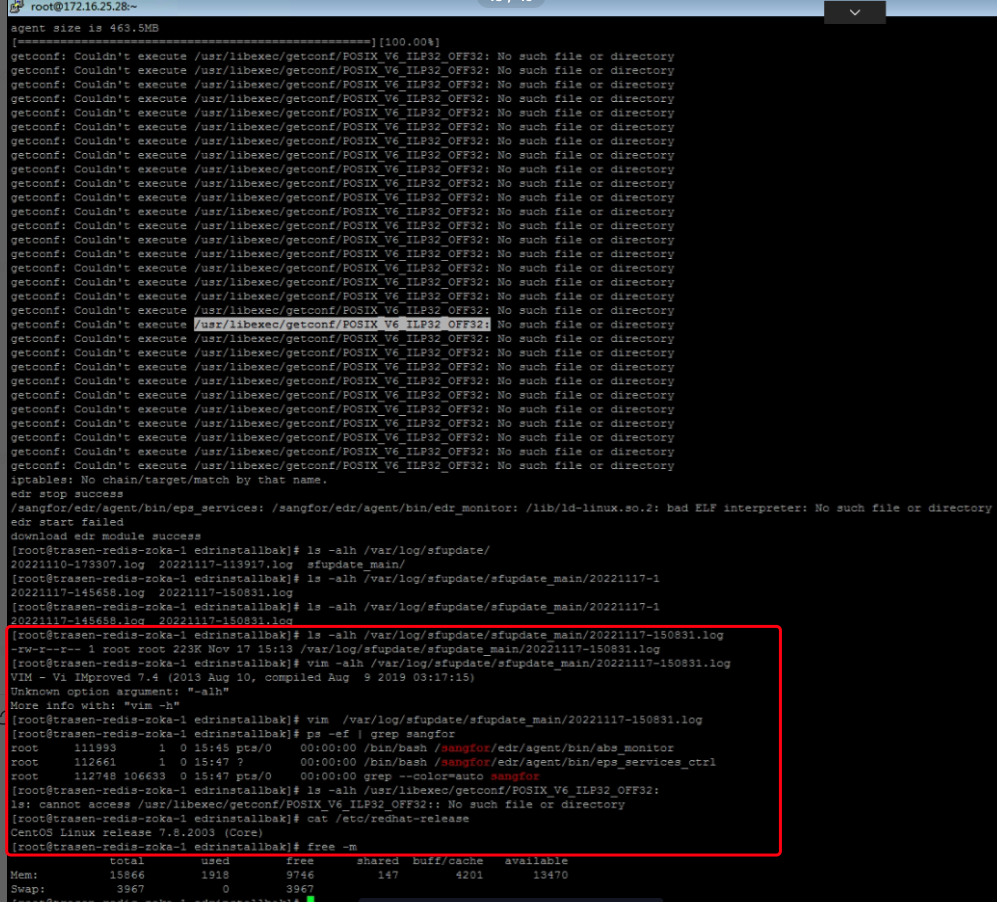
centos7 client installation of agent failed, indicating /lib/ld-linux.so.2: bad ELF interpreter: No such file.
Alarm Information
Effective Troubleshooting Steps
- Check the number of terminals, there are 4 or 5 exceptions, only some are abnormal.
- The problem persists even after reinstalling the download; checked that memory and other resources are normal.
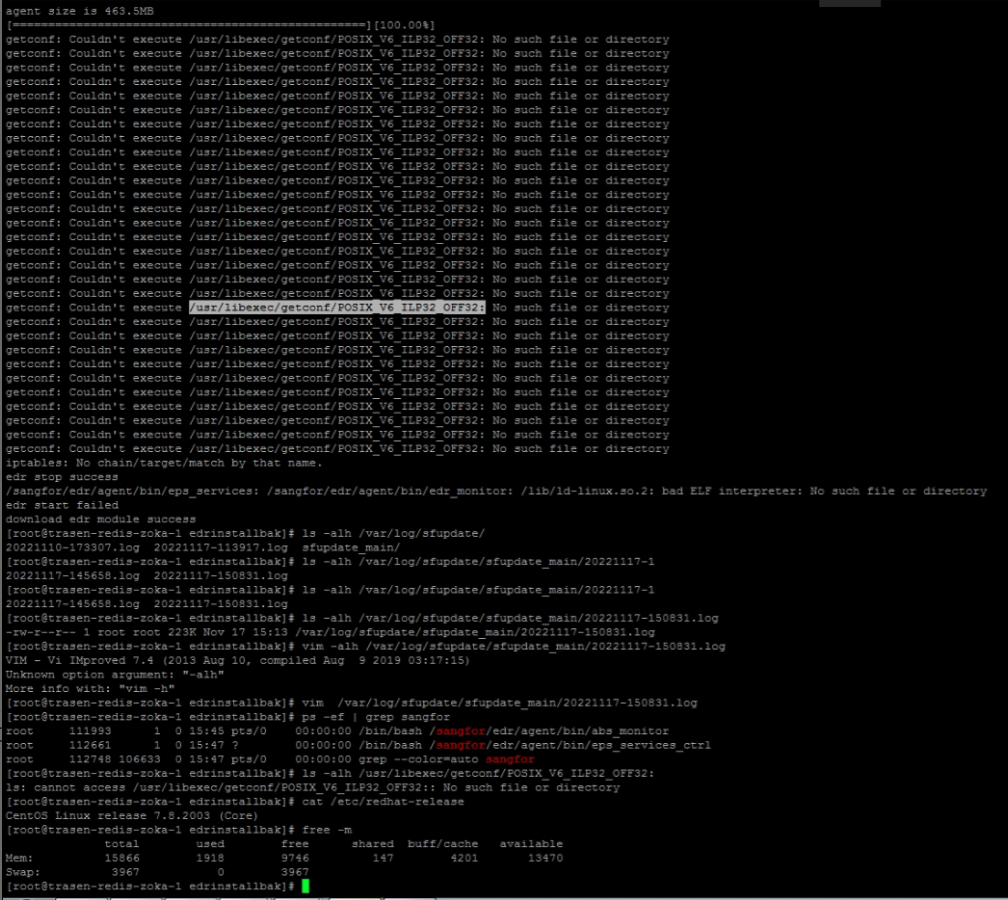
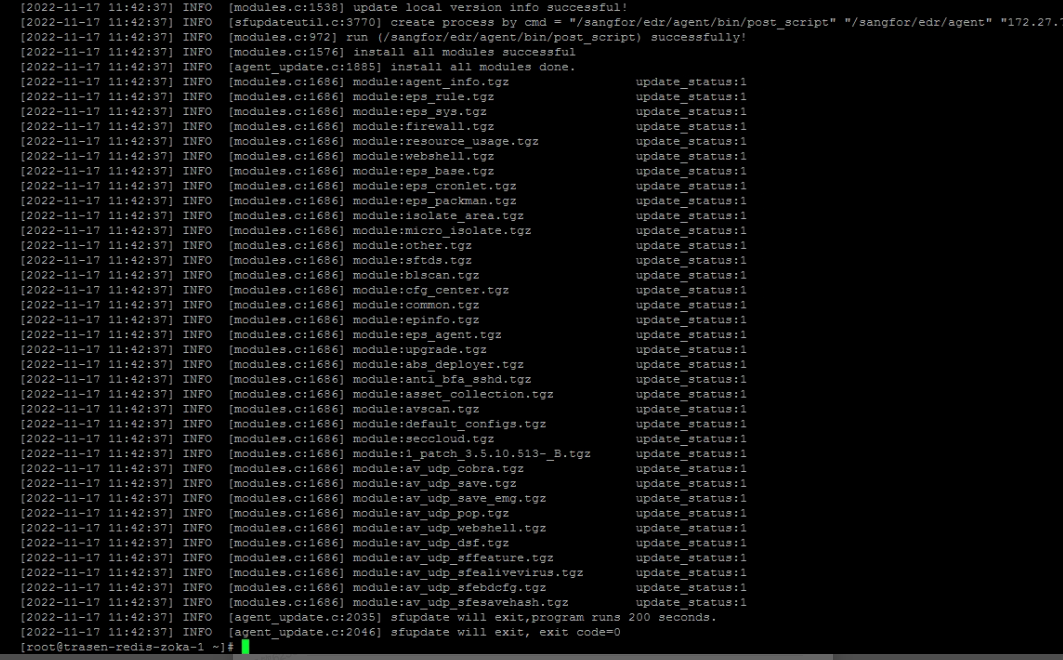
- After installation is complete, check the log to ensure everything is normal.
- Manually starting the ES process will also result in an error: /lib/ld-linux.so.2: bad ELF interpreter: No such file.
- Online search revealed that the error occurred during the installation of ES, where it incorrectly obtained the system's bit version. The current system is 64-bit, but ES obtained the system version as 32-bit through getconf LONG_BIT.
Root Cause
The ES obtained 32-bit through getconf LONG_BIT, but actually it is 64-bit when checked with uname -m; installed the wrong package;
Solution
Reference: https://www.cnblogs.com/gudaozi/p/8431493.html Solved
Please communicate with the user before making any changes, and try to avoid impacting business operations during regular hours.
Execute on the Linux terminal:
cd /usr/libexec/getconf/
mv default default.bak
In POSIX_V6_LP64_OFF64, the default is used.
Original Link
https://support.sangfor.com.cn/cases/list?product_id=16&type=1&category_id=2906&isOpen=true