
After clicking on the installation of the ES platform for ISO, the monitor flashes and the signal output is abnormal, resulting in no image.
Problem Description
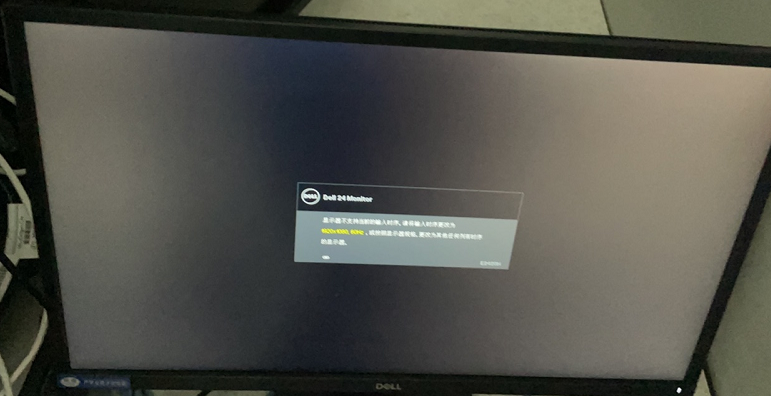
After clicking on the installation of the ES platform for ISO, the monitor flashes and the signal output is abnormal, with no image displayed. It prompts that the resolution is abnormal and operation cannot be performed.
Root Cause
We automatically install the Ubuntu system at the ISO level. When installing the Ubuntu system, it will prompt for this and require the Ubuntu system installation solution, otherwise the monitor will have no signal.
Solution
- Reference system installation plan.
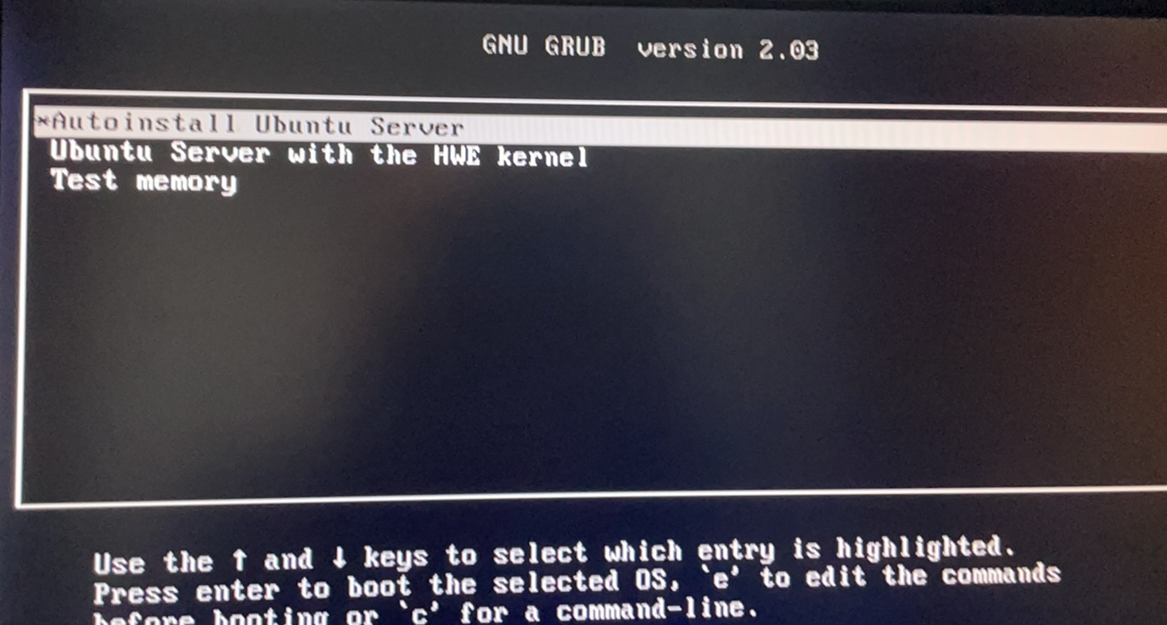
- On this page, perform the following operations: when selecting the system, press "E" on the keyboard, go to the line with "linux", add "nomodeset" at the end (after "nomodeset" there is a mouse pointer, not an underscore, there are three of them by default, ignore them), then press "F10" to save and enter the system for normal installation. Just need to add nomodeset at the end, no need to add anything else.
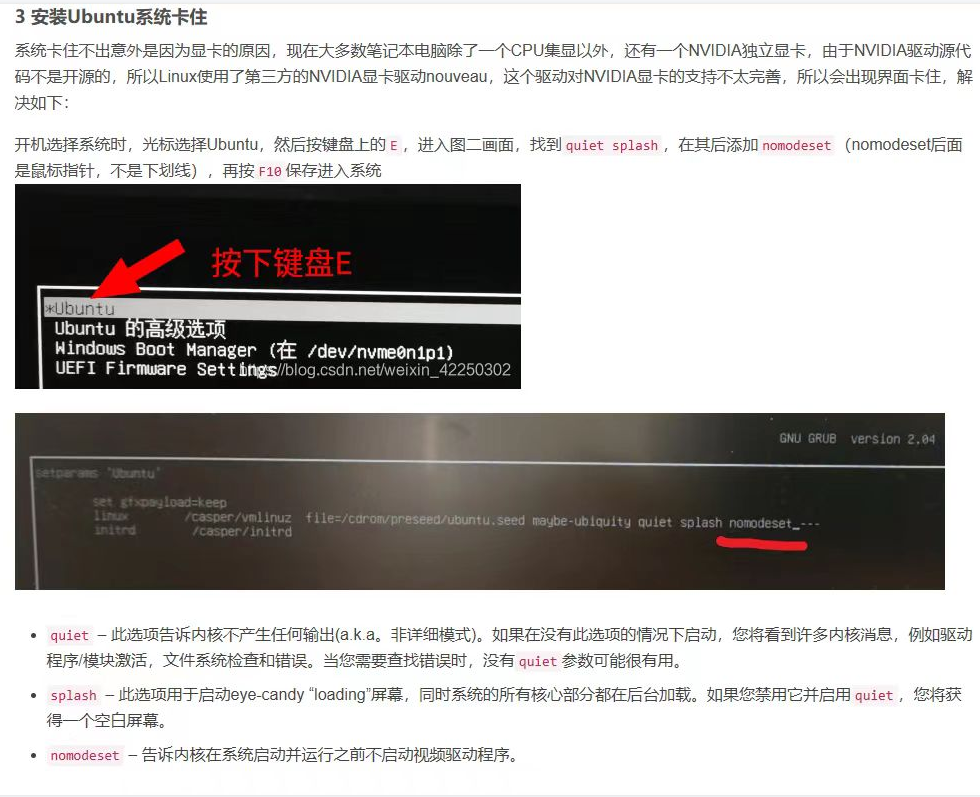
- After installation is complete, restart the server. Follow the same steps as above: when selecting the system, press E and add the nomodeset parameter to the line with "linxu". The monitor will then enter the normal display startup. Subsequently, you can configure the network card address and perform other operations.
Original Link
https://support.sangfor.com.cn/cases/list?product_id=16&type=1&category_id=25404&isOpen=true