
Endpoint Discovery is not working
Issue Description
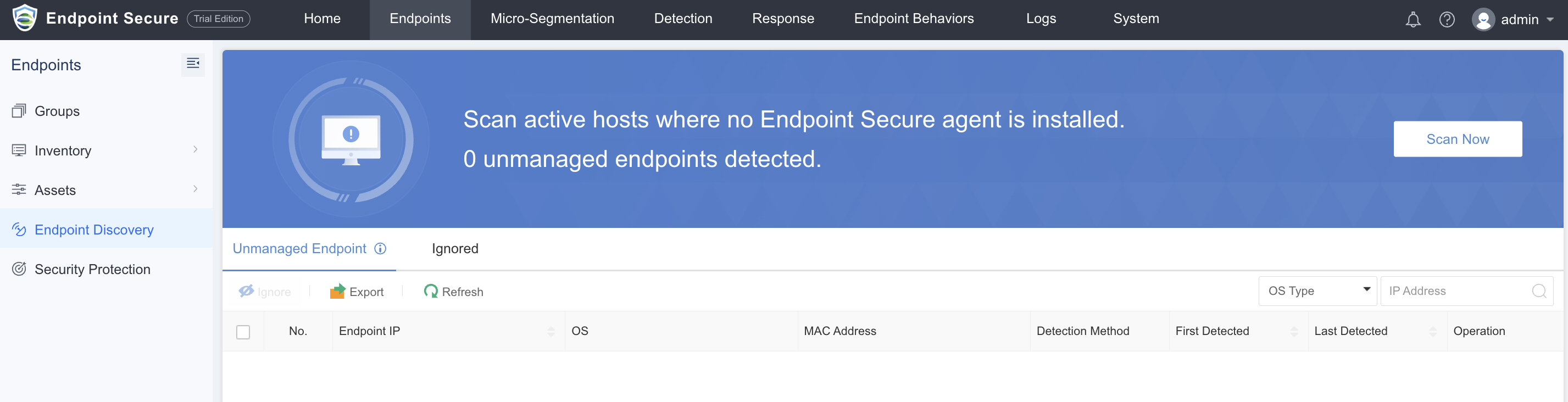
User had configured Endpoint Discovery on the Endpoint Secure manager that uses the Linux agent for scanning but the scan finishes and no result appears.
Error/Warning Information
Handling Process
-
Manual Execution of Endpoint Discovery Scan
- Command:
/sf/edr/agent/bin/nmap $2 -O --osscan-guess $1 - Usage:
$1: IP Range
$2: 0 for TCP, 1 for UDP - Example:
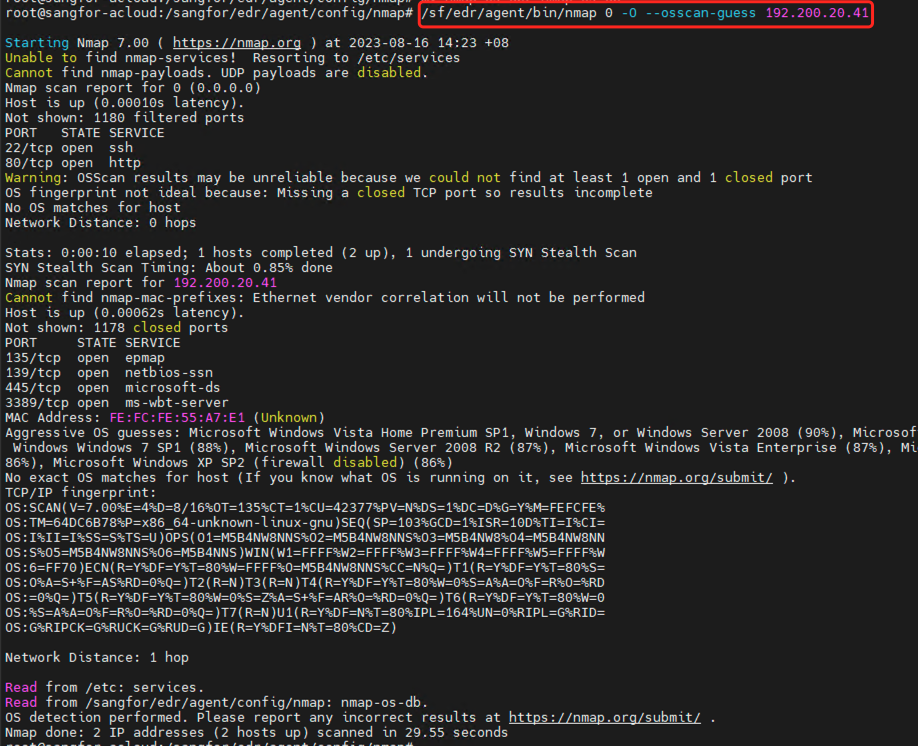
/sf/edr/agent/bin/nmap 0 -O --osscan-guess 192.200.20.41
- Command:
-
Execute manually prompts the following error message. "OS scan requested but I cannot find nmap-os-db file. It should be in /sangfor/edr/agent/config/nmap, ~/.nmap/ or . QUITTING!"

-
Manually create the following directory (if not exists).
Command:mkdir -p /sangfor/edr/agent/config/nmap/ -
Copy the nmap-os-db into the new directory.
Command:cp /sf/edr/agent/config/nmap/nmap-os-db /sangfor/edr/agent/config/nmap/ -
Tried execute the command from Step 1 again, able to execute successfully. (agent’s nmap function is now working normally.)
-
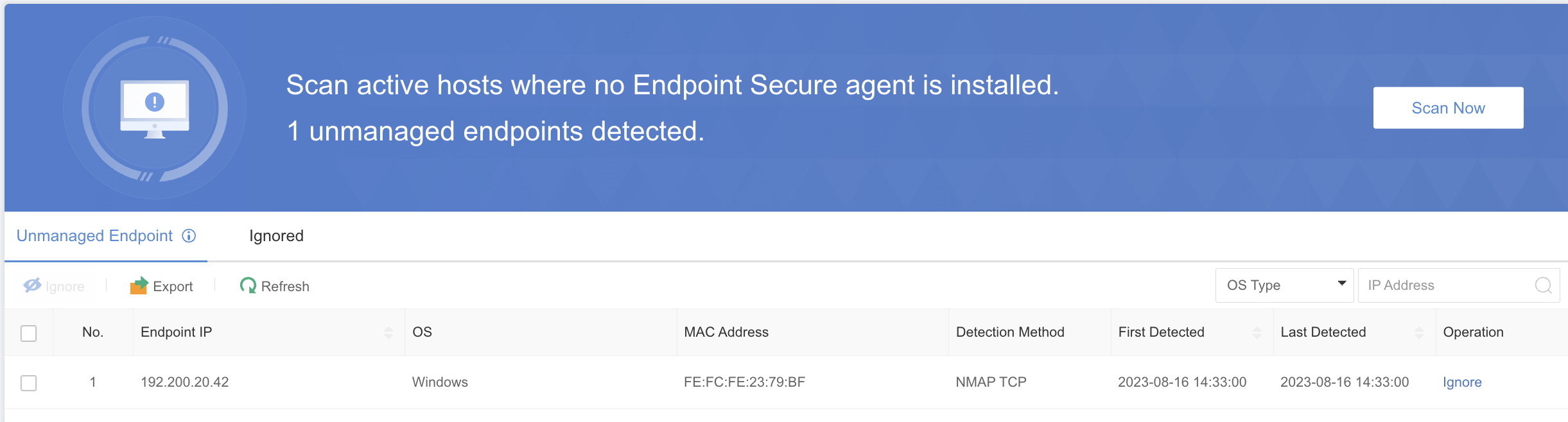
Able to perform Endpoint Discovery scanning from the manager platform normally.
Root Cause
This is a bug on the agent modules.
Solution
Manually create the missing partition and duplicate the nmap-os-db.
Suggestions
This problem will be address on newer version of 3.7.12.