
[ES] After installing the Agent on the terminal, the compiled software cannot run the code properly.
Problem Description
After installing the Agent on the terminal, the software compilation cannot run the code properly.
Alarm Information
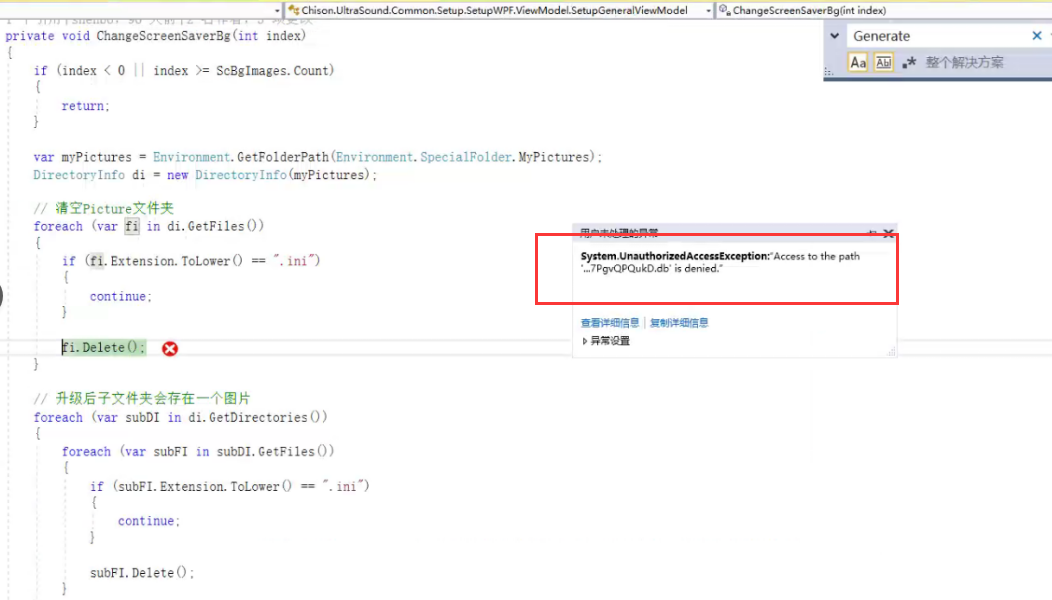
Effective Troubleshooting Steps
- Disable the Agent in ES Manager and re-run the compiled code to confirm that it is caused by ES.
- Temporarily separate the abnormal terminal into a separate group, disable real-time protection, brute force cracking, and webshell detection, and still find that it cannot run normally.
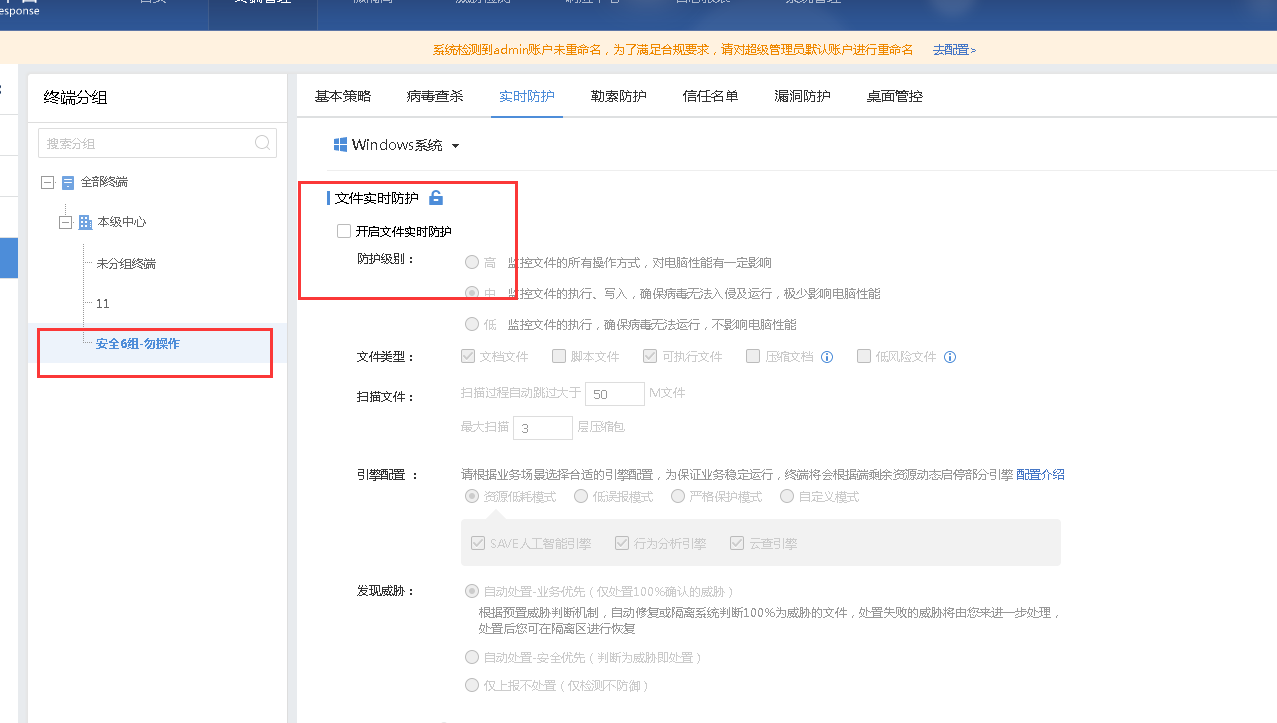
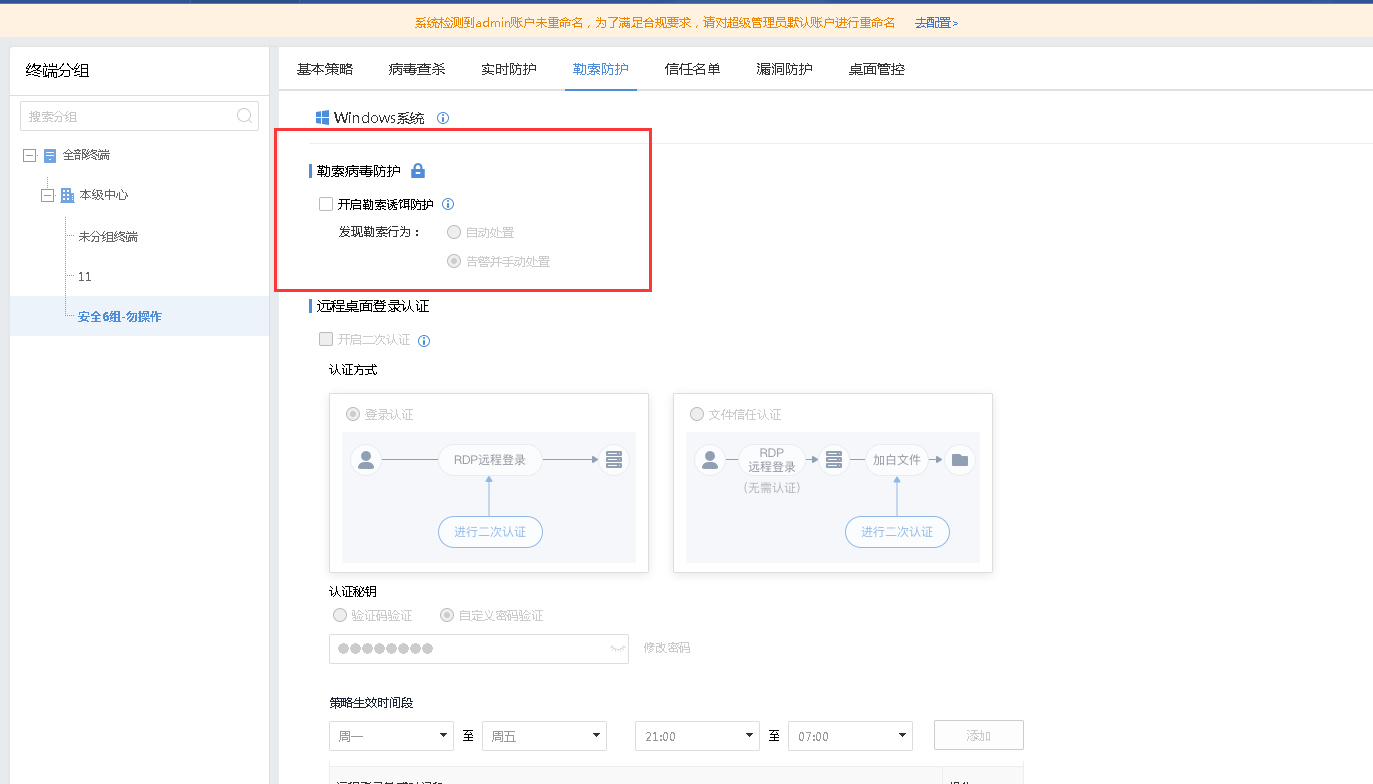
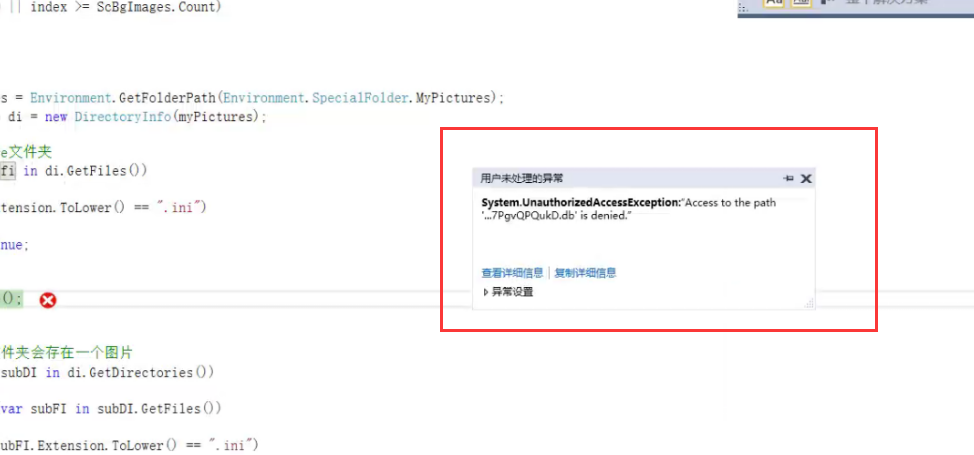
- Through detailed analysis of the specific error message, it was found that there was an error in accessing our ransomware bait file. The ransomware protection was turned off for testing and normal operation was restored.
As an example, in the standard version ES3.5.10 operation path, uncheck the ransomware protection in [Terminal Management] – [Policy Center] – [Ransomware Protection], and lock the small lock icon next to it.
Root Cause
Compiling the code modified the ransom bait file, resulting in an error.
Solution
Option 1: Group the terminals that need to use compilation software separately and disable ransomware protection.
Option 2: It is recommended that the client optimize the code to avoid non-business files and prevent errors caused by modifying ES business files during program execution.
Original Link
https://support.sangfor.com.cn/cases/list?product_id=16&type=1&category_id=2873&isOpen=true