
[ES] Allowed micro-segmentation will not be synchronized to SIP.
Problem Description
ES accesses SIP, but some micro-segmentation are not synchronized to SIP.
Effective Troubleshooting Steps
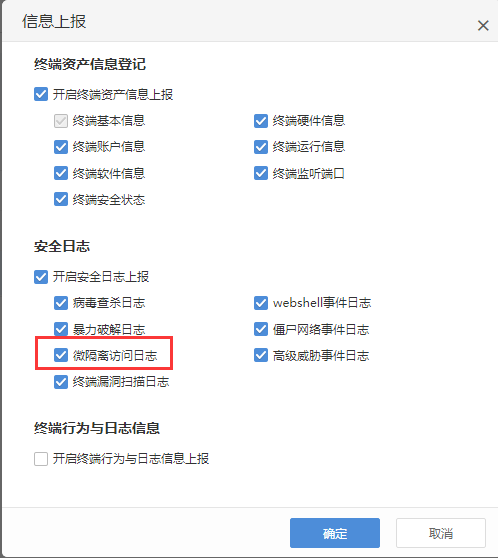
- Check the "System Management" – "Linkage Management" corresponding SIP device reporting settings, confirm that "micro-segmentation Log" is selected for synchronization.
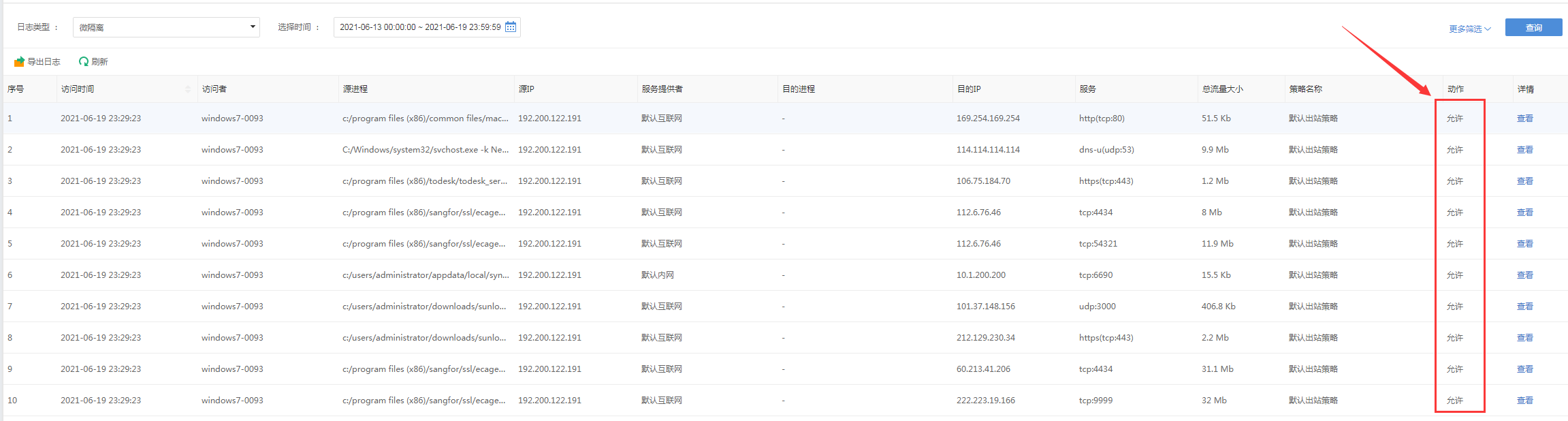
- In the "Log Report" – "Security Log" section, filter micro-segmentation logs and find the unsynchronized micro-segmentation logs with the action set to "allow".
Solution
As of ES version 3.5.30, the synchronization of micro-segmentation logs with the action "allow" to SIP is temporarily not supported.
Original Link
https://support.sangfor.com.cn/cases/list?product_id=16&type=1&category_id=2622&isOpen=true