
[ES] Cascading Scenarios for ES Manager Terminal Grouping without Delete Option
Problem Description
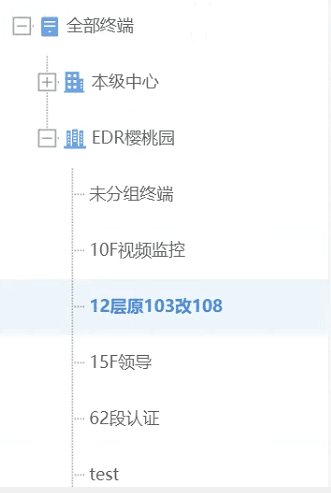
There is no delete option for terminal grouping in the ES Manager section.
Alarm Information
Effective Troubleshooting Steps
- By checking the group information, determine if the group is synchronized with the subordinate ES platform.
- Check the system branch control to confirm the existence of branch access synchronization.
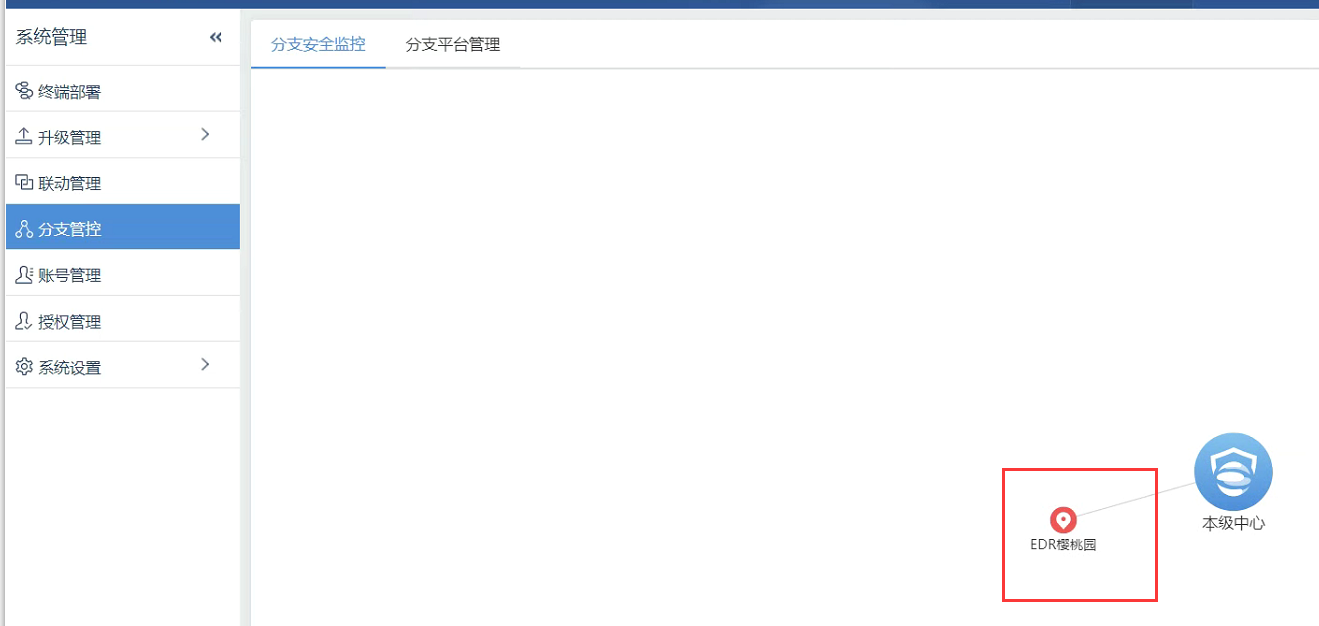
- After modifying or deleting the corresponding group information on the subordinate platform, go back to the superior platform and click on "sync" again to resolve the issue.
Root Cause
The superior platform currently does not support directly editing the group information synchronized by subordinate units, and it needs to be edited in the corresponding subordinate unit.
Solution
After modifying or deleting the corresponding group information on the corresponding subordinate platform, click on the upper-level platform again to synchronize and resolve.
Original Link
https://support.sangfor.com.cn/cases/list?product_id=16&type=1&category_id=2656&isOpen=true