
[ES] Central terminal information disappears after terminal shutdown.
Problem Description
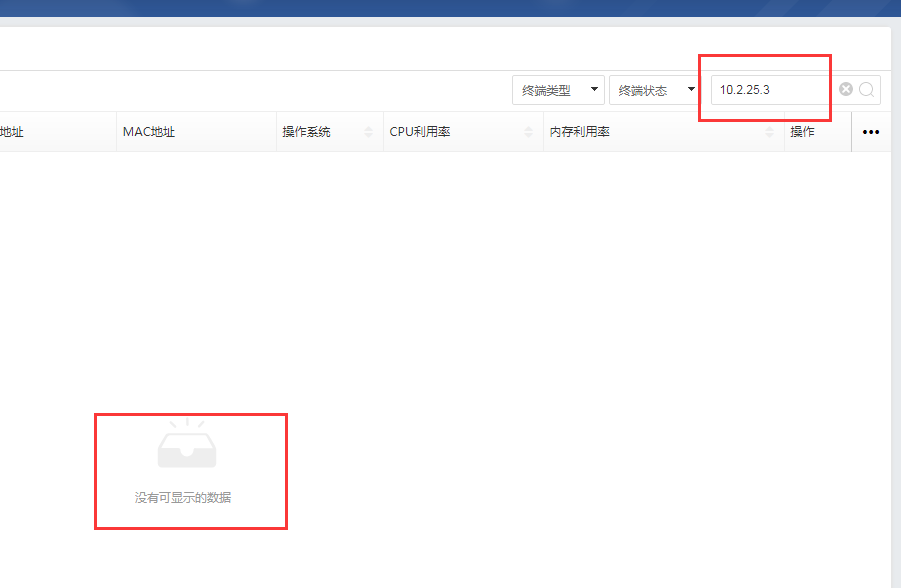
After the terminal is shut down for a period of time, the central end cannot query the information corresponding to the IP.
Alarm Information
737455cd9902a5ccdc.png (25.92 KB)
Process –
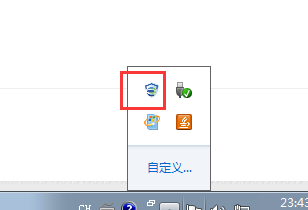
- Turn on the terminal to check if the device agent is online and functioning properly.
811775cd990a3cdfa3.png (8.29 KB)
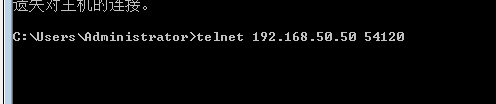
- Telnet test on ES Manager443, 54120, and 8083 ports is successful (Start – [cmd] – telnet 'central end IP' 'port').
912395ce3fa867e997.png (3.26 KB)
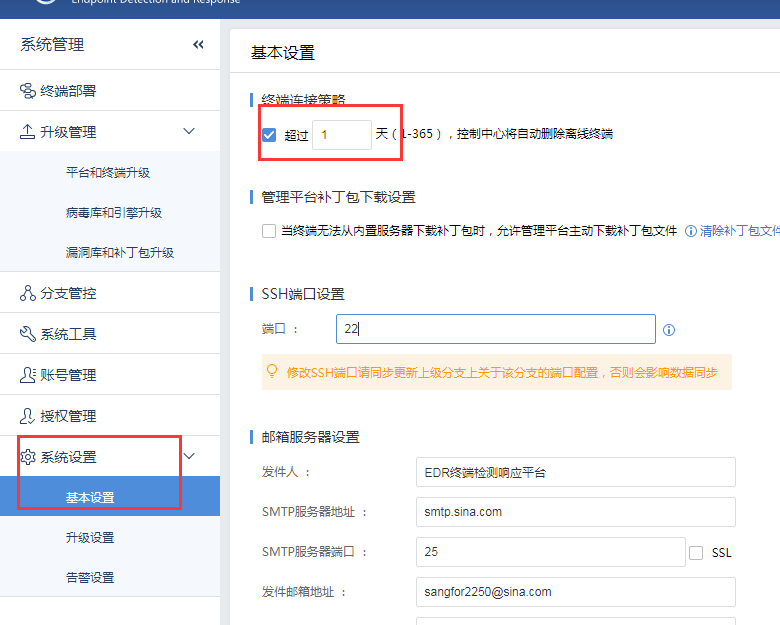
- Check terminal connection policy configuration.
ES Manager path on the central end: [System Settings] – [Basic Settings] – [Terminal Connection Strategy]
Root Cause
The terminal connection time setting is too short and will be automatically deleted after a long shutdown.
762805cda58cd846a5.png (65.62 KB)
Solution
Change the timeout for terminal connection policy to the default of 15 days.
Original Link
https://support.sangfor.com.cn/cases/list?product_id=16&type=1&category_id=2481&isOpen=true