
[ES] Client UI display abnormality caused by Windows resolution adjustment.
Problem Description
ES client UI displays abnormally, modules cannot be clicked normally.
Effective Troubleshooting Steps
- Check the Windows resolution settings to confirm that the scale is not set to the default 100%, as shown in the following image:
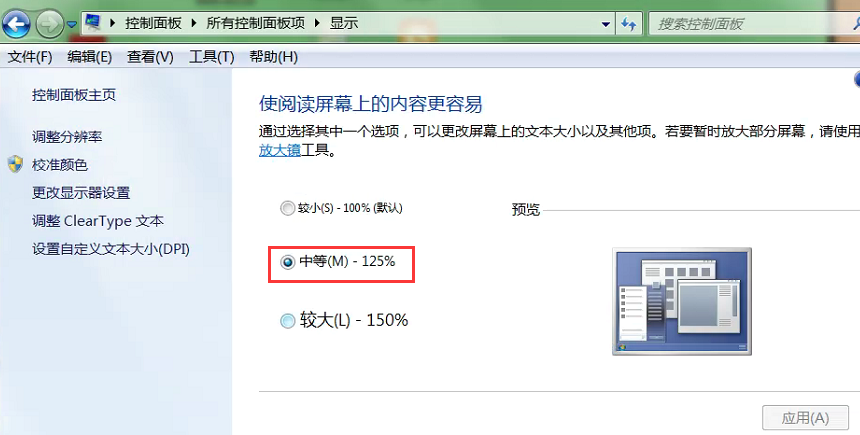
- After adjusting to 100% scale and reopening the ES client interface, the display is normal.
Solution
After adjusting to 100% scale, the ES client interface displays normally when reopened.
Original Link
https://support.sangfor.com.cn/cases/list?product_id=16&type=1&category_id=2657&isOpen=true