
[ES] Dell computer cannot enter the system after installing ES agent and restarting.
Problem Description
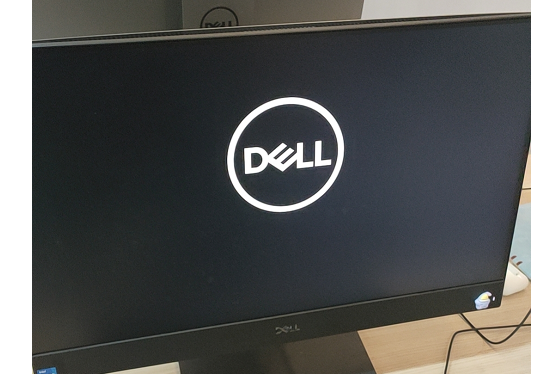
After installing ES agent on a Dell computer and restarting it, the system cannot be accessed and is stuck on the Dell logo screen.
Alarm Information
Effective Troubleshooting Steps
- Check if the ES policy center has deployed the ransomware protection policy.
- Check the BIOS version of Dell, and confirm the specific BIOS version with the user.
Root Cause
Dell computers with low version BIOS and ransomware trap files conflict, which will result in the hard drive being locked.
Solution
- Upgrade the BIOS of the Dell computer first, then deploy ES.
- If the hard drive is locked, you need to unplug the hard drive, enter the system or upgrade the BIOS through PE; the specific BIOS version can be coordinated with the user; upgrading some computers to BIOS version 1.11.0 or above can solve the problem.
Scope of Operation Impact
Dell computer cannot start after restart.
Is this a temporary solution?
The subsequent version has optimized the ransomware bait file.
Original Link
https://support.sangfor.com.cn/cases/list?product_id=16&type=1&category_id=2902&isOpen=true