
[ES] ES 3.7.2 version deployment considerations
Problem Description
The underlying system used by ES 3.7.2 version management is Ubuntu 20.04 operating system, so there is no graphical installation page when deploying the management end.
Effective Troubleshooting Steps
Issue 1. During deployment, "guest login" is displayed. This is a normal phenomenon and indicates that the backend service is being installed. After Ubuntu is installed, there is a default guest account and a root account. Once the ES Manager is deployed, the guest account will be locked. Will switch to the root account.
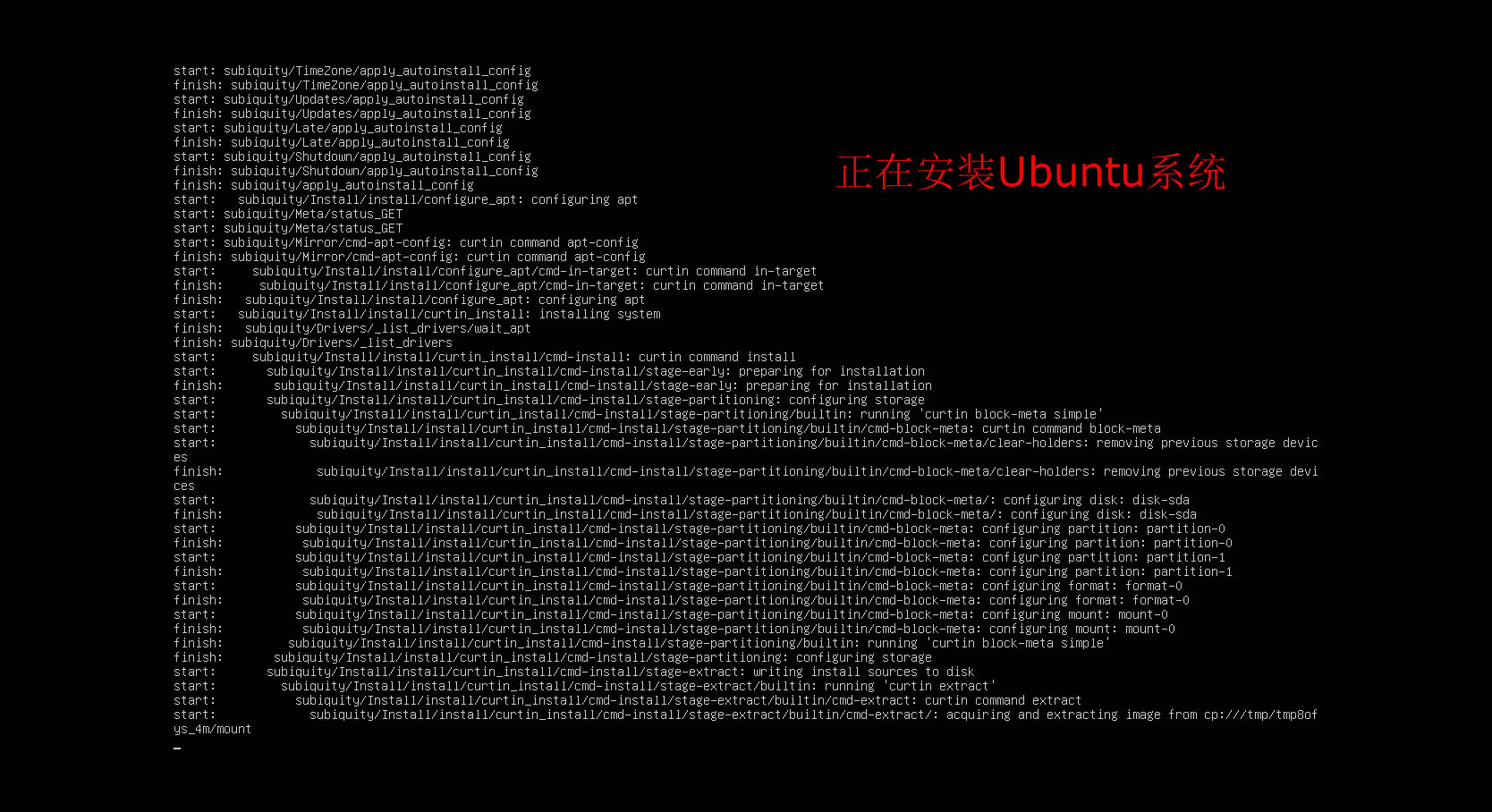
Press Enter when you arrive at the following image to prompt the guest login.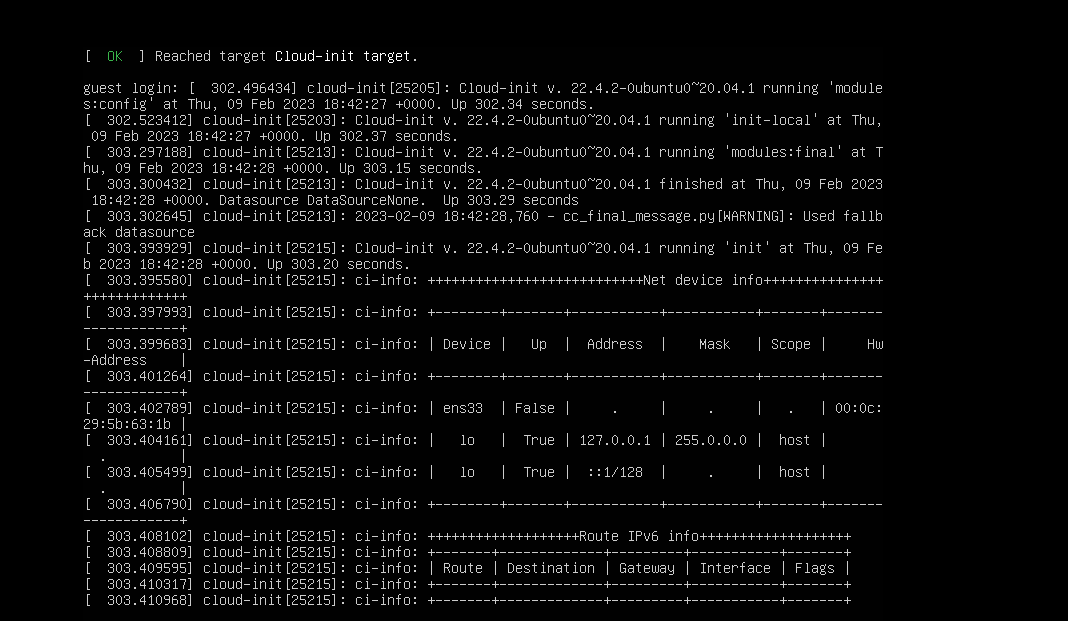
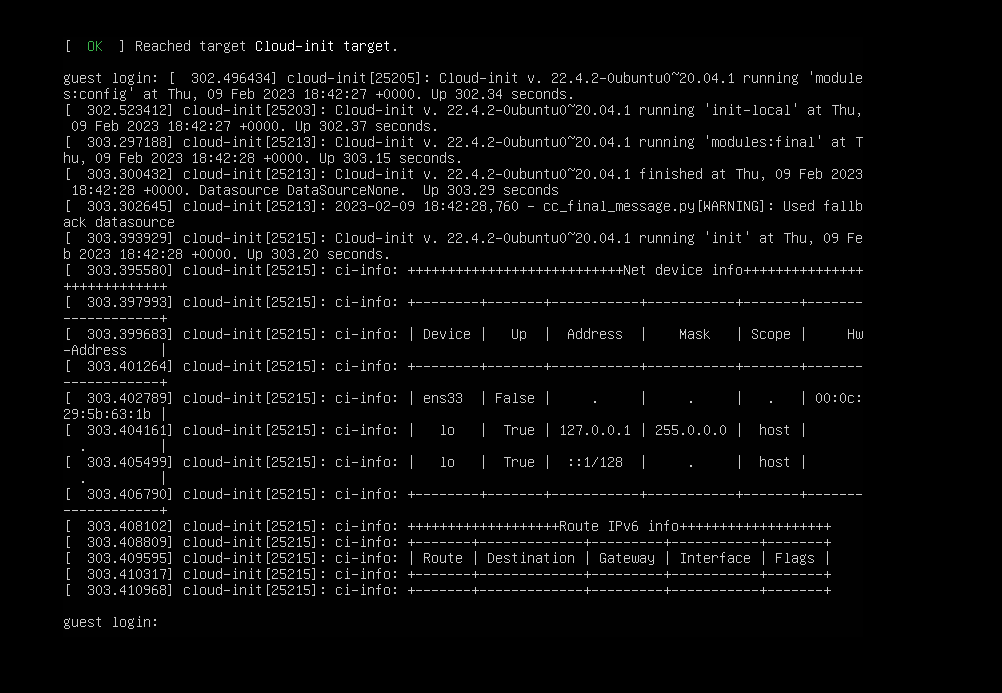
After the prompt for guest login appears, you can log in to the root account or the admin account:
strong>root/great@cause</strong
Question 2. Modify network card file.
Network card file location: /etc/netplan/00-installer-config.yaml
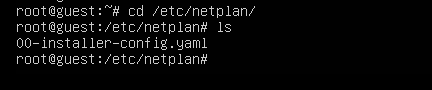
Use the vi command for editing. Note: Sometimes the network card name seen in ip add may be different from the name in the file, and it needs to be changed to the same name as ip add.
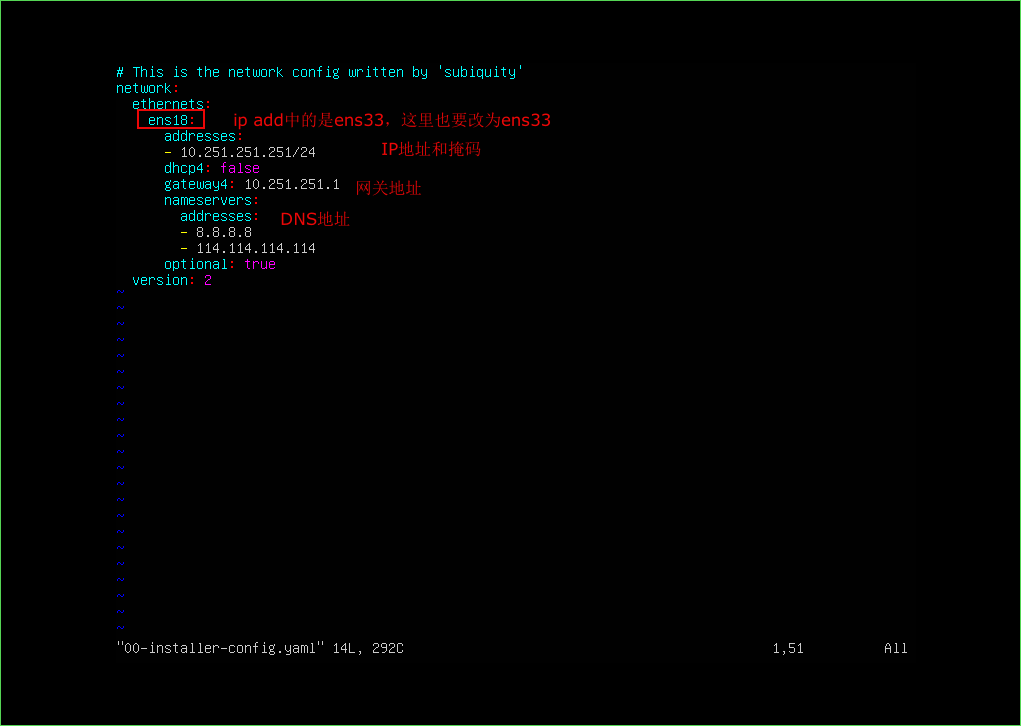
After modification:
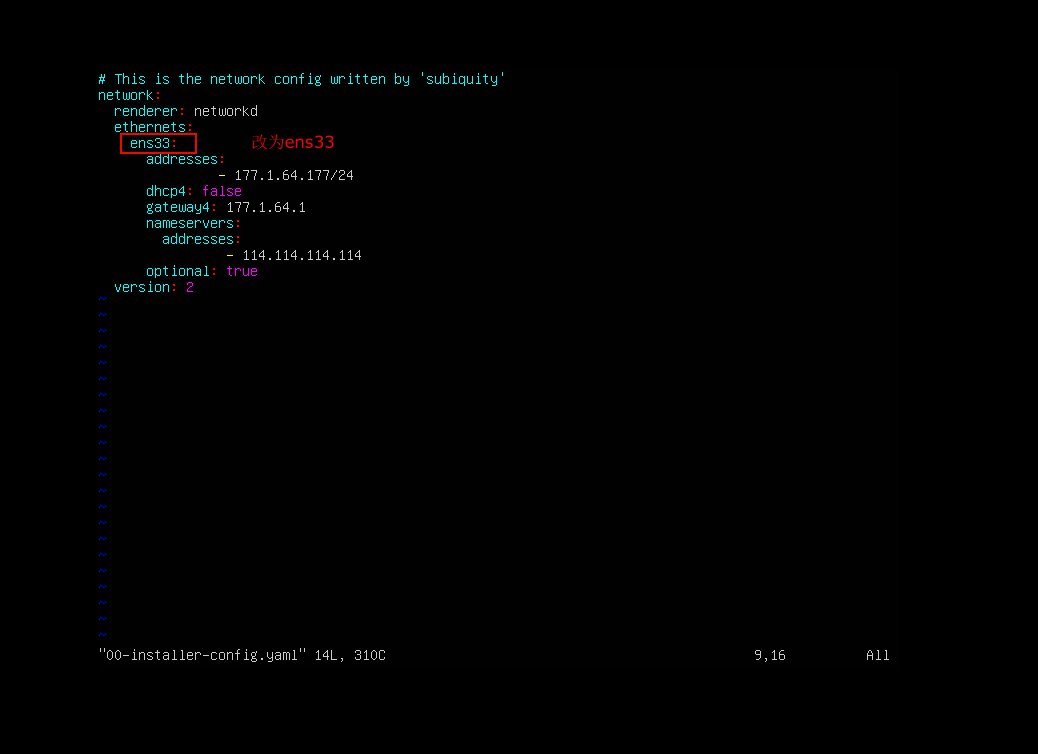
Just modified the network card file and it didn't start, need to manually start it.
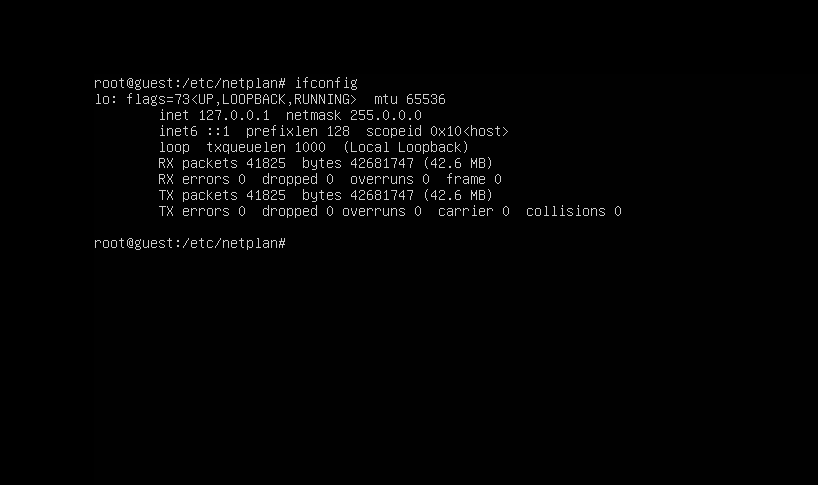
You can use the command ip add to view all network interfaces, and you will see that the interface name is ens33.
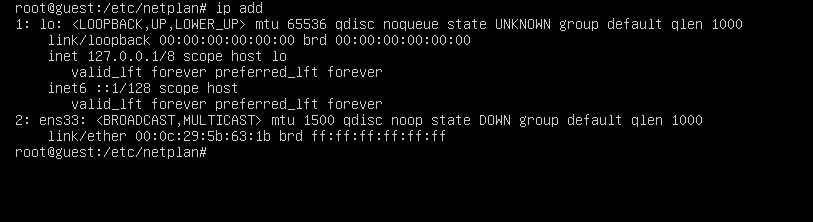
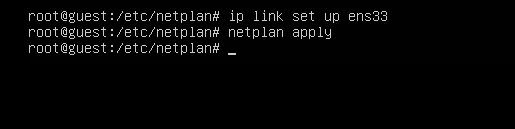
Then start the network card, the command to start the network card is: ip link set up ens33
After startup, you need to use the command to confirm the modification: netplan apply.
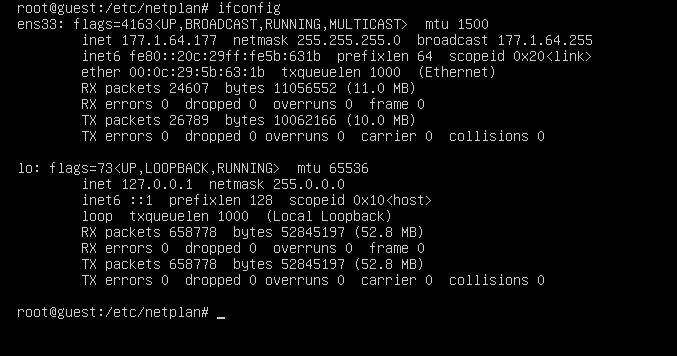
Then use ifconfig to check, you can see that there is already an IP.
Question 4. How to enable SSH if you forget the console password.
Modify ssh_status=1 in /sf/ES/manager/config/listen_config.ini.
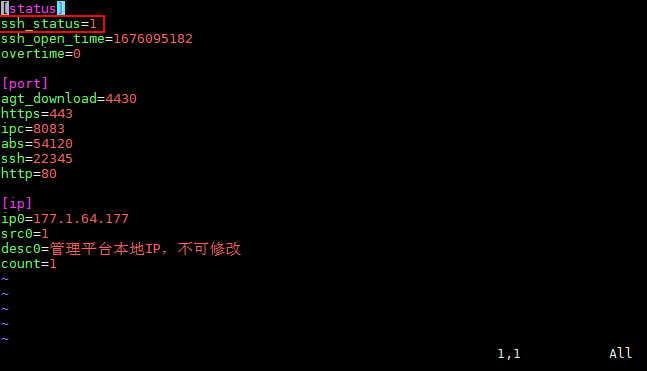
Then enable ssh: /etc/init.d/ssh start

The method of creating a temporary account and recovering a password is the same as before, reference link
Question 5. The system is stuck on the tty1 interface, as shown in the following image.
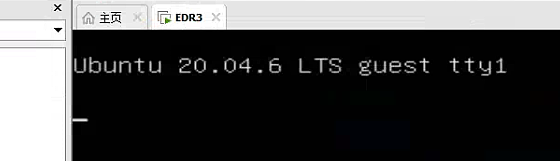
Try inputting ctrl+alt+F7 to see if it can exit (Note: If in a remote environment, confirm if the key combination is effective).
Solution
Points to pay attention to: If the network card name in the network card file is different from the network card name in the ip add, it will cause the network card started and the network card file to not match. The network card information can be seen with ifconfig, but there is no IP address.
Original Link
https://support.sangfor.com.cn/cases/list?product_id=16&type=1&category_id=2887&isOpen=true