
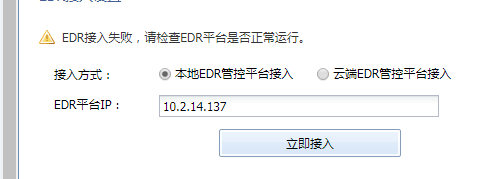
[ES] Failed to add ES linkage.
Problem Description
AF failed to add linkage ES.
Alarm Information
Effective Troubleshooting Steps
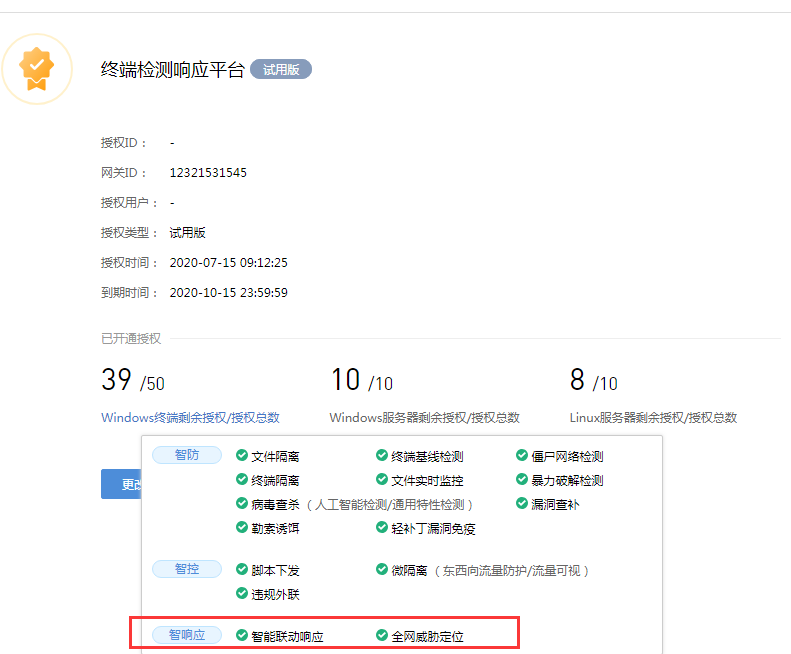
- Confirm that ES has the authorization to view the path by linking to "System Management" – "Authorization Management".
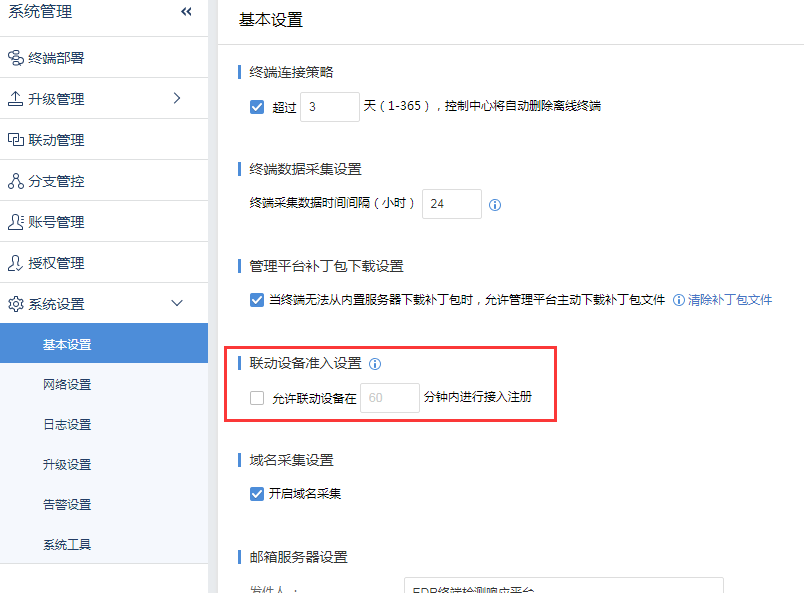
- The ES version is 3.2.21 and the option to allow linked devices to connect is not enabled. Please go to the following path to check: [System Management] – [System Settings] – [Basic Settings].
Root Cause
ES needs to enable the access of linked devices in order to add new linked devices. Without enabling it, new devices cannot be added.
Solution
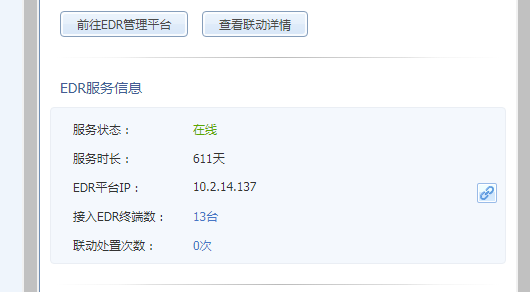
Check the option to allow linked devices to connect and save, then just add it to af.
Original Link
https://support.sangfor.com.cn/cases/list?product_id=16&type=1&category_id=2676&isOpen=true