
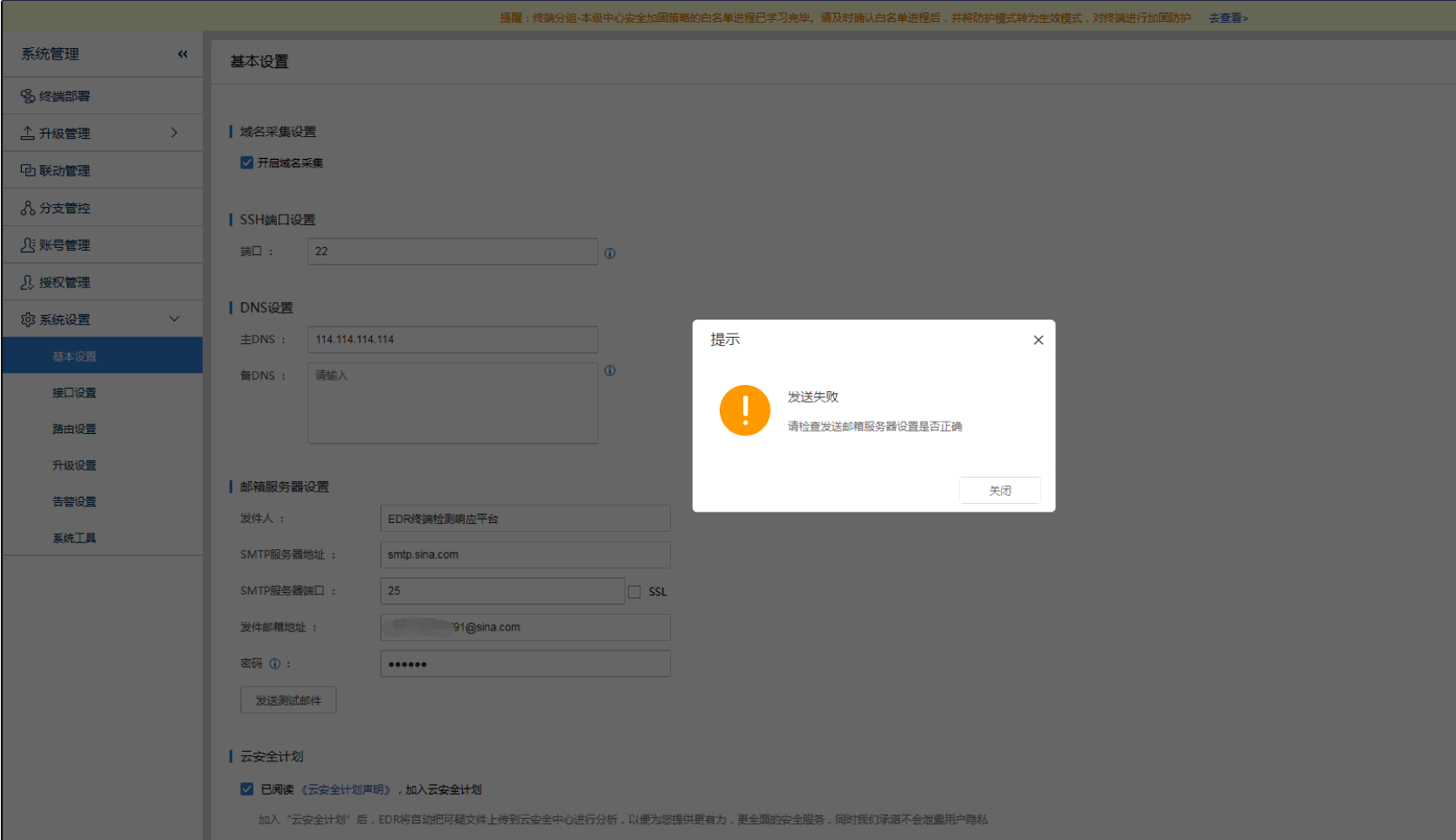
[ES] Failed to send test email due to ES Manager unable to access the internet.
Problem Description
Configured the public email server, failed to send test email.
588015e4e49ca1335c.png (113.37 KB)
Process –
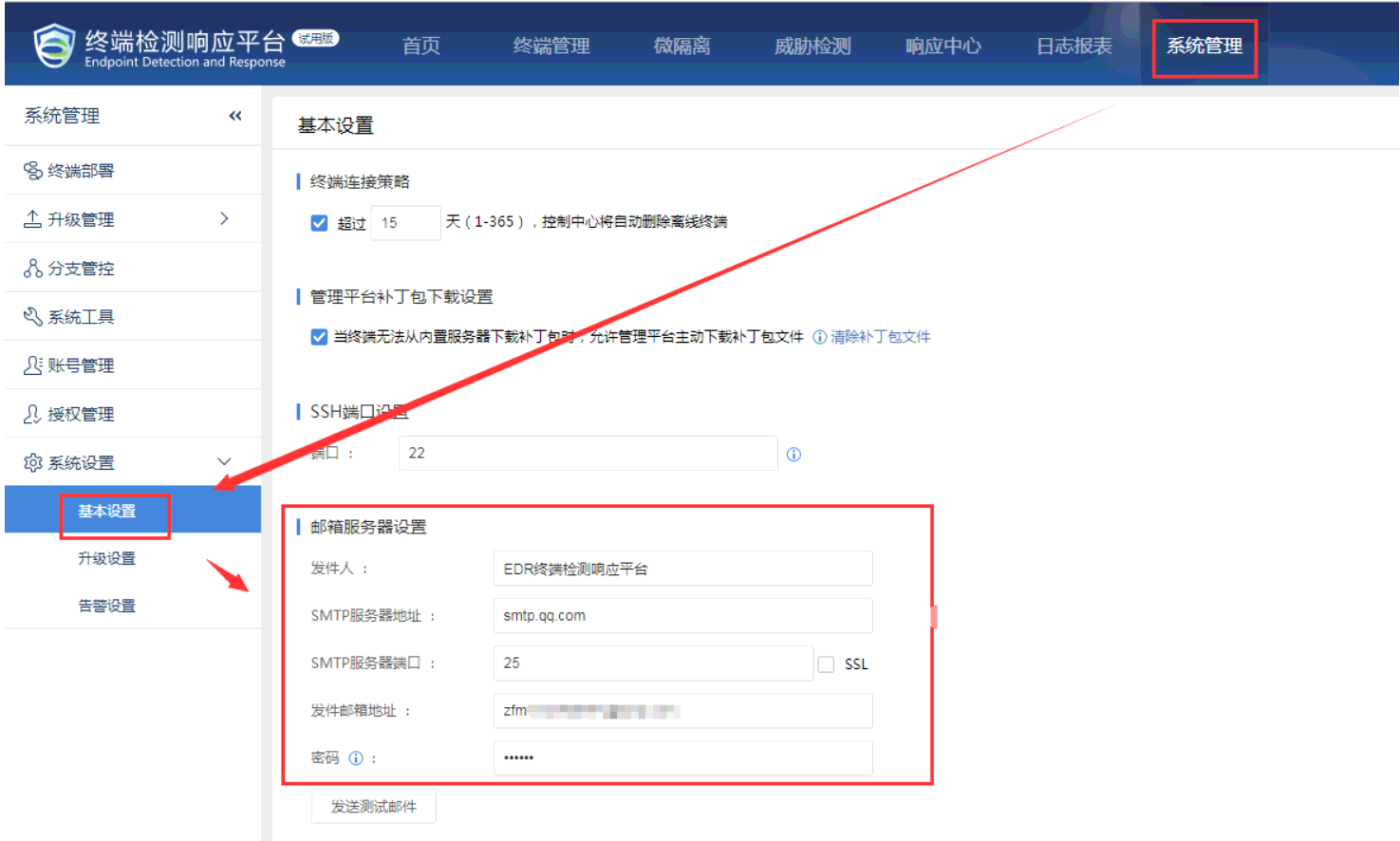
- Check and confirm that the email server configuration is correct.
563135e4e49edcaa8c.png (148.42 KB)
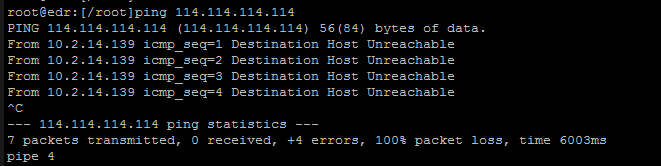
- Ping 114.114.114.114 from the backend; confirm that ES Manager cannot access the internet.
614985e4e4a35b7239.png (17.44 KB)
Root Cause
ES Manager cannot access the internet, resulting in failed email sending.
Solution
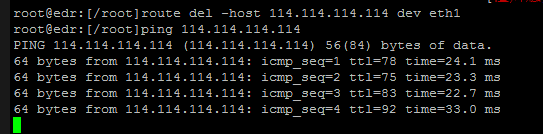
Allow ES Manager network access, email sending normal.
36695e4e4a79f0f2f.png (14.25 KB)

449395e4e4a967f7eb.png (25.63 KB)
Suggestions and Summary
After enabling email alert configuration for ES Manager, it is necessary to ensure that ES Manager can access the external network and DNS resolution is functioning properly.
Original Link
https://support.sangfor.com.cn/cases/list?product_id=16&type=1&category_id=2507&isOpen=true