
[ES] The client installation cannot be installed after the template machine is deployed.
Problem Description
The newly deployed template machine cannot install the client after authorization is opened.
Alarm Information

Effective Troubleshooting Steps
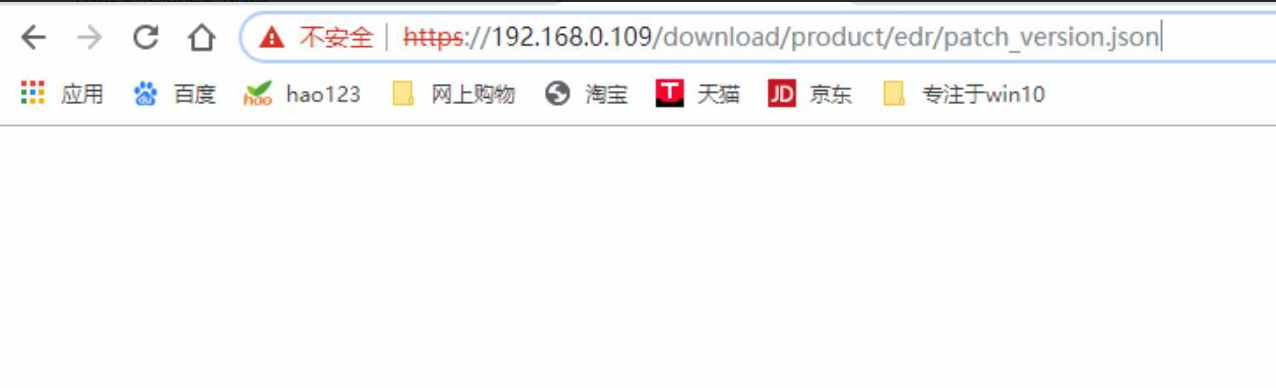
Manually access https://ES Managerip/download/product/ES/patch_version.json and the access is empty, as shown in the figure below:
Root Cause
The vulnerability library version file path in the template machine is not written to the directory where the agent is installed and downloaded, causing the installation to fail and unable to continue.
Solution
Upgrade the interface and fix the vulnerability by updating the rule library to the latest version. The rule library can be downloaded from the BBS.
If you encounter this issue with ES3.2.32 version virtual machine, please contact an expert for assistance.
Suggestions and Summary
After deploying the ES Manager platform, it is recommended to update all rule libraries to the latest version before installing the agent next week to prevent installation failure due to known issues.
Original Link
https://support.sangfor.com.cn/cases/list?product_id=16&type=1&category_id=2518&isOpen=true