
[ES] Virus scan indicates 0 files.
Problem Description
Virus scan indicates 0 files.
Alarm Information
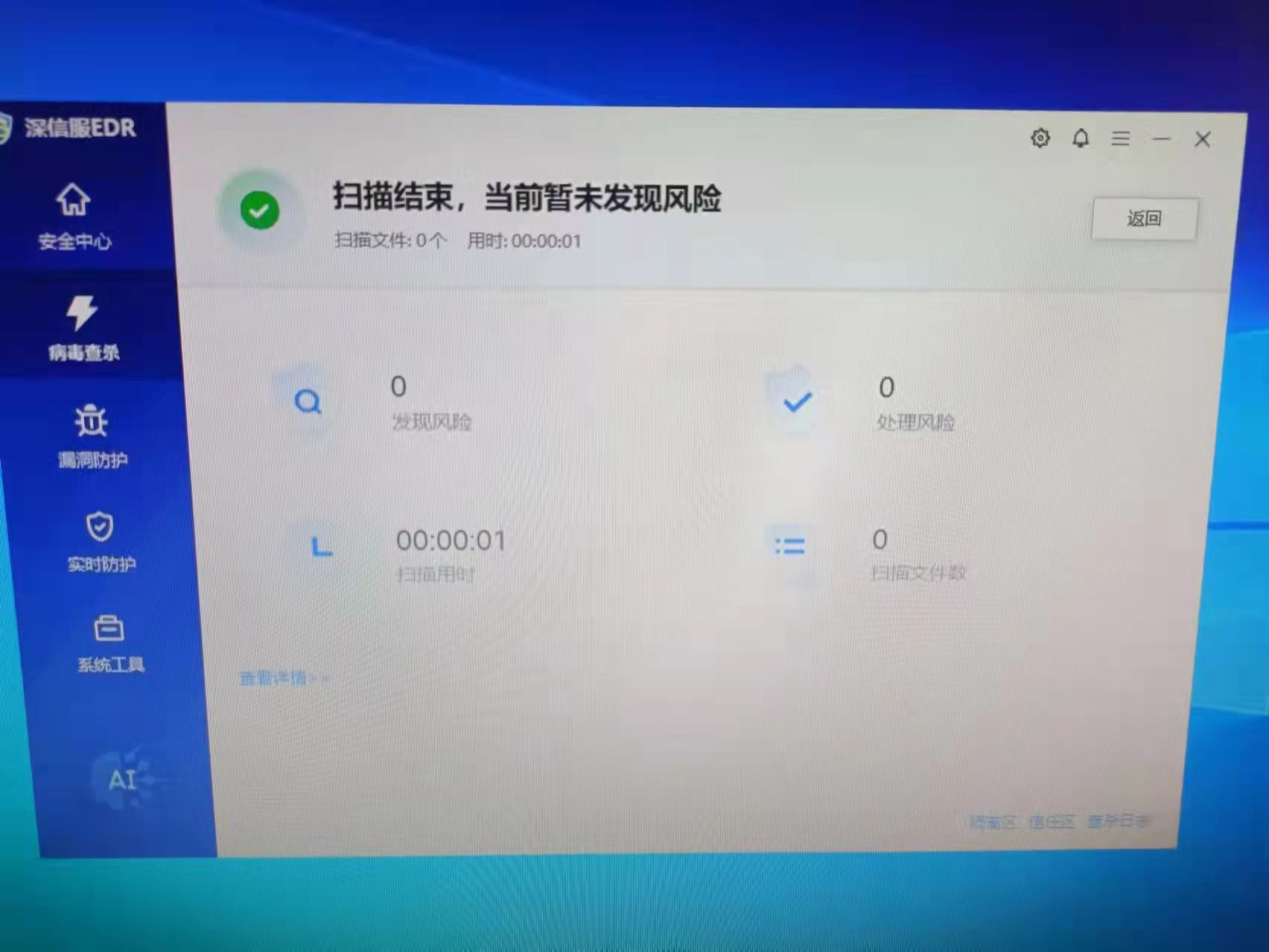
Effective Troubleshooting Steps
- Comprehensive and fast. Customized, this is how it looks when you right-click on a single folder to scan.
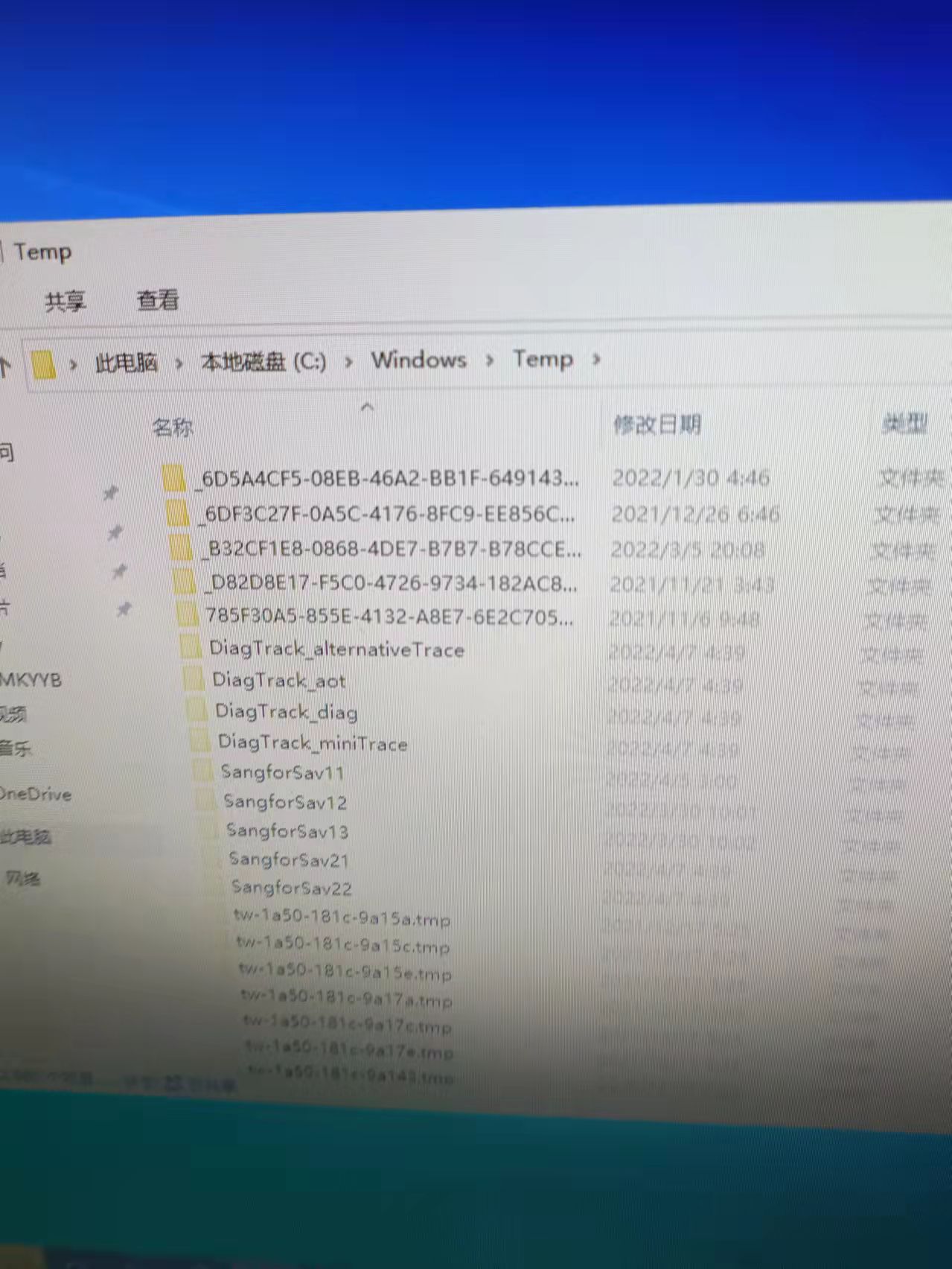
- View the C:\Windows directory. There is a Temp directory in this directory where temporary files are stored.
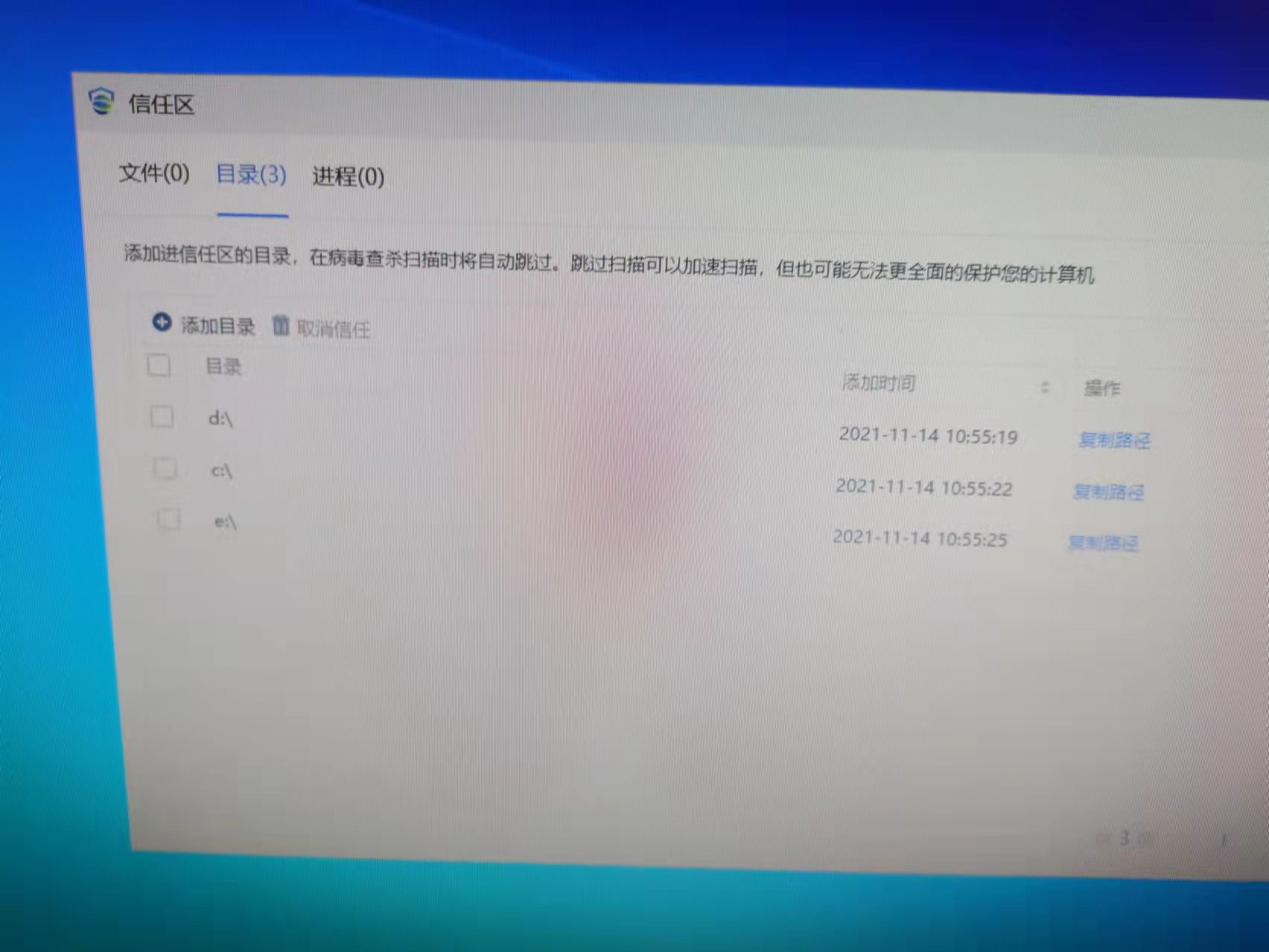
3. Check client trust directory.
Root Cause
The scope of the trusted directory is too large, causing all computer files to be allowed.
Solution
The number of scanned files returns to normal after deleting the trusted directory.
Original Link
https://support.sangfor.com.cn/cases/list?product_id=16&type=1&category_id=2872&isOpen=true