
Expand USB Whitelist
Issue Description
In some cases, there will be some users will request to expand the USB whitelist limit in the ES Manager.
Error/Warning Information
Handling Process
1) For this modification, the ES Manager must be in 3.7.12R2 version in order to modify the whitelist value via backend.
2) Login to ES Manager backend accordingly.
3) sudo -i to give root permission.

4) navigate to /ac/dc/config, and modify the usb_white_list.ini file.
vi /ac/dc/config/usb_white_list.ini
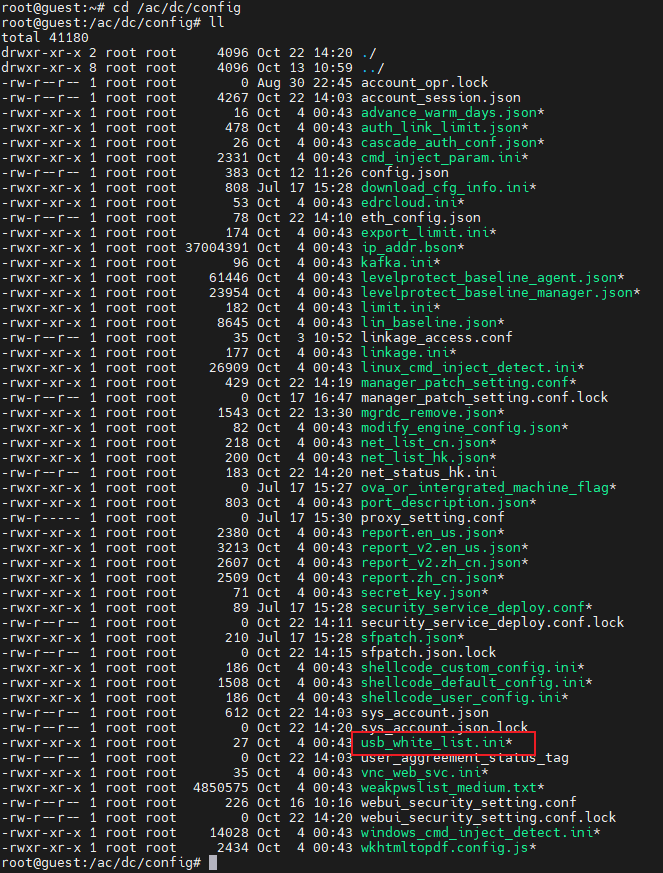
5) Modify the value from 500 to the user’s desired USB whitelist value. (E.G. user wants to expand to 1000)
Before:

After:

6) Save the changes and exit.
Root Cause
Needed to expand over the default 500 USB whitelist limit in order to add more entries.
Solution
Refer to the handling method.
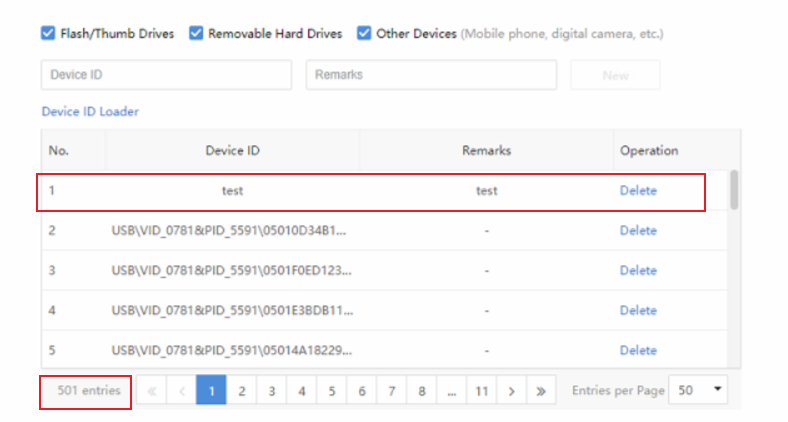
- After the above changes are done, the user is able to add the new entry, which will exceed over the default 500 limit.
Suggestion
- Kindly follow the handling process and solution provided above.
- If the scenario varies from above or the solution doesn’t work, kindly consult with specialist or R&D for further verification.