
Unable to install agent due to there is other antivirus installed
Issue Description
Unable to install agent due to there is other antivirus installed
Handling Process
- In the device which has issue installing agent, open CMD and type wbemtest. Then a prompt will pop out.
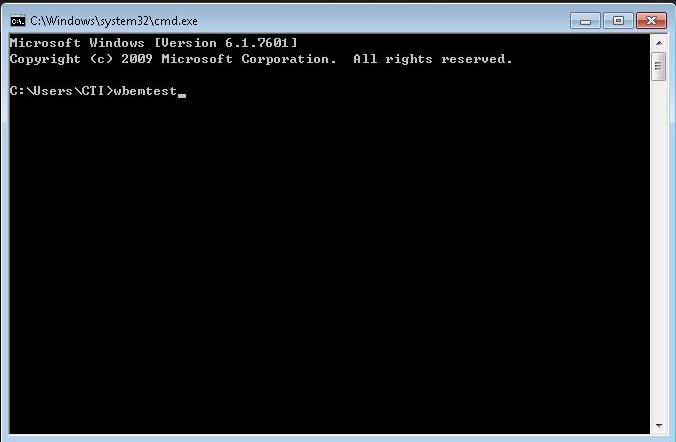
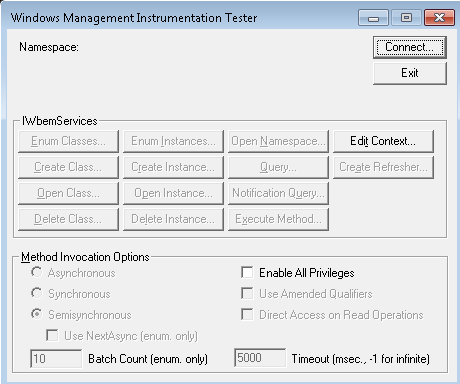
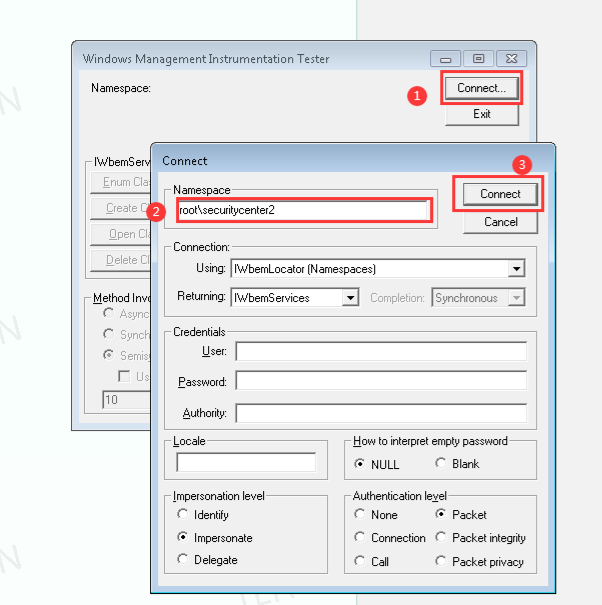
- Click connect, and type in root\securitycenter2
- Then click Query.

- Then in the box type SELECT * FROM AntiVirusProduct
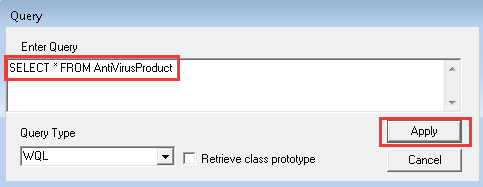
- Then double click in the Query and double confirm that it is a sophos enpoint.
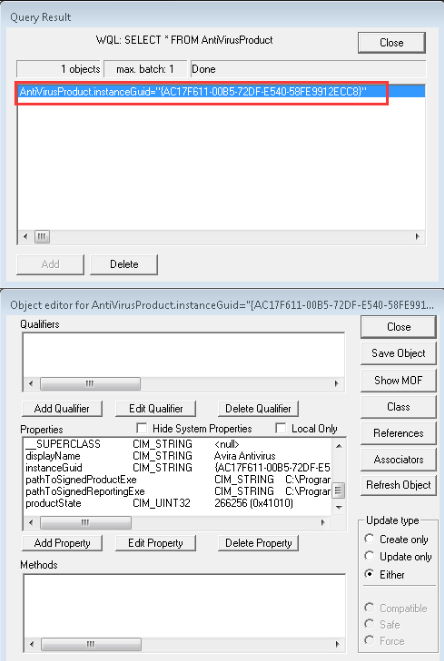
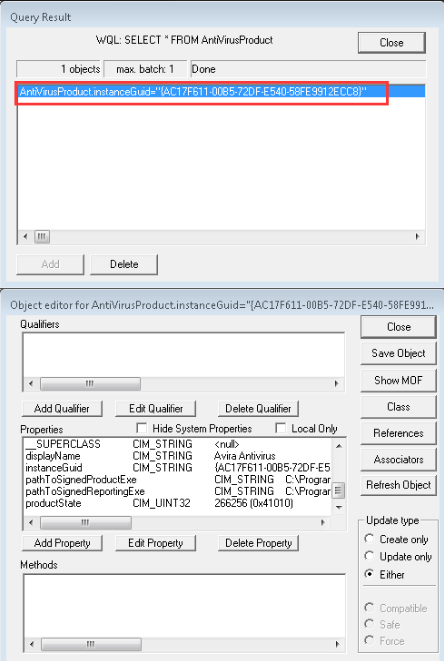
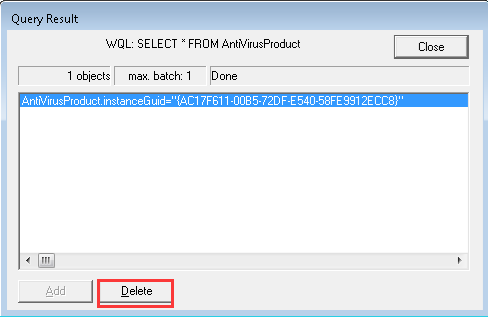
- If it is sophos endpoint, then you can delete it after your confirmation
Root Cause
Compatibility issue.
Solution
Delete the other antivirus completely.