
Unable to open security protection
Issue Description
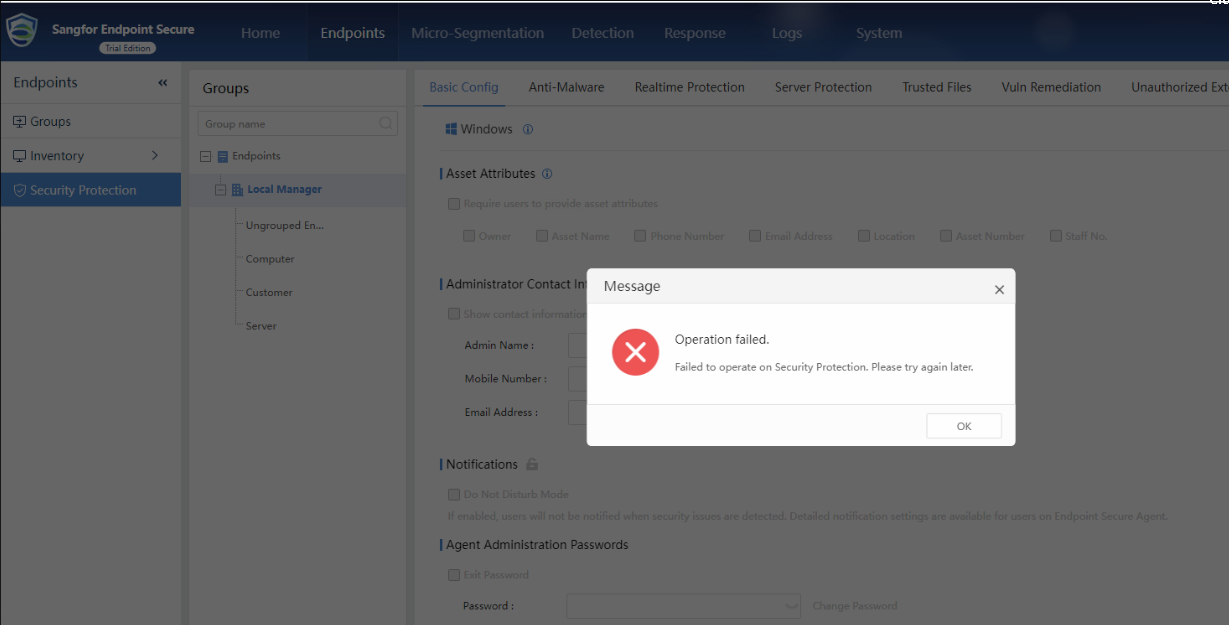
When click on any tab in security protection it will shows error, Failed to operate on Security Protection. Please try again later.
Error/Warning Information
Handling Process
- Go to /sf/edr/manager/config/cfgcenter/local/ and backup the file safe_policy.conf.static.

- Use to the command to replace the file cp
/sf/edr/manager/cfgc_default/safe_policy.conf /sf/manager/config/cfgcenter/local/safe_policy.conf.static

- After replace the file proceed to restart ES service,
/sf/edr/manager/bin/eps_services restart
Root Cause
File damaged
Solution
Replace file