
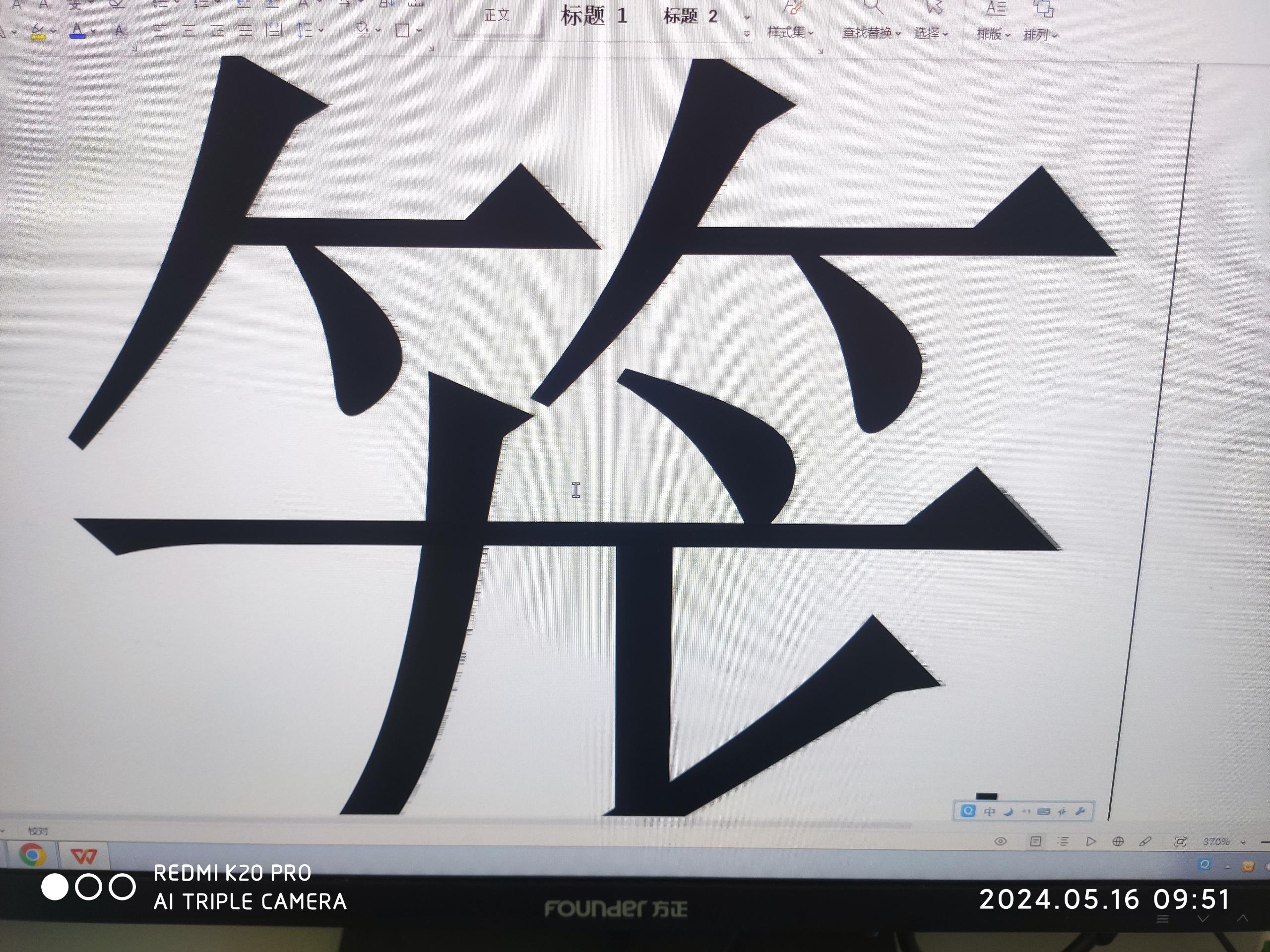
【aDesk】7AU STD-100-s (VGA) box connected to the monitor has shadows on the font
Problem Description
When a batch of boxes are Connected the display, there is a shadow when using 1920×1080 resolution
Alerting Info
- The box Model adesk-std-100-s, 7AU. The box is normal when using 1366*768, but there is a shadow when using 1920*1080
- The monitor supports 1920×1080 resolution, and the box also supports 1920×1080 resolution. The box is connected to the monitor using a vga cable, without an adapter. 3. Checking and Cancel the display adaptive timing has no obvious effect!
Effective troubleshooting steps
- The box also Auto unlock after a shadow on the login interface, excluding the Impacts Virtual Machine
- Replace the monitor VGA cable and restore the box to factory Settings – Invalid
- Execute in the background of the box: cat /sys/class/display/display0.VGA/timing The display timing output by the box Connected

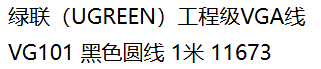
- Suspected that the VGA cable quality Impacts, changed the brand (UGREEN) VGA cable Test Connectivity – the display Connected
Root cause
The quality of VGA cable causes display ghosting
solution
The quality of the VGA cable causes the display to have ghosting. Change the brand (UGREEN) of the VGA cable
Original Link
https://support.sangfor.com.cn/cases/list?product_id=156&type=1&category_id=27513&isOpen=true