
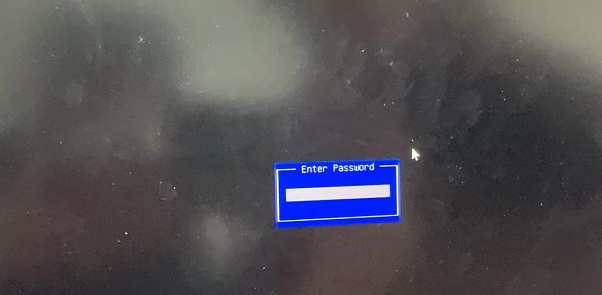
After the device Power On, enter the BIOS interface OR enter the BIOS Password interface
Problem Description
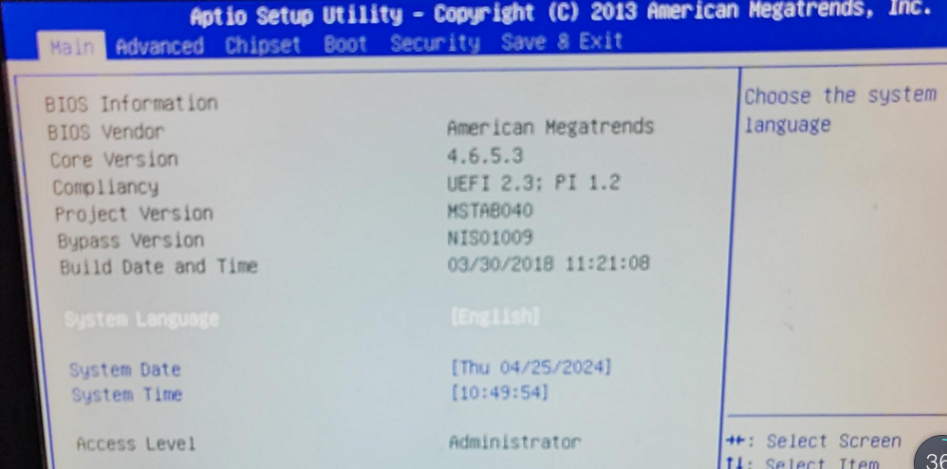
solution
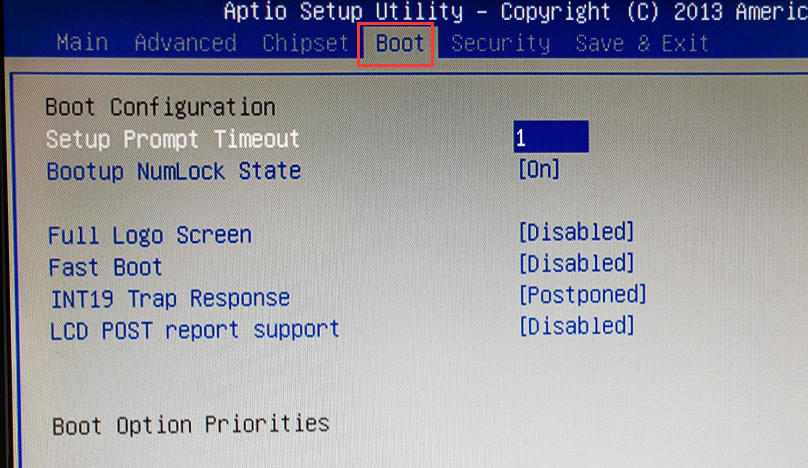
**Step One: **Enter the BIOS BOOT interface to see if the System Disk can be recognized. If you are asked to enter a Password, Default Password is: S#AN$6fo81r. If System Disk can be recognized, and the boot entries updated is not the Mon boot entries updated, change it to the Mon boot entries updated, Save, and Restart Test Connectivity. If System Disk cannot be recognized, proceed to step Tue.
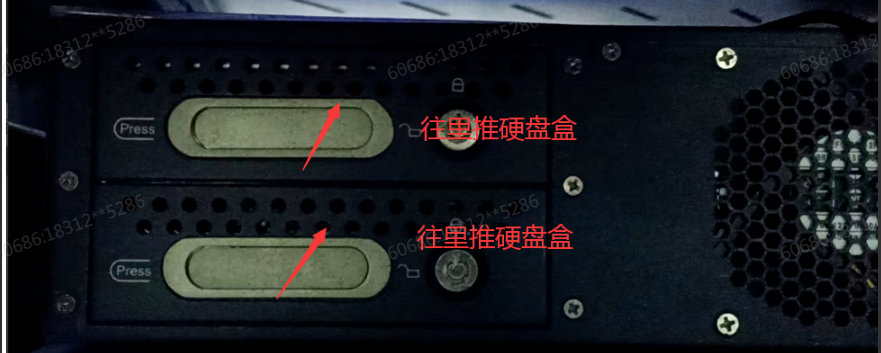
**Step 2: **Check whether it Yes 1U or 2U device. Restart Yes 1U device. If System Disk is still not recognized, return the device for repair. For 2U device, shut Shut Down the power, push the rear hard disk box inward (just push it, the hard disk box is locked and cannot be Open without a key), power on and enter the BIOS. If System Disk is still not recognized, return the entire device for repair.
Original Link
https://support.sangfor.com.cn/cases/list?product_id=156&type=1&category_id=27358&isOpen=true