
Connected Power On Workflow network security equipment
Problem Description
Description
Power on and press Power On to turn Power On (short press Shut Down button to Power On, long press the Shut Down for 4S to Shut Down) –> Hardware quality inspection (black screen) –> LOGO menu startup interface (boot button + enter BIOS buttonetc.,) –> Find boot disk boot disk –> Kernel Select interface –> System startup interface -> System Finish.
solution
**Step One:**Power on Power On (the LOGO light and power light are always on).
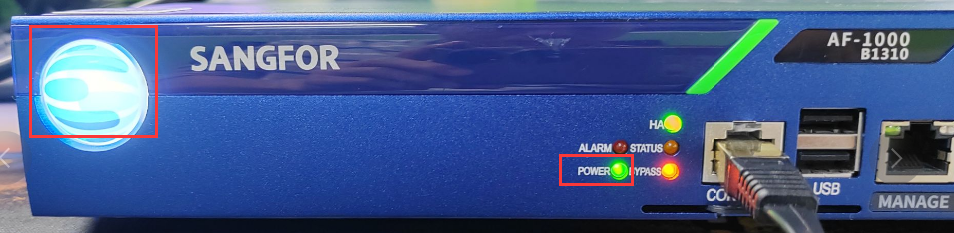
**Step Two: **Hardware quality inspection (there will be a beeping sound and the screen will be black).
**Step Three: **LOGO menu startup interface (this Status is shortTimelived. After Power On, continuously press the delete key to enter the BIOS, and press F7 to enter the boot startup interface).
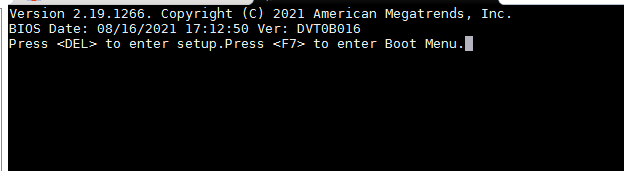
Step Four: Find the startup interface.
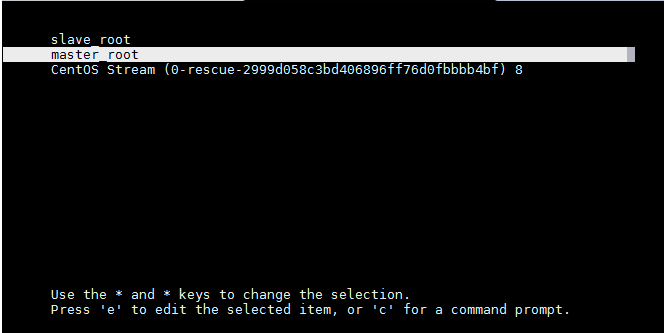
Step Five: System starts the kernel interface.
Step Six: System process interface.
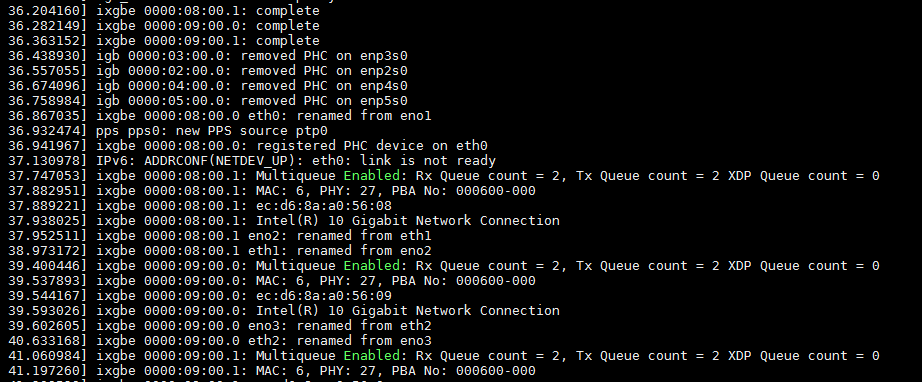
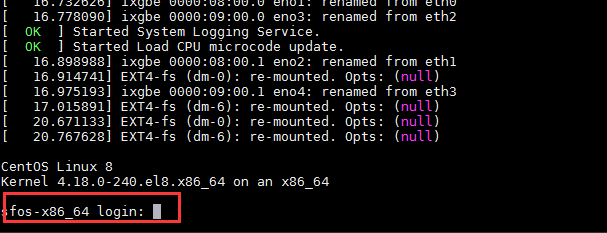
Step 7: System Finish interface.
Original Link
https://support.sangfor.com.cn/cases/list?product_id=156&type=1&category_id=27304&isOpen=true