
[Hardware troubleshooting] The 2U device arm light is always on and connected to the monitor to see the problem in the BIOS interface
Problem Description
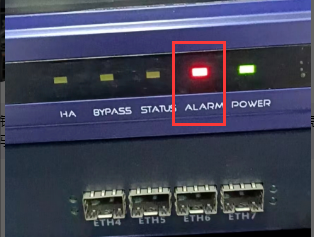
arm light is always on
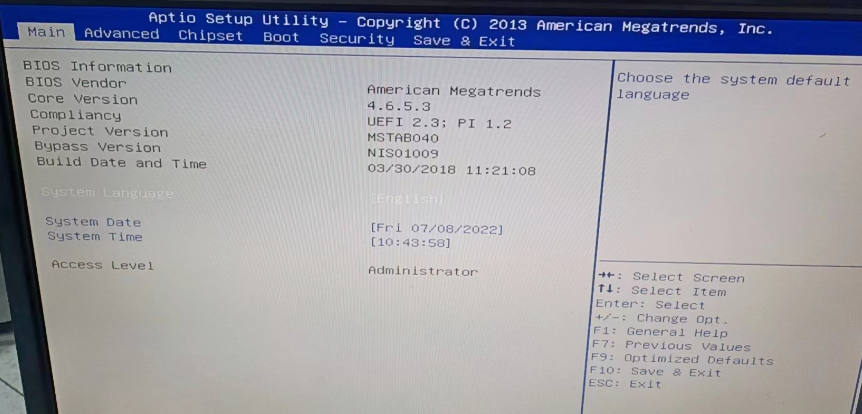
Connect the monitor to display the BIOS interface
solution
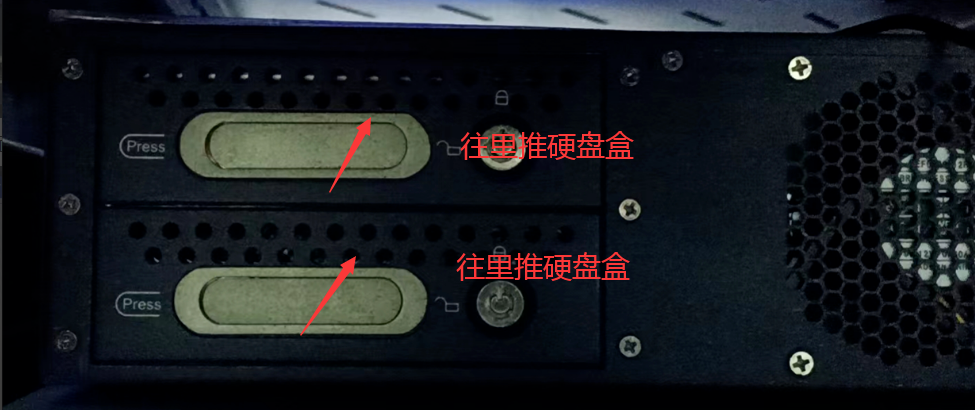
- Turn off the power, find the hard disk box, push the hard disk box inward, just push it, no need to plug or unplug the hard disk box (the hard disk box needs a key to be pulled out, the customer None None have a key and cannot do this), power on, and see if you can enter System. If you can, the problem is solved. If not, return the device for repair. The hard disk Fault or AND hard disk cable and hard disk interface Interfaces loose.
Original Link
https://support.sangfor.com.cn/cases/list?product_id=156&type=1&category_id=22685&isOpen=true