
[Hardware troubleshooting] The BMC of the server with SN starting with FBQ cannot recognize the CPU Usage Info processing
Problem Description
Phenomenon: CPU Usage Info cannot be seen in the BMC System list
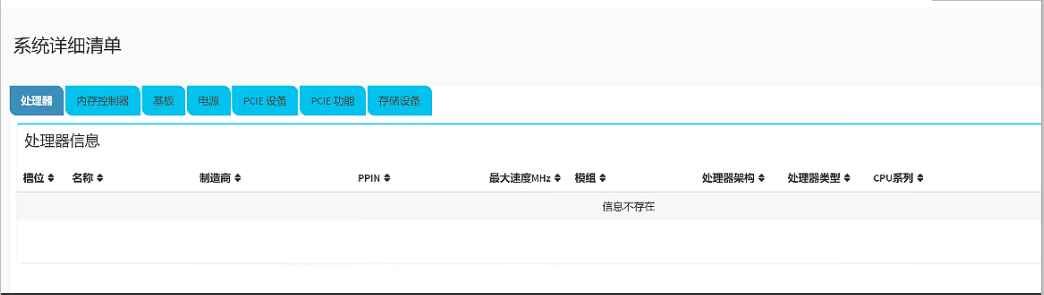
solution
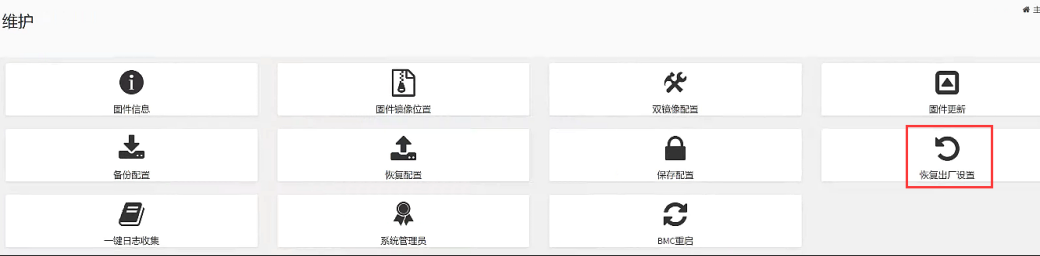
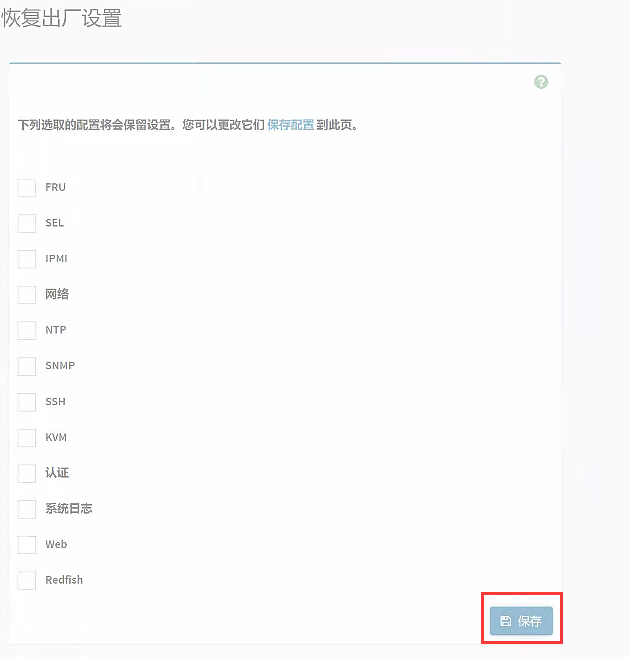
**Step One:**Click Maintenance Mode–>Restore Factory Settings. IPMI and Network can be retained, but Other Settings cannot be retained. Click to Restore factory Settings.
**Step Two: **After the BMC Restart and can be pinged, Restart the device. After the device enters System, enter the BMC System list and View CPU Usage Info to see if it can be identified Connected.
Cause:
File /conf/redfish/bios/inventory.json.gz Error, which causes Info CPU Usage information to fail to Obtain. Restore factory Settings, restart the device, Send Again CPU Usage Info again.
Original Link
https://support.sangfor.com.cn/cases/list?product_id=156&type=1&category_id=27569&isOpen=true