
[Hardware Troubleshooting] Troubleshooting of server card LOGO interface issues with SN starting with FAS
Problem Description
The device is stuck Auto unlock after LOGO interface and cannot enter System.
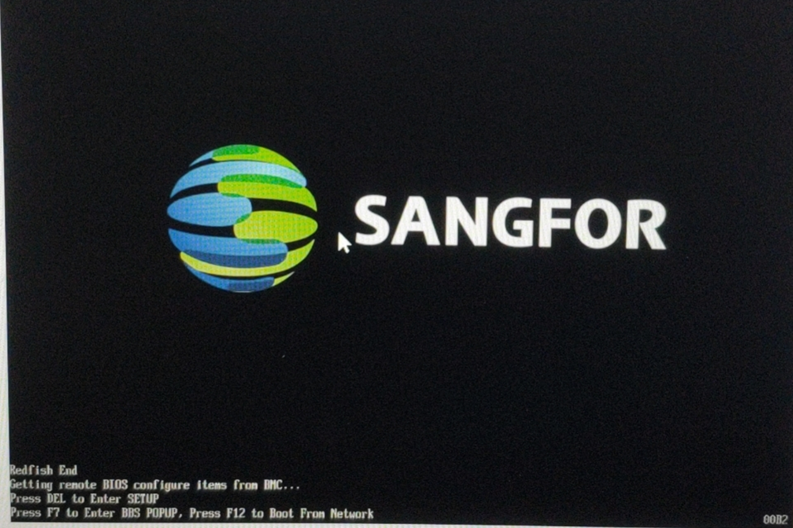
solution
Step 1: Enter IPMI and check event View Yes there is a PCIE error and the BUS ID is 0 1 2.
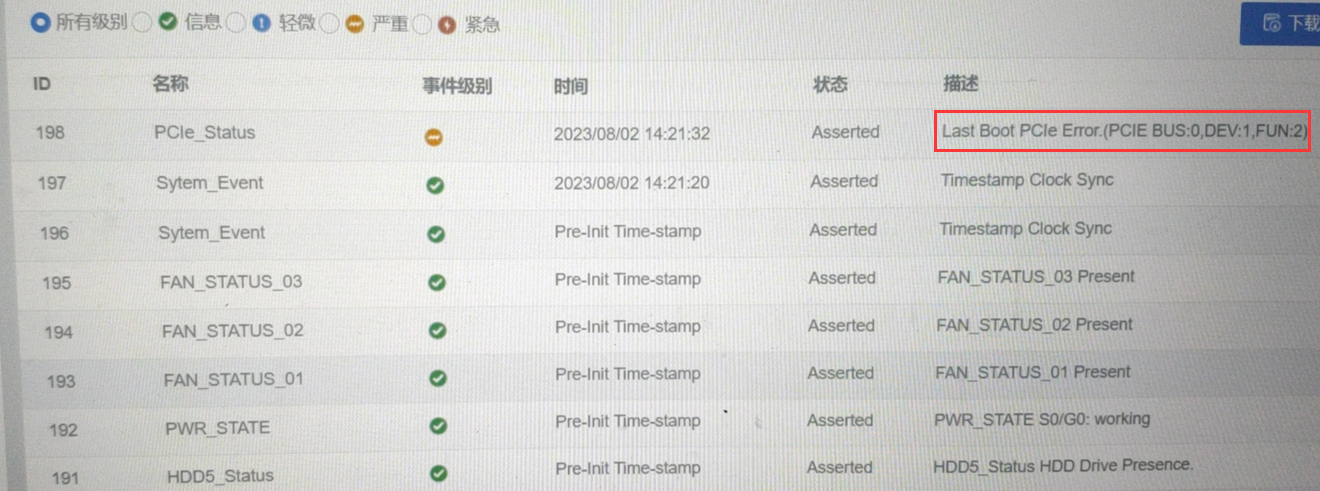
**Step Two: **Turn off the power and unpack the box, plug and unplug the expansion 4 Gigabit electrical port, the phenomenon is Mon same, unplug the 4 Gigabit electrical port, you can enter System Connected, None PCIE error.
**Step Three: **Change the 4-gigabit electrical port to the optical port position, but the PCIE error is still reported, the BUS ID becomes Other, and the PCIE network port Info cannot recognize the 4-gigabit electrical port.
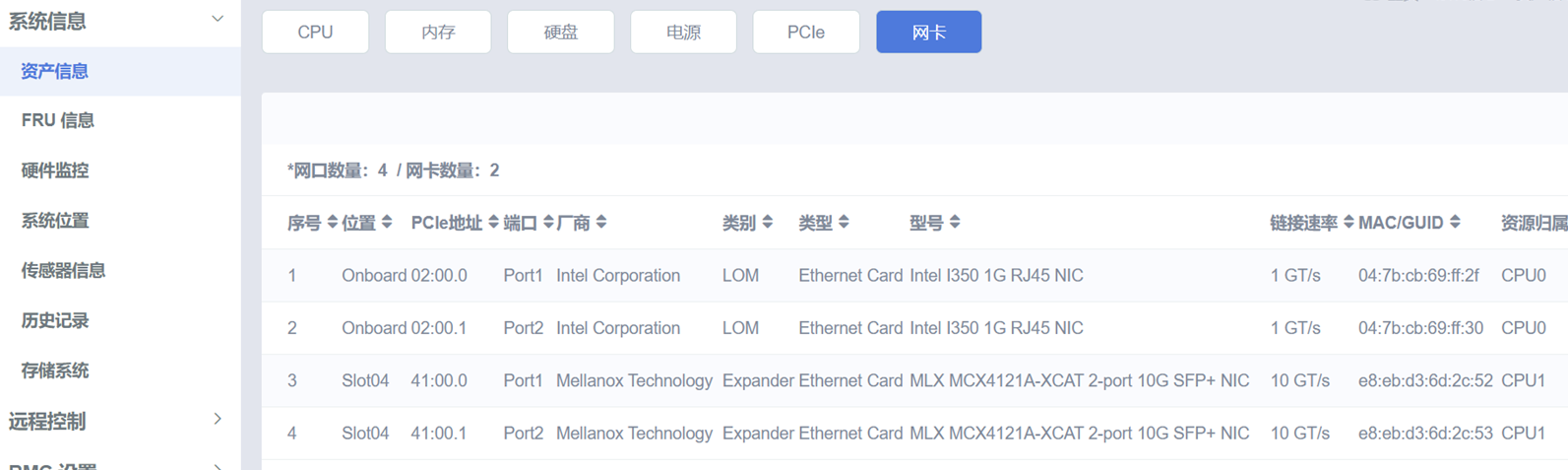
**Step 4:**Repair 4 Gigabit electrical ports.
Cause: There is a problem with the 4K NIC compatibility with the server. There Error a small probability that the quality inspection NIC will fail due to abnormal power outage, causing it to get stuck Auto unlock after LOGO interface. Removing the NIC allows you to enter the System Connected. The solution Yes have the manufacturer bring the I350 4K battery that has undergone rigorous Test Connectivity to your door for replacement.
Original Link
https://support.sangfor.com.cn/cases/list?product_id=156&type=1&category_id=23761&isOpen=true